


Let's get started
The OVO Forum is a space where you can ask questions, help others and learn about your energy supply. Follow these three quick steps to get set up:

Read the house rules
Meet the OVO Forum team and see our community guidelines for keeping discussions helpful and respectful.
Read guidelines
Build your profile
Add an avatar and share your home energy setup so we can award badges for your smart tech and kit.
Edit profile
Start your first thread
Introduce yourself or ask a question directly to thousands of experienced OVO customers and our OVO community team.
Ask our communityHelpful guides
Learn how to use the Forum in the way that suits you — from searching past discussions to browsing step-by-step Library articles.
 Forum basics
How to find answers using the OVO Forum
Master the search bar, filter by topic tags, and spot green 'Best Answer' solutions in seconds.
Read guide Knowledge base
How to find answers using our Forum Library
Explore our one-stop hub of clear walkthroughs covering smart meters, billing, PAYG, and EVs.
Explore Library guide Product feedback
How to share ideas for improving our online services
Got a feature request for the OVO app or online account? See how to submit and vote on ideas.
See how ideas workRewards, ranks and recognition
By contributing to the community, helping others and giving 'best answers' to questions, you can move up the ranking table, earn badges, and even physical rewards. Select the button below to learn how this works.
Explore badges & ranks









Start exploring
Check out some of our community groups and join conversations on specific areas and add-ons.
 Community group
General
Say hello, chat about everyday energy topics, and connect with fellow OVO Forum members.
Explore group Rewards & perks
OVO Beyond
Unlock exclusive customer rewards, freebies, partner perks, and ways to save on your energy.
Explore group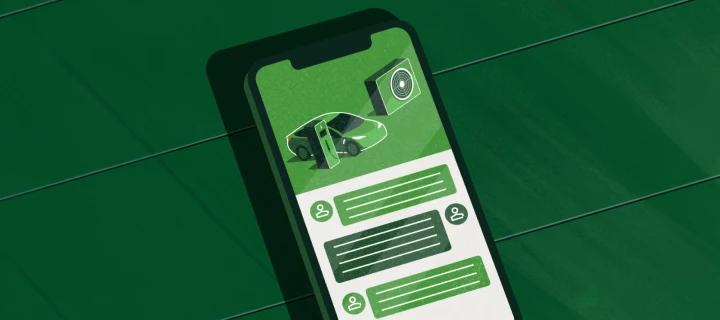 Smart tech & trials
The Tech Corner
Dive deeper into smart home gadgets, solar setups, EV chargers, and energy-saving tech.
Explore groupContact us
Tips & advice
Resources
For business


OVO Energy Ltd, Floor 5, Crescent, Temple Back, Redcliffe, BS1 6EZ, (Company no. 06890795) registered in England and Wales.
OVO (S) Gas Limited is registered in England and Wales (Company No. 02716495) at Floor 5, Crescent, Temple Back, Redcliffe, BS1 6EZ.
OVO (S) Gas Limited is part of OVO Group Ltd
Log in to the OVO Forum
No account yet? Create an account
Enter your E-mail address. We'll send you an e-mail with instructions to reset your password.