




OVO Energy Live billing platform and monthly statements - what do I need to know?

Updated on 23/06/26 by Ben_OVO
Live Billing
At OVO, we're always looking for new ways to make managing your energy account as easy as possible.
Our billing platform is a live display of your balance, shown on your online account or OVO app (which you can download for both Android or iOS). When you log in, you’ll see your account balance refresh every day, based on the latest reading you’ve submitted or the one we’ve received automatically from your smart meter.
You’ll still only need to pay once a month, either manually or by Direct Debit but, at any time, you can check your account balance to see exactly where you’re at. This helps let you know when to lower or raise your Direct Debit, make top up payments, ask for a refund, and monitor changes to your energy usage.
Monthly Statements
Your monthly statement will be sent according to your communication preferences either by email or traditional mail. Plus, if you ever want to look back at your previous statements, you can easily download them from the 'Billing History' page in your online account.
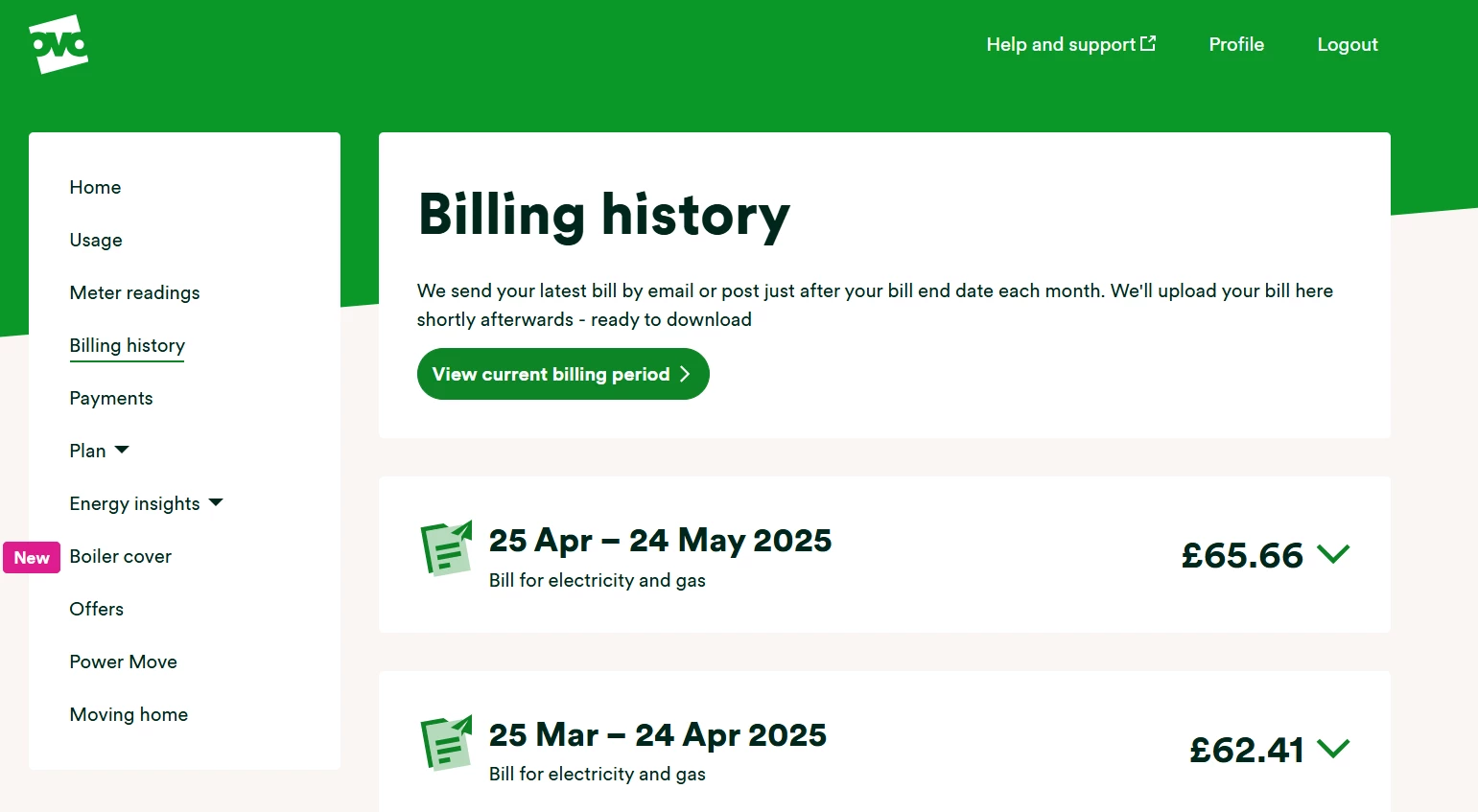
How to get the best out of your online account
The live-billing platform is set up to work with smart meters that are set to send us readings either daily or half-hourly. We adjust your balance based on actual usage figures each day at midnight. If you’ve not yet got a smart meter installed this might be the perfect time to take the leap.
If you’ve already got one installed but it’s currently sending us monthly readings, we’d recommend changing the read schedule online. You can find out how to do this using the guide below:
Once you’ve got a smart meter providing daily or half-hourly readings, the ‘Usage’ pages of your online account and app will give you accurate insights into your usage throughout the day, week , month and year. You can find out more here:
OVO customer but not got a smart meter yet? - Book today
Interested but not yet an OVO customer? - Check out our plans
Need more help?
This topic is now closed, so you won’t be able to reply here. If your question hasn’t been answered or you need more advice, feel free to ask the community — we’re here to help!
Give us your feedback!
Was this article helpful? Is our Library missing content? Share your anonymous feedback here and help us improve!

