

Updated on 09/03/26 by Ben_OVO
Have you noticed estimated readings on your monthly statement even though you have a smart meter installed? If so, there’s a chance we could be experiencing communication issues with your meters.
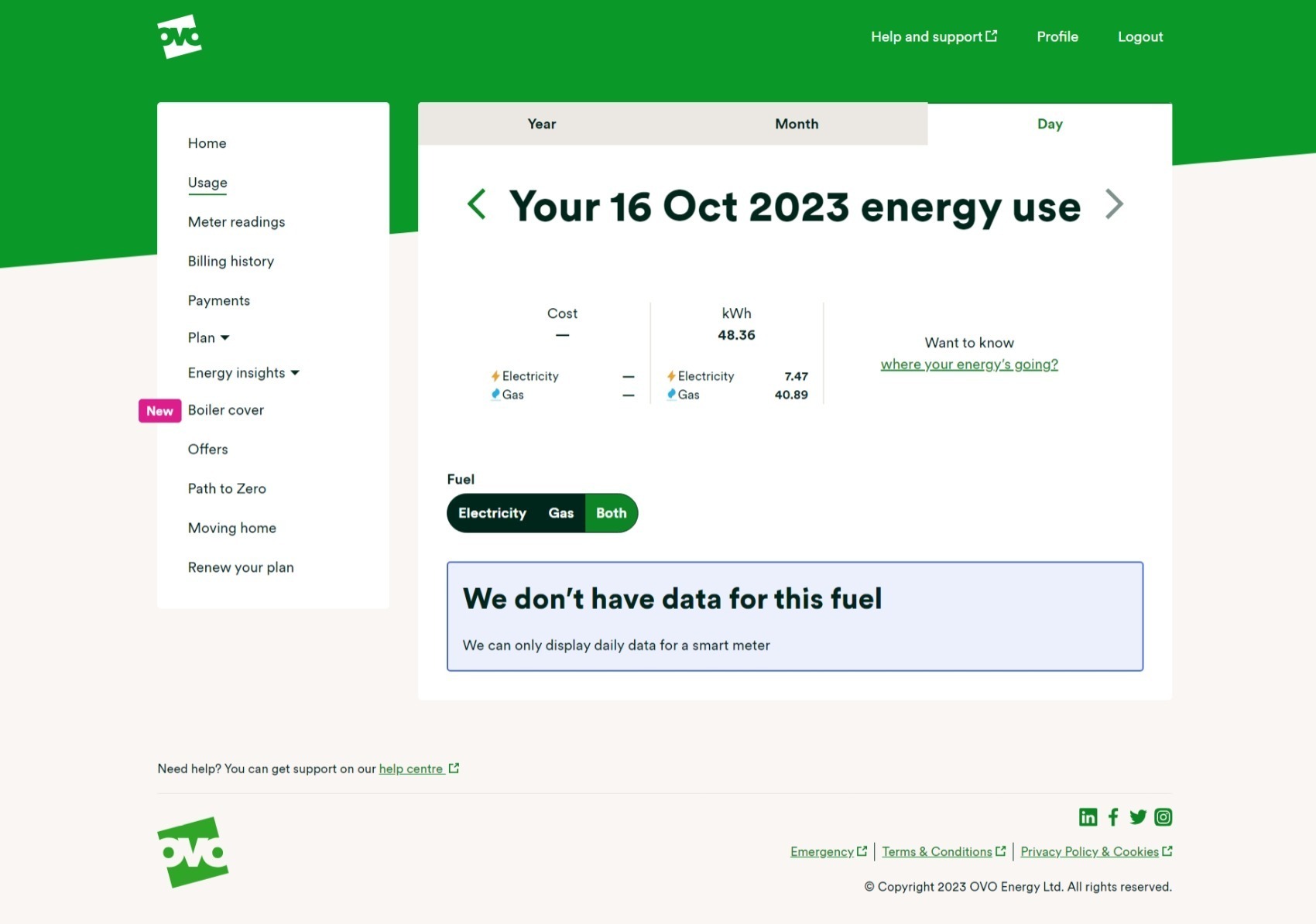
The first place to check what’s going on with those smart meters is your online account or OVO app (download for Android or iOS). You’ll know something’s up if you see this message on the ‘Meter readings’ page.

This message will appear if we haven’t received a reading from your meter as expected for at least 5 days. Hopefully this is just an intermittent issue and the meters will get back in touch with us soon. In the meantime it’s worth submitting a meter reading a few days before your next monthly bill is due.
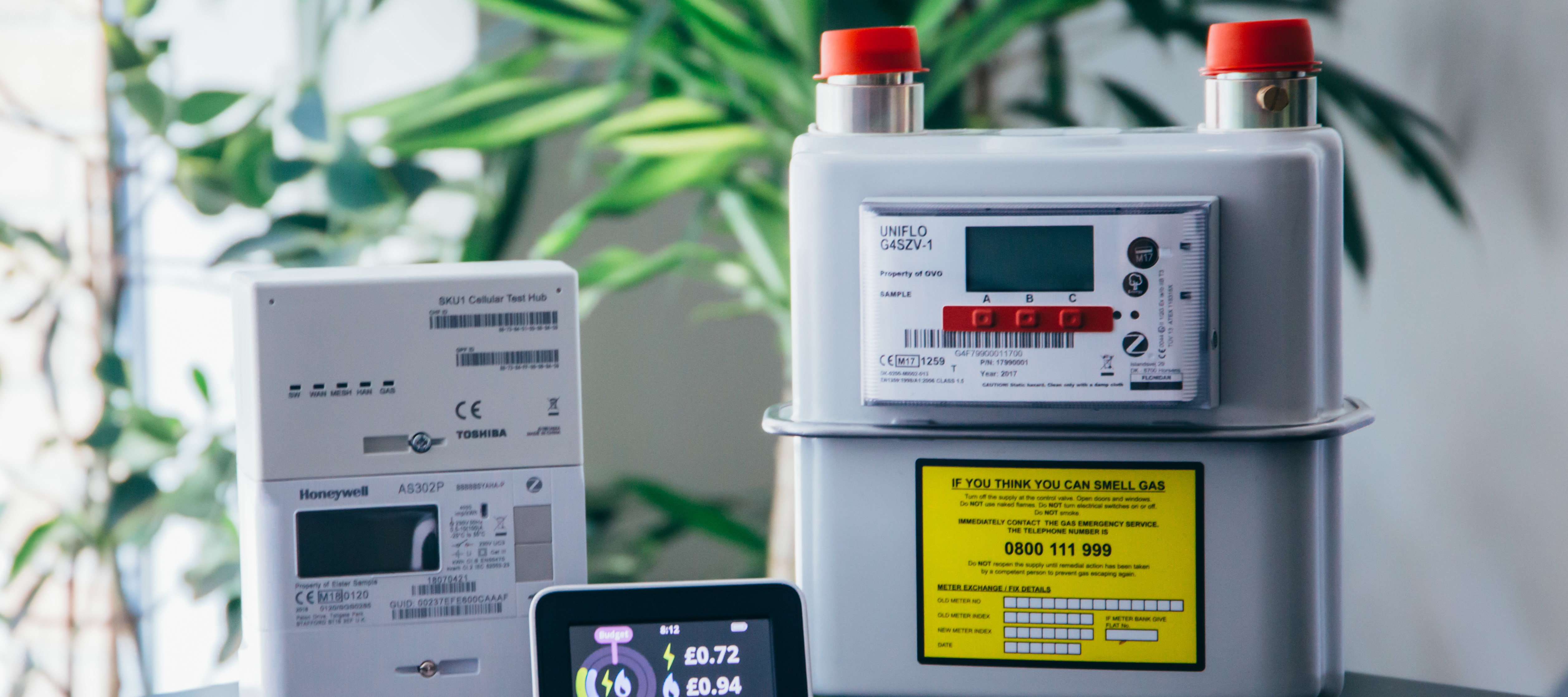
To take a reading you’ll need to go to the meters themselves and follow the steps below. Please note, you can’t always view readings on an In Home Display.
For SMETS1 ‘Secure’ smart meters
There’s a slight difference between the the S1 meters we used to install. To take dual (day/night) readings from a Secure Liberty 110 S1 smart meter, press 9 on the meter’s keypad. If you’ve got a Secure Liberty 100 S1 smart meter, press 6 to confirm the day and night meter readings if you’re on an Economy 7 plan, or press ‘9’ if you’re on a single rate tariff
For SMETS2 Aclara, Flonidan, Honeywell or Elster smart meters
| Aclara (Elec) / Flonidan (Gas) | Elster (Elec) / Honeywell (Gas) | |
| Reading the meter |
|
|
You can then enter this reading by selecting the ‘Meter Readings’ menu option.
Here you’ll be able to see the last reading we received and the date this was sent to us. Unless you’ve sent a manually reading already, this will be a good indication of when your smart meter lost communication with us.
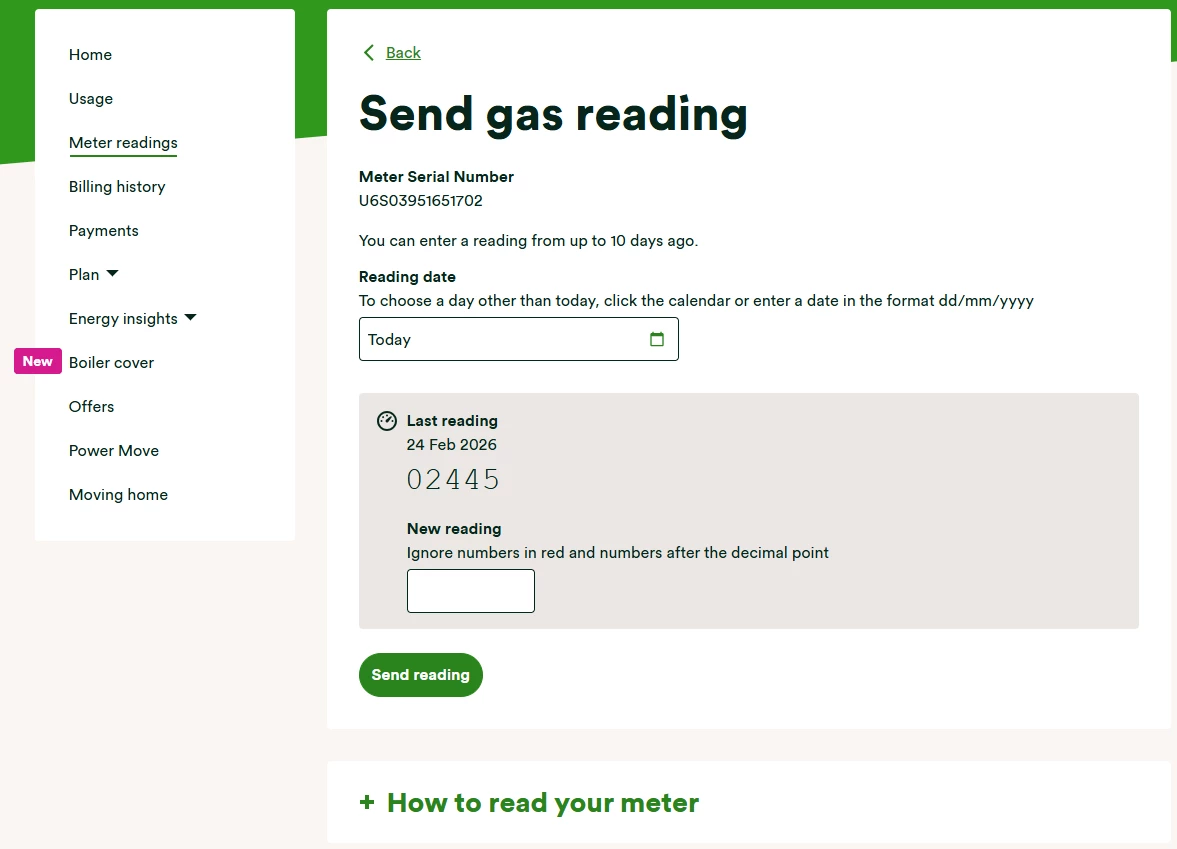
It’s worth checking the reading you’ve taken against the last reading. The new reading shouldn’t be a lower number, unless your meter’s faulty. You can then type today’s reading into the box (or boxes for an Economy 7 meter) provided.
Hopefully the smart meter issue a temporary communication blip and we’ll be able to recover communication without any further action. If it’s been over 30 days and you’re still noticing the smart meter message on your online account / app it’s worth carrying out a smart meter health check for your meter type below and forwarding the results on to our Support Team for further investigation.
SMETS1 Secure Smart Meter Health Check
SMETS2 Smart Meter Health Check
Fingers crossed those smart meters will be back in touch soon and you can continue enjoying all the great benefits of going smart!
OVO customer but not got a smart meter yet? - Book today!
Interested but not yet an OVO customer? - Check out our plans!
Need more help?
This topic is now closed, so you won’t be able to reply here. If your question hasn’t been answered or you need more advice, feel free to ask the community — we’re here to help!
Give us your feedback!
Was this article helpful? Is our Library missing content? Share your anonymous feedback here and help us improve!