Updated on 30/10/25 by Ben_OVO
Sorry to hear about your Smart meter journey - certainly not the smooth transition to smart that we aim for.
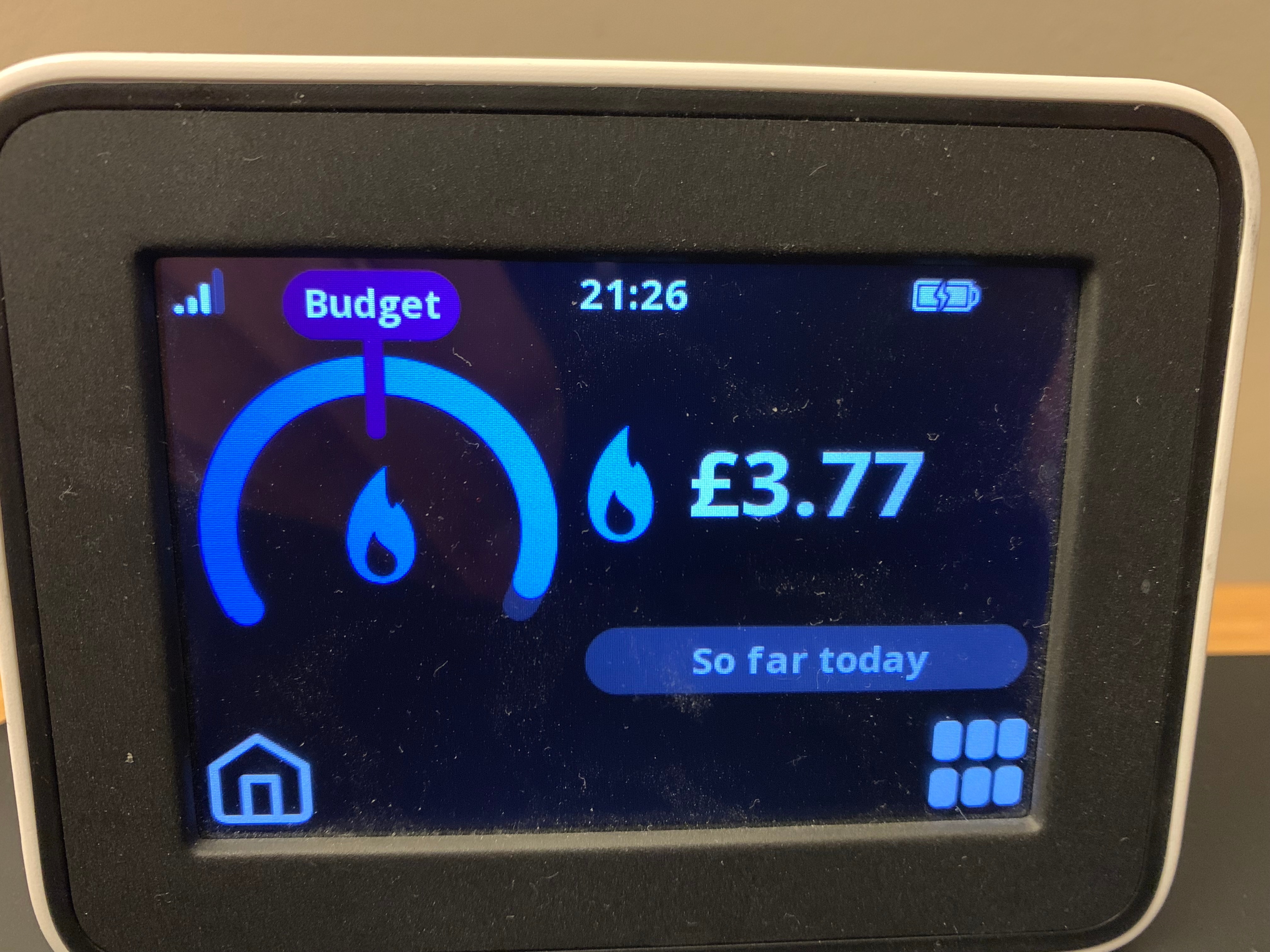
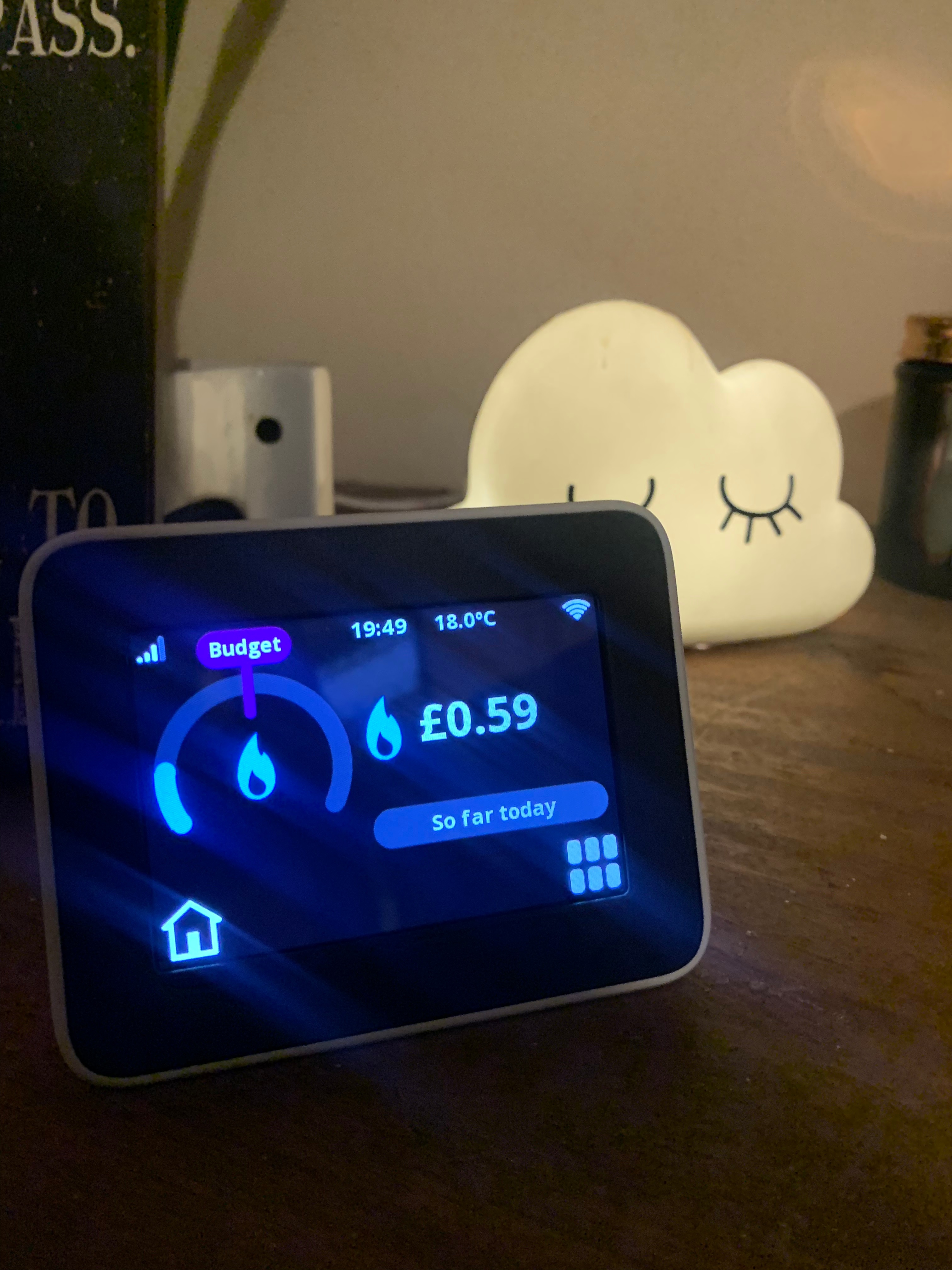
If you’re not seeing the information for both your gas and electricity usage on your In Home Display (IHD) this could indicate a communication issue either between the IHD and the meters or between your smart meter and OVO. If you think your smart meter may not be communicating with us, please check out the helpful guide below:
SMETS1 Secure Smart Meter Health Check
SMETS2 Smart Meter Health Check
If you believe there’s issues with your smart meters or IHD please contact our Support Team. If the smart meters need relacing we can book this in free of charge. If the smart meters are working, but the IHD is faulty, we can try and repair the IHD remotely. If that doesn’t work we can post you a new one, free of charge.
Here’s some things which can cause communication issues between your IHD and your Smart Meter:
- Distance: make sure your In Home Display is near your electricity meter - ideally within 6 metres. If it’s not connected or isn't showing usage data, move it closer!
- Obstructions: Is there anything that could be blocking the signal between the IHD and the meters? (eg an exterior wall)
- Firmware: there might be a firmware issue with the IHD or smart meter, that’s causing connectivity issues (sometimes a device reboot can help with this - we’d recommend unplugging the device and allowing the IHD to run down it’s battery before restarting)
For more help see our Chameleon IHD trouble-shooting guide:
Hope you get these initial teething problems resolved quickly so you can start enjoying the benefits of your new Smart meters.