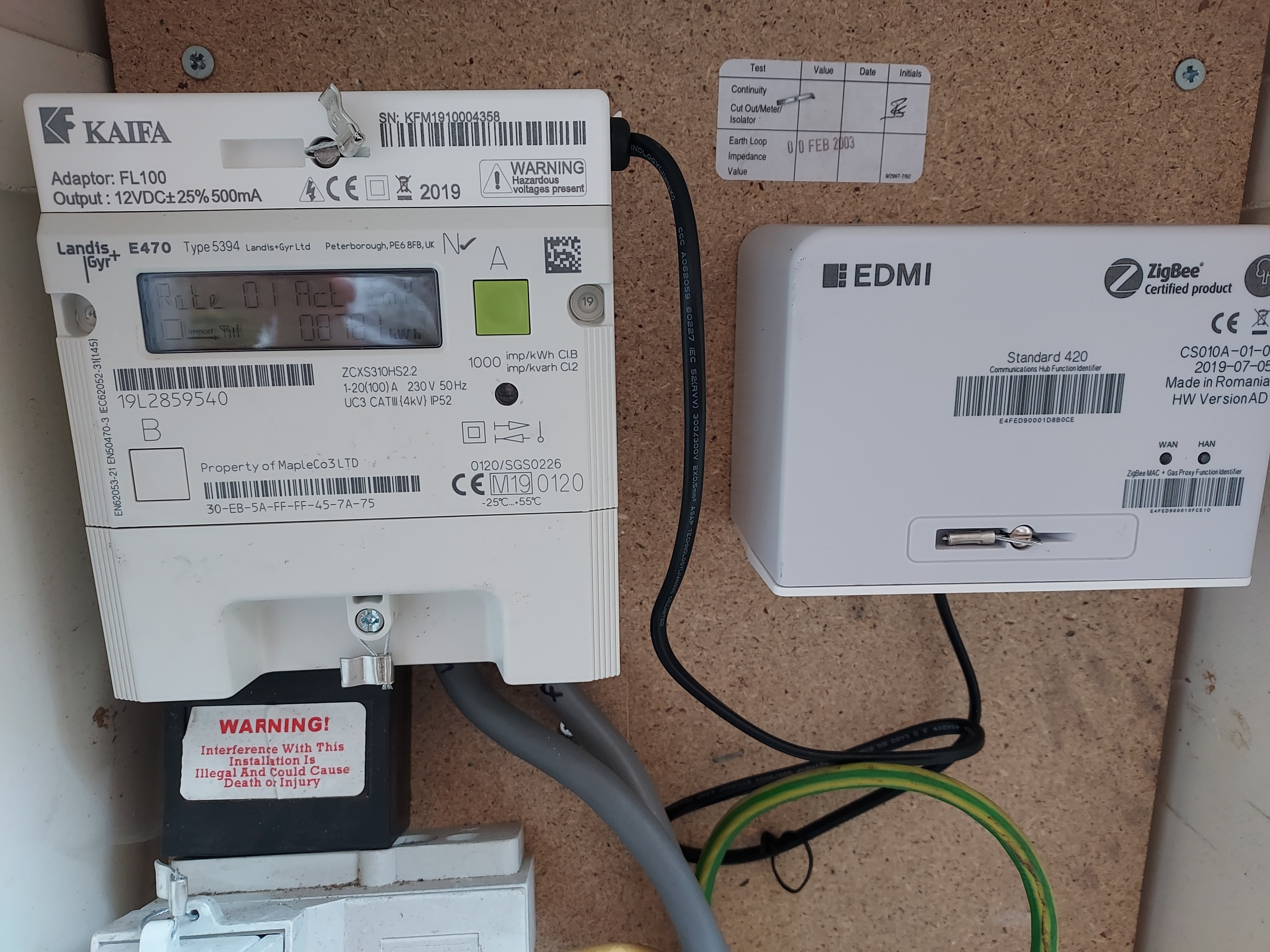
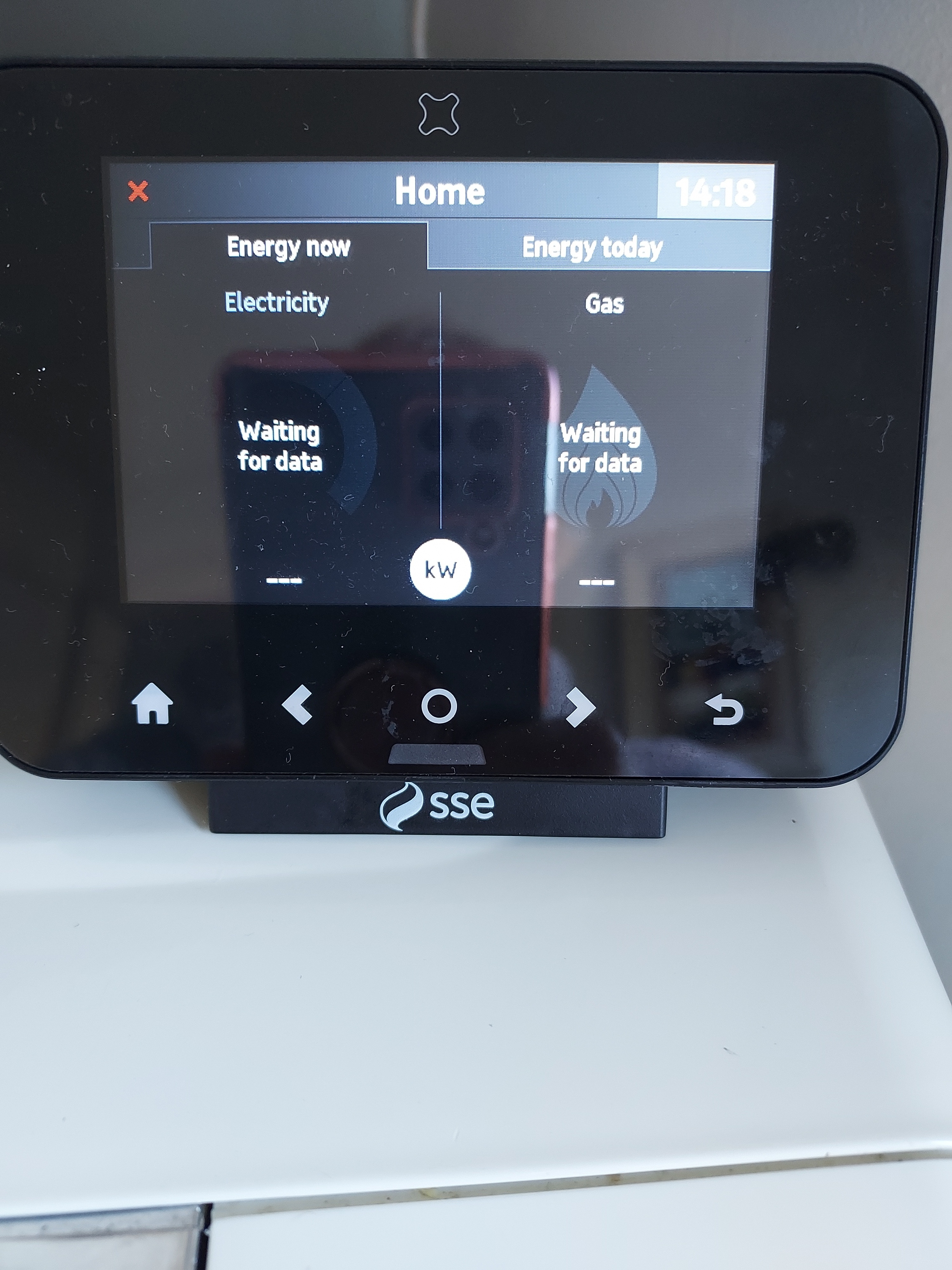
My meters are on the outside of my house with the garage between us. The ' in home display' constantly says ' lost connection '. Is it because its more than 2 metres from the meter or is it faulty?
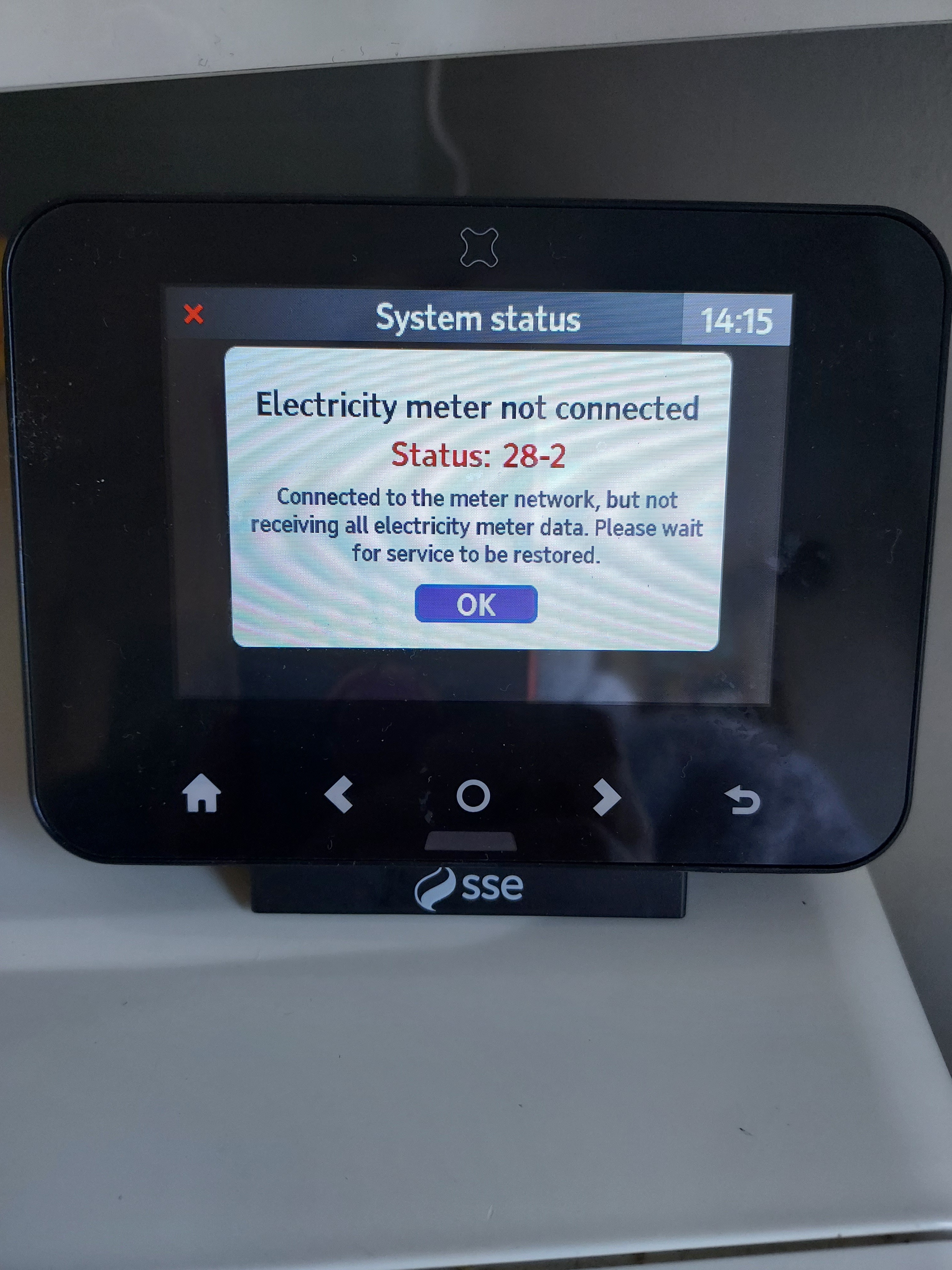
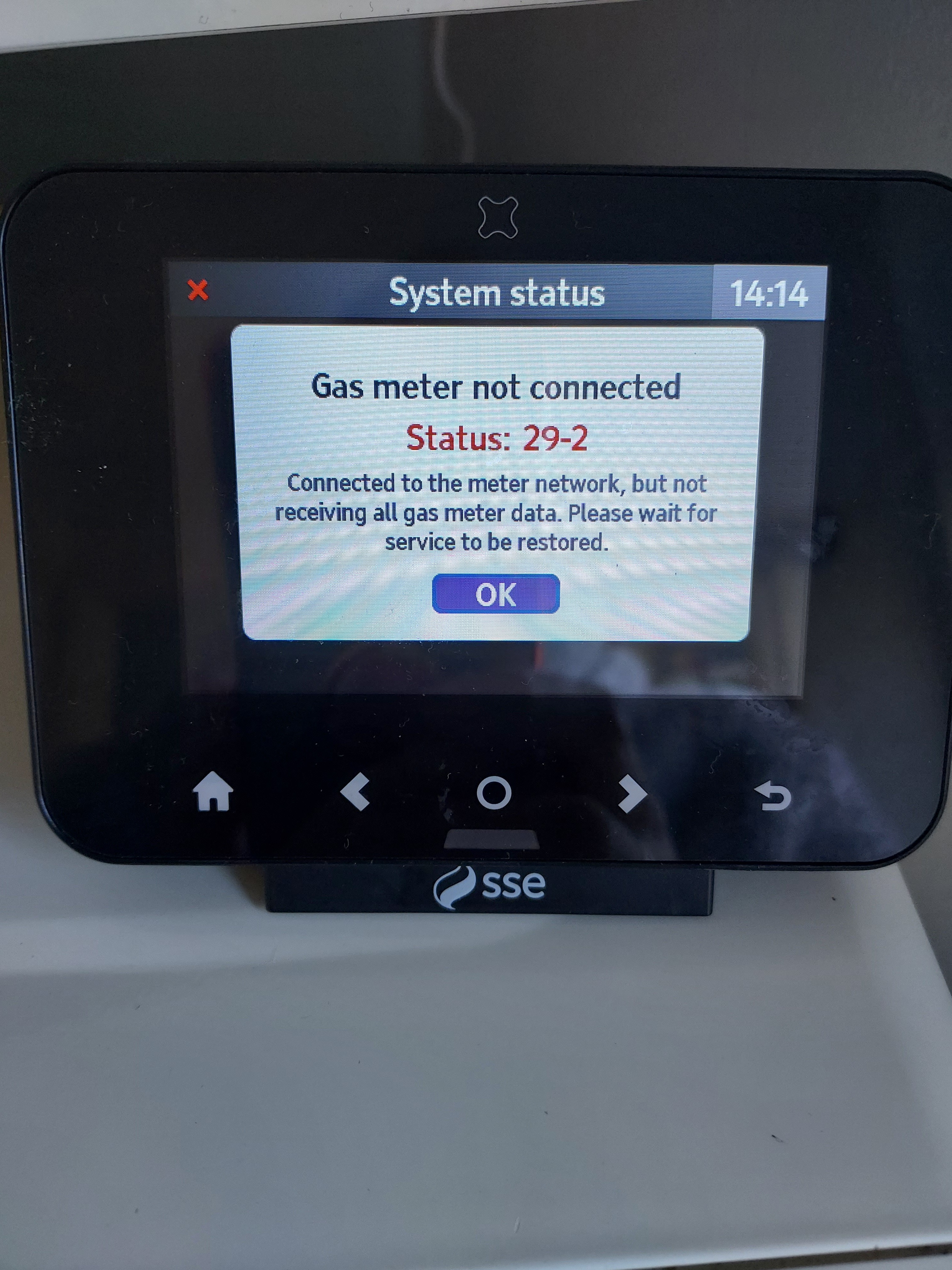
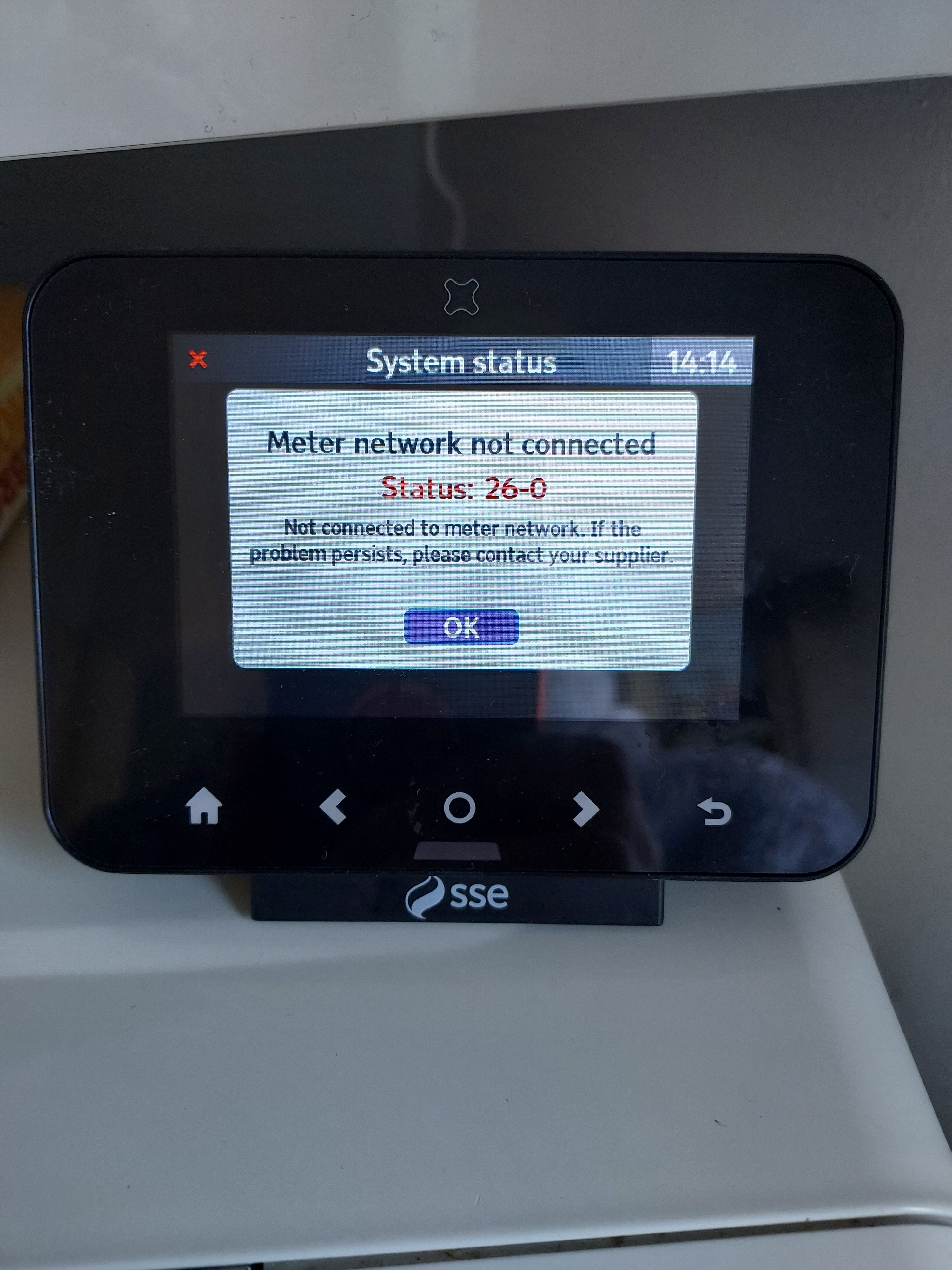
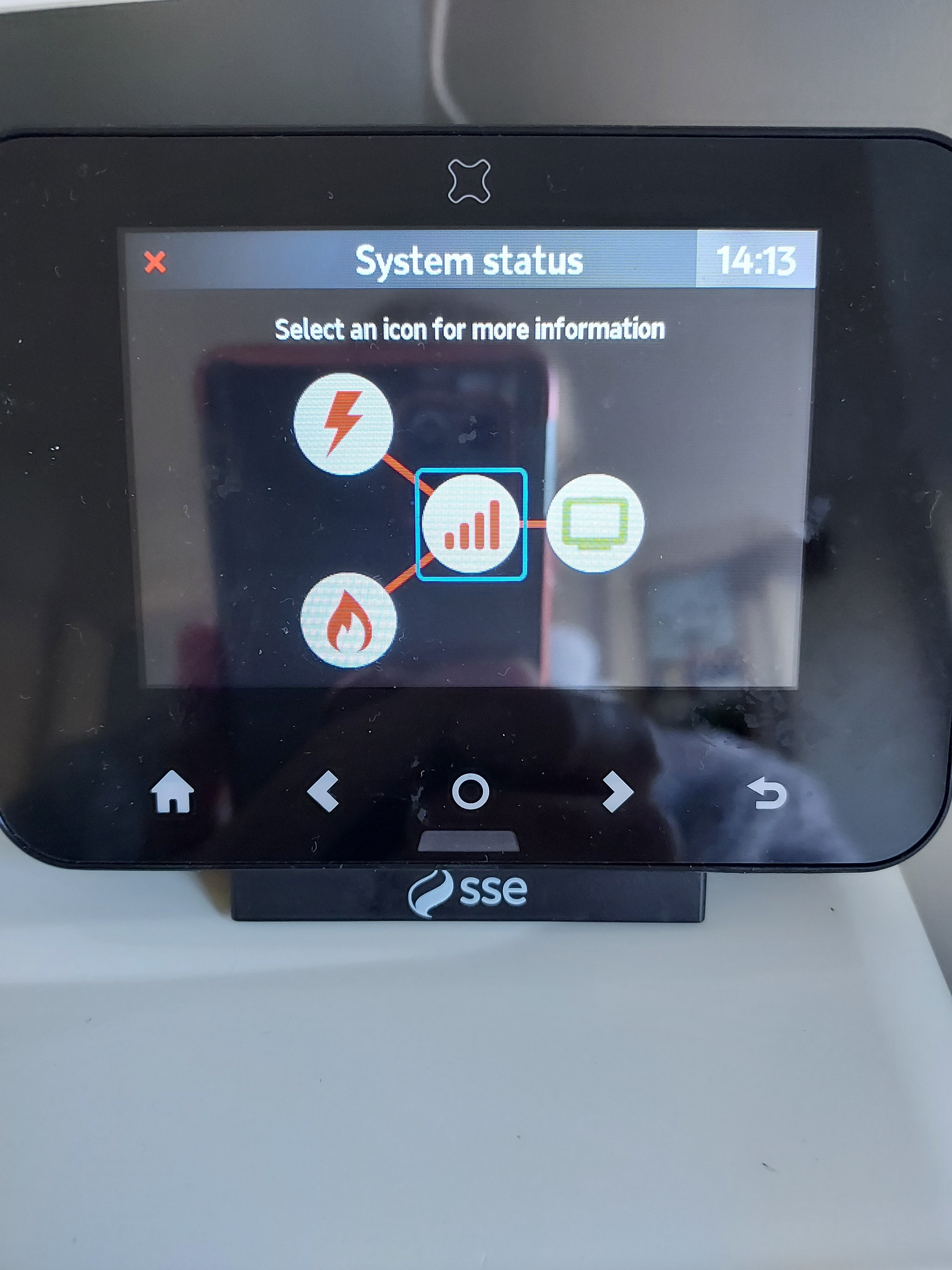
Please can you go into System Status on the IHD and post a photo of what you see there.
Hi @Ljb67 the status code 26-0 is the network down or lost. From what you described in above it sounds like you have lost the network. When the IHD first looses the network it will re-try for around 30 minutes before saying the network is down. If it then manages to pick up the network again it will show the normal energy screens. Should it loose the network it will go through the process above.
I am assuming it does occasionally pick the smart meter network.
The two meter codes 28-2 and 29-2 can be ignored for now, as the IHD has lost the network.
You should never need to reset the device to get it to connect. Occasionally switching it off and then on again may be needed.
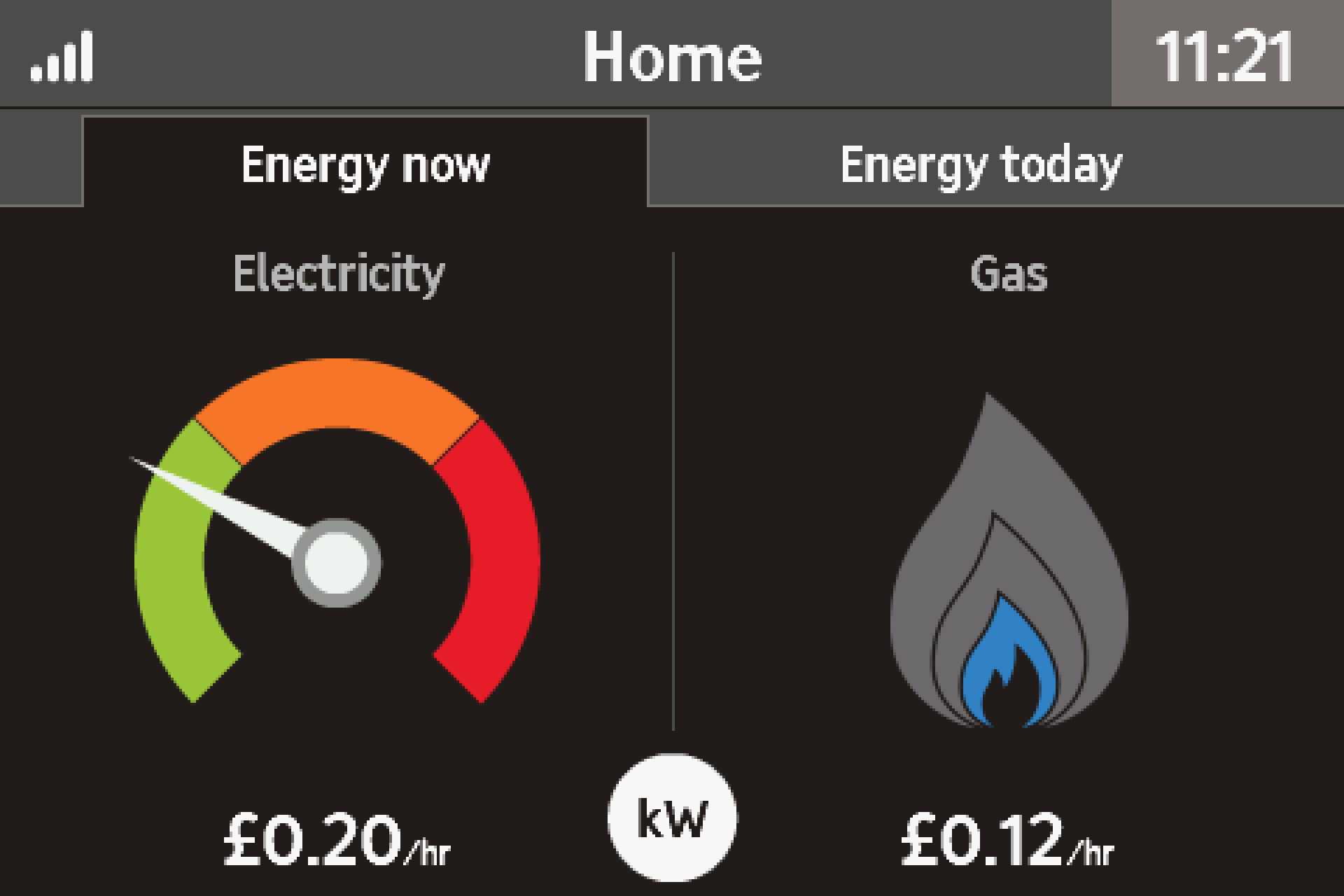
It could be the IHD is at the edge of its range, based on your description above. When it does connect how many bars does it show in the banner? Range is less about how far from your meters, rather what is between the meters and IHD that may impact the signal.
The icon is the top-left of the banner bar and looks like a mobile signal strength indicator. If it is down at one, then it is at the edge of its range.
You can try moving the IHD to the meters (you will need 3x AAA batteries), I would expect the IHD to show all the bars.
Let me know how you get on and I can see what else we can do.
This little utility might help: with your permission, it will access your meter and give a brief technical report about it, its comms hub and the IHD. You’ll need your MPAN - the 13-digit number you’ll find on a recent bill. Tick the tiny box confirming that it’s your supply, then click on Check meter: homebrew.n3rgy.com.
It’s common to see warnings about expired security certification - you can safely ignore these. Any other warnings or errors will probably indicate what’s wrong.
Noel | I have no official status; I'm just a volunteer who comes here to help other customers. My gear: Aclara SGM 1416-B Electricity-only E7 meter; Chameleon IHD3-PPMID-AAA | It may look as if I know what I’m talking about, but don’t let that fool you. |
28-2 is an easy one - you probably just need to get the IHD authorized into the Electric Meter again. OVO Support can process that if you let them know.
Securing energy by zapping security bugs... For that is The Blastoise Way! Remember, I'm just like you - AI Powered Evil Geniuses aren't Staff!
My IHD Geo trio 2 was working fine. Few weeks ago it suddenly stopped working. It's now connecting to meter forever. It is in same position as before which is within 2 meters of my meter. I've reset it. Shutdown for couple of days, change the position. Nothing seems working. Don't know what to do now.
26-1 indicates a potentially serious fault, but I’ve got a couple of fixes for you. Please try them in this order:
Reboot the IHD whilst close to the Electricity Meter/Comms Hub and leave it there for 10 minutes
If that doesn’t work, contact OVO Support as the fault may be with the Comms Hub itself, https://smart-meter-help.ovoenergy.com might help so try that before reaching out
Hope this helps
Securing energy by zapping security bugs... For that is The Blastoise Way! Remember, I'm just like you - AI Powered Evil Geniuses aren't Staff!
@VOU30 if @Blastoise186’s advice doesn’t work, give our Support Team a nudge - they’ll try and fix the IHD remotely and, if this isn’t possible, they’ll send you out a new one free of charge.
All I ever see on my GEO display is a red triangle with a red exclamation mark inside it.
Top left of the display next to what looks like a mobile network signal bars with a red X
Cant get any help from ovo at all.Also a message which says. Meter Network Problem, Not connected to meter network.If the problem persists contact your supplier.