Updated on 02/06/25 by Abby_OVO
From 15 July Ohme chargers will no longer be compatible with Charge Anytime. We’ve recently updated the technology behind Charge Anytime. This is so we can keep making improvements and create new products that reward customers for driving EVs.
It's not been possible to integrate Ohme with this new technology. If you have an Ohme charger you’ll still be able to sign up to Charge Anytime by connecting with an eligible vehicle. We’re constantly looking to open up the eligibility to more EV models so if you don’t see your EV here, keep an eye on our page.
You can see all eligibility details in our Charge Anytime page here.
Problem Solved thanks to OVO team tech team
Hi Lawrence ,
Thank you your your patience.
Our tech team has an update. This is the response :
Unfortunately Charge Anytime in it’s current state sometimes struggles to connect to Ohme accounts that have been registered using the Google, Facebook or Apple login. In order to register your charger with Charge Anytime, we’d first advise you to delete your account using the following selections on the Ohme app:
Menu button > Settings > Account Details > DELETE ACCOUNT > DELETE We’d then advise waiting about 15 minutes just for all the cogs to finish turning in the Ohme backend systems.
After the 15 minutes are up, from the Ohme app you’ll be able to setup a new account and link your charger using CREATE ACCOUNT > *Sign in with email*, instead of a Google, Facebook or Apple login. When selecting a tariff for the new Ohme account, you can select any of the existing tariffs nested under OVO Energy.
It’s not essential that the unit rate doesn’t match your current tariff, as it will get overwritten anyway once Charge Anytime is successfully applied.
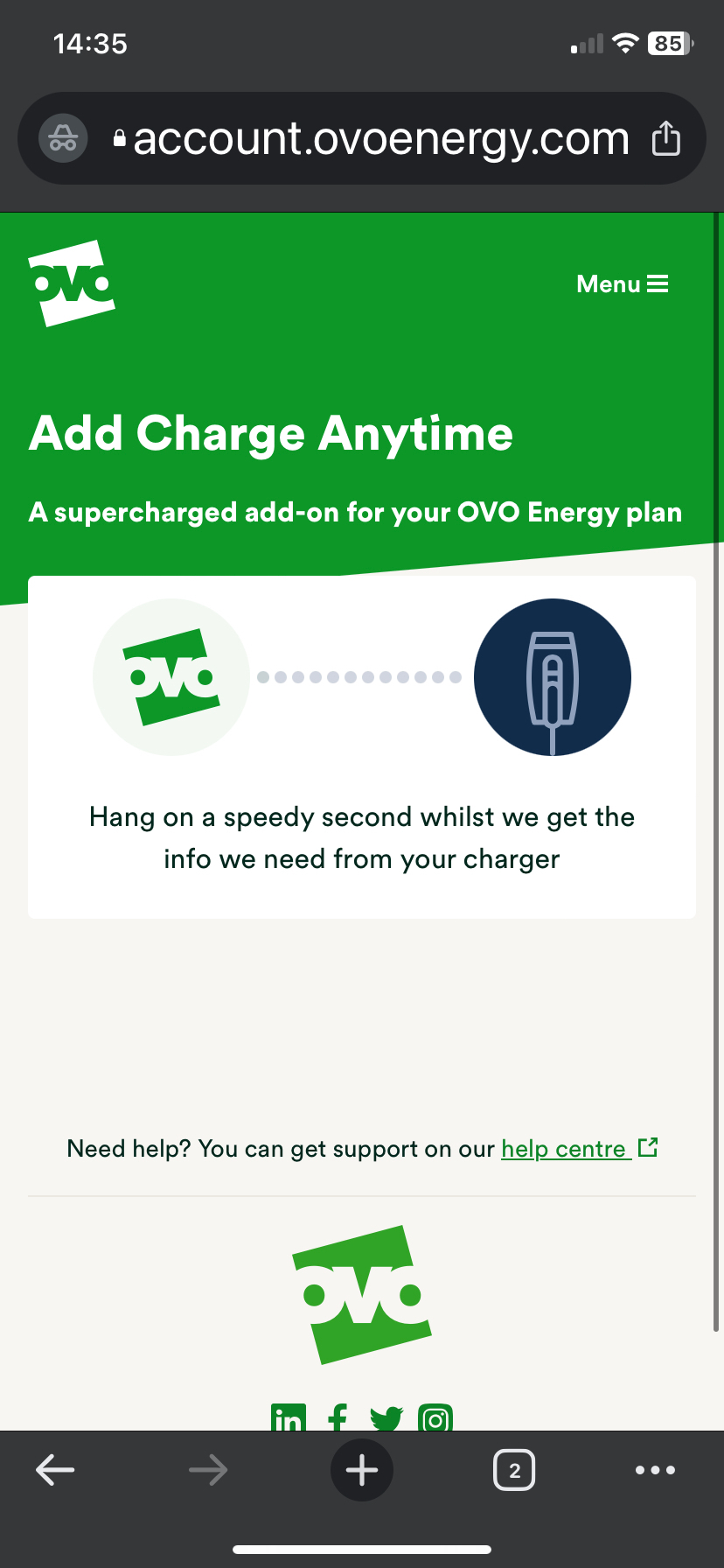
Once your account is up and running, we’d advise going through the steps below using a *private* browser window, to ensure that previously used login credentials are used, as this will cause an issue with Charge Anytime registration:
Navigate to [https://account.ovoenergy.com/anytime/eligibility ] in a *private* browser window
Login to your OVO account and run through the Charge Anytime setup steps.
When prompted to login to Ohme, use your new login credentials and complete the setup steps.
Do not set any custom tariffs on the Ohme app - instead close the Ohme app and reopen to see the Anytime tariff update.
Thanks,