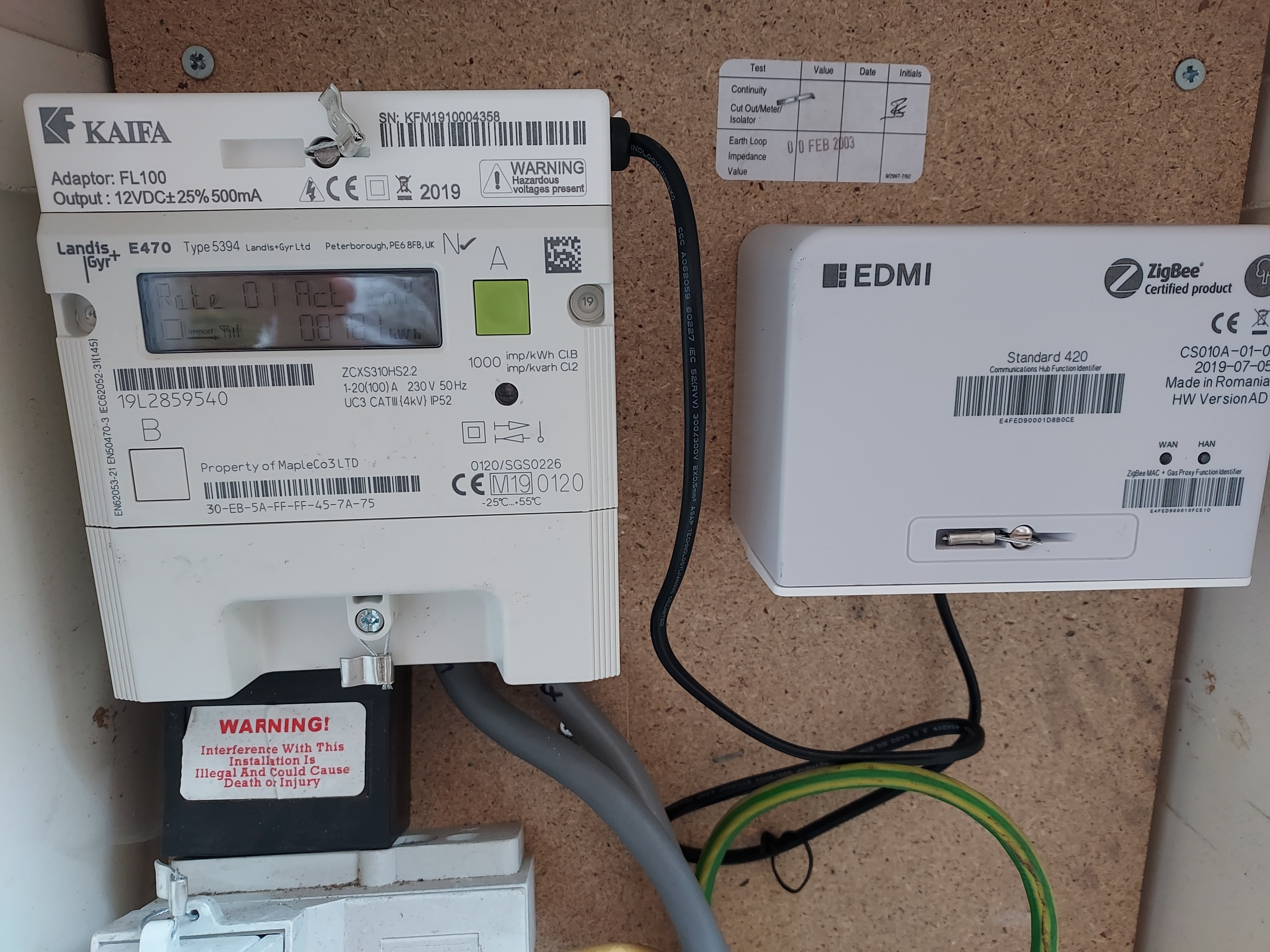
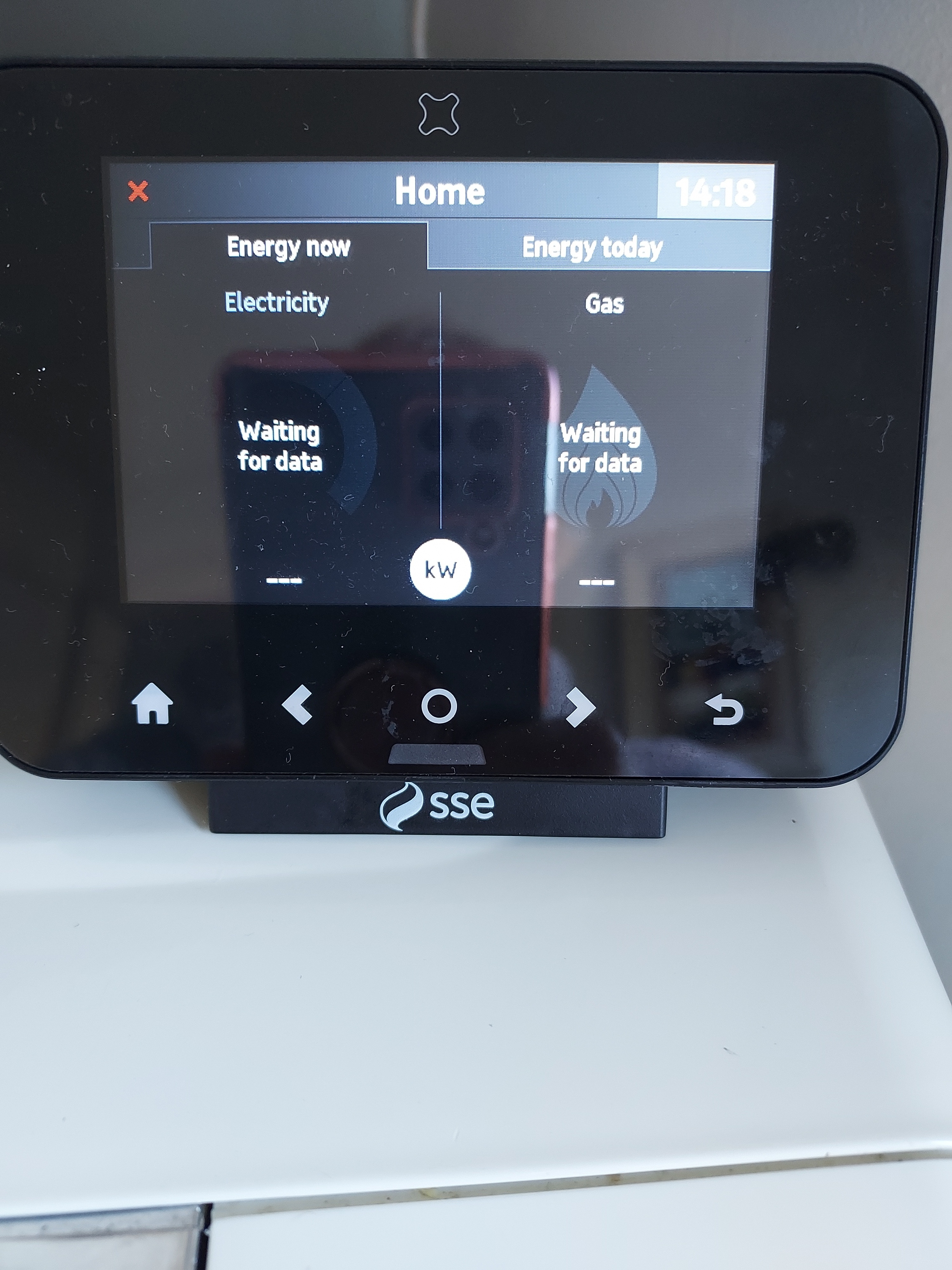
My meters are on the outside of my house with the garage between us. The ' in home display' constantly says ' lost connection '. Is it because its more than 2 metres from the meter or is it faulty?
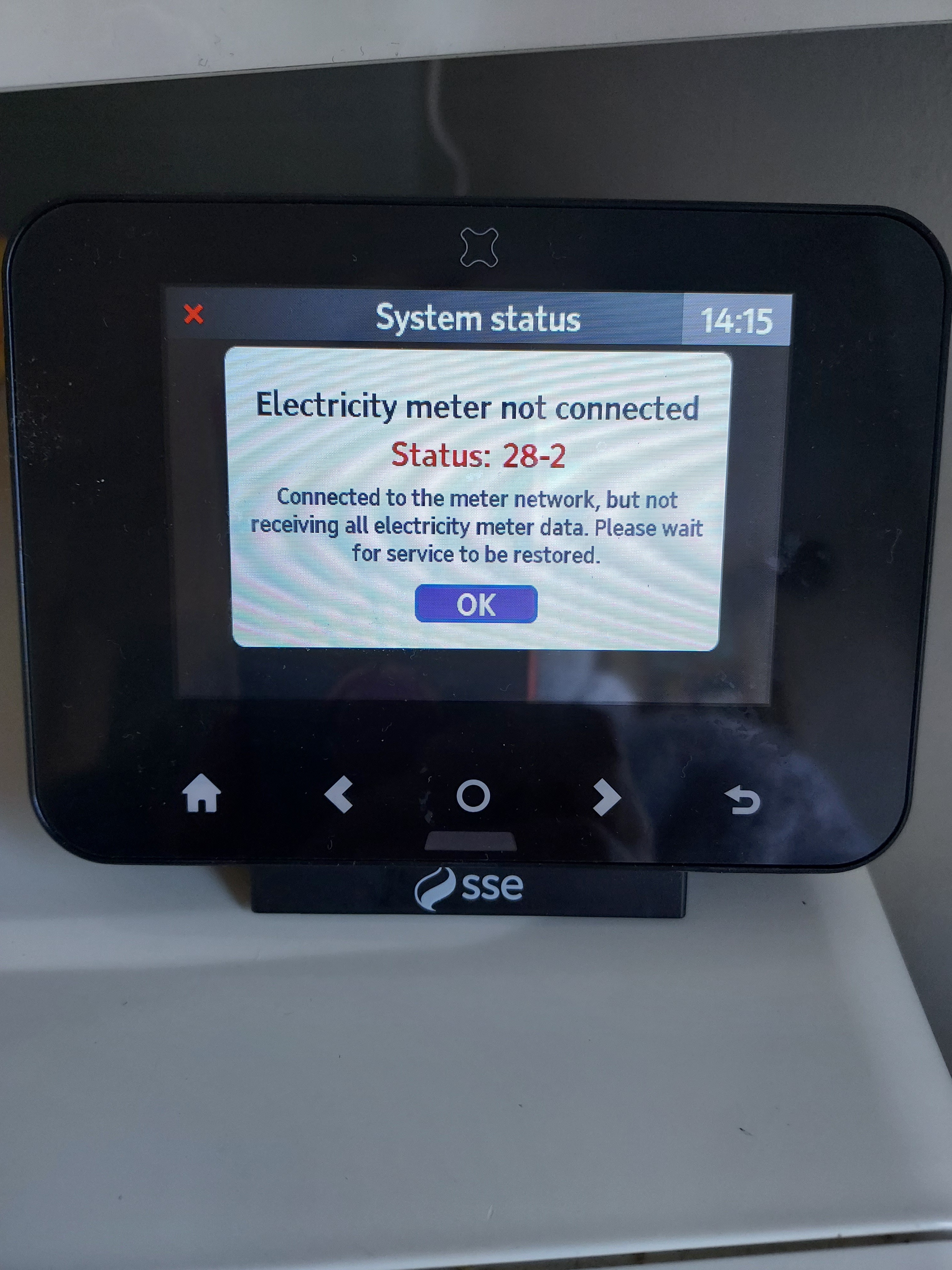
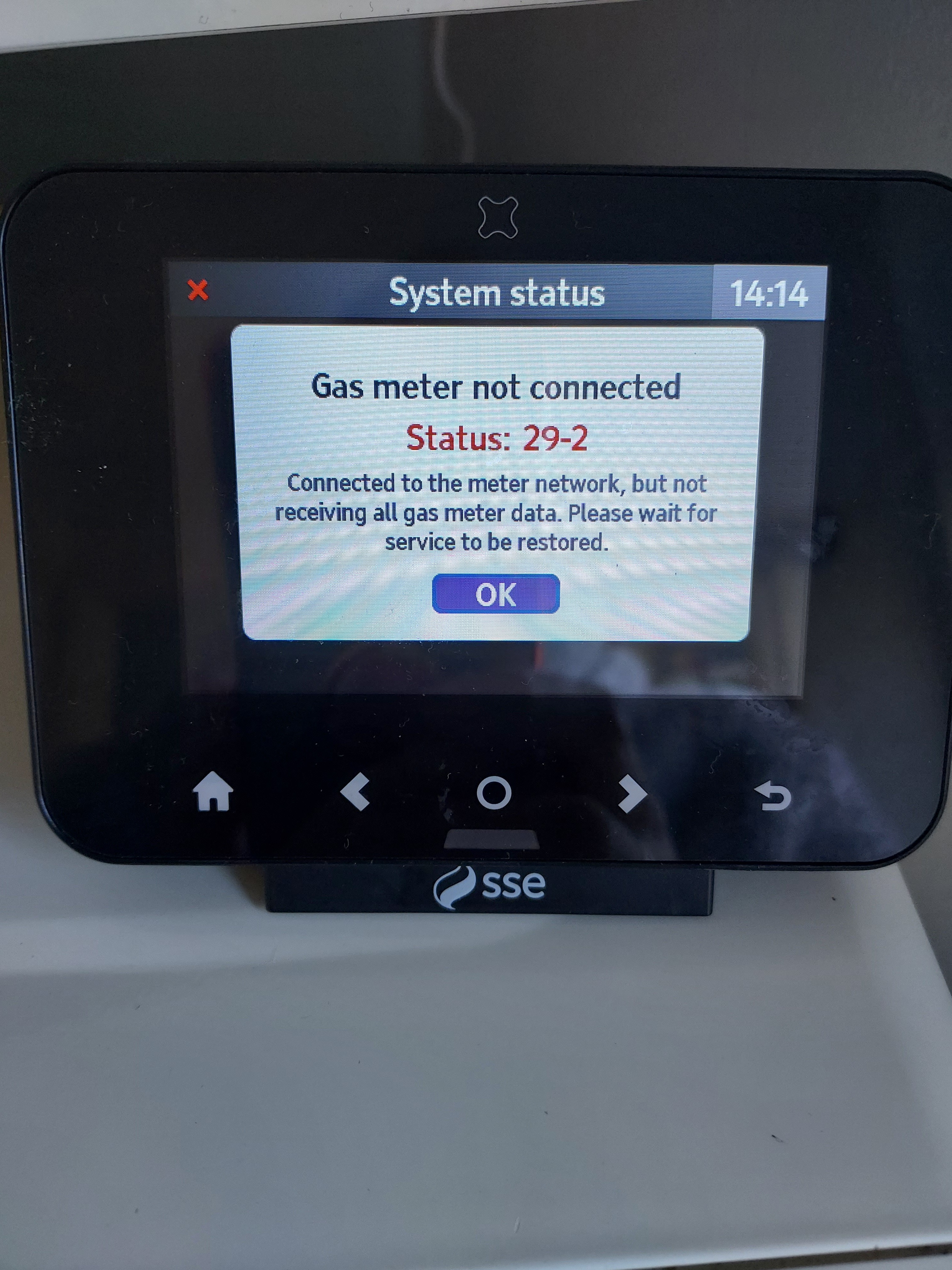
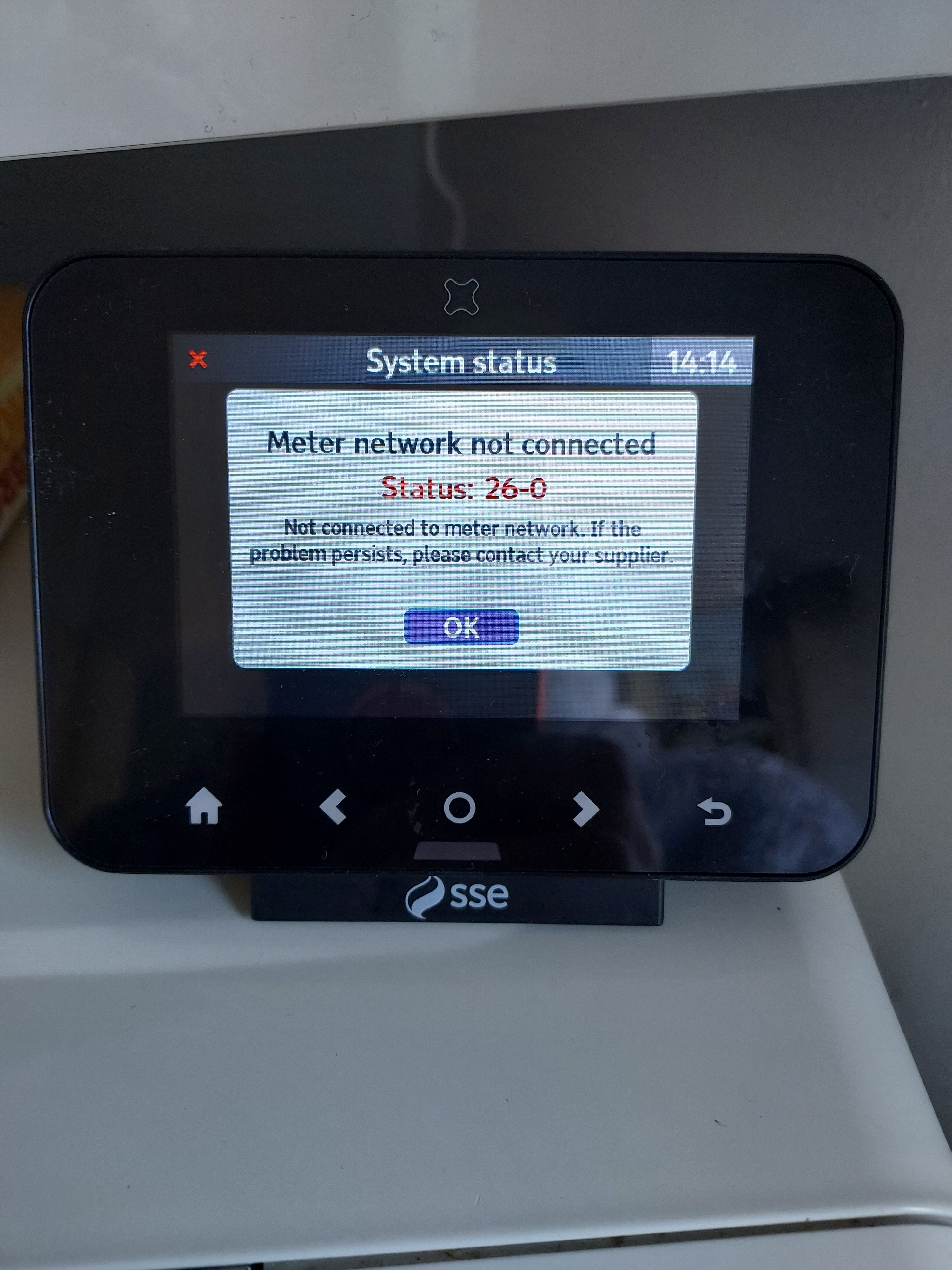
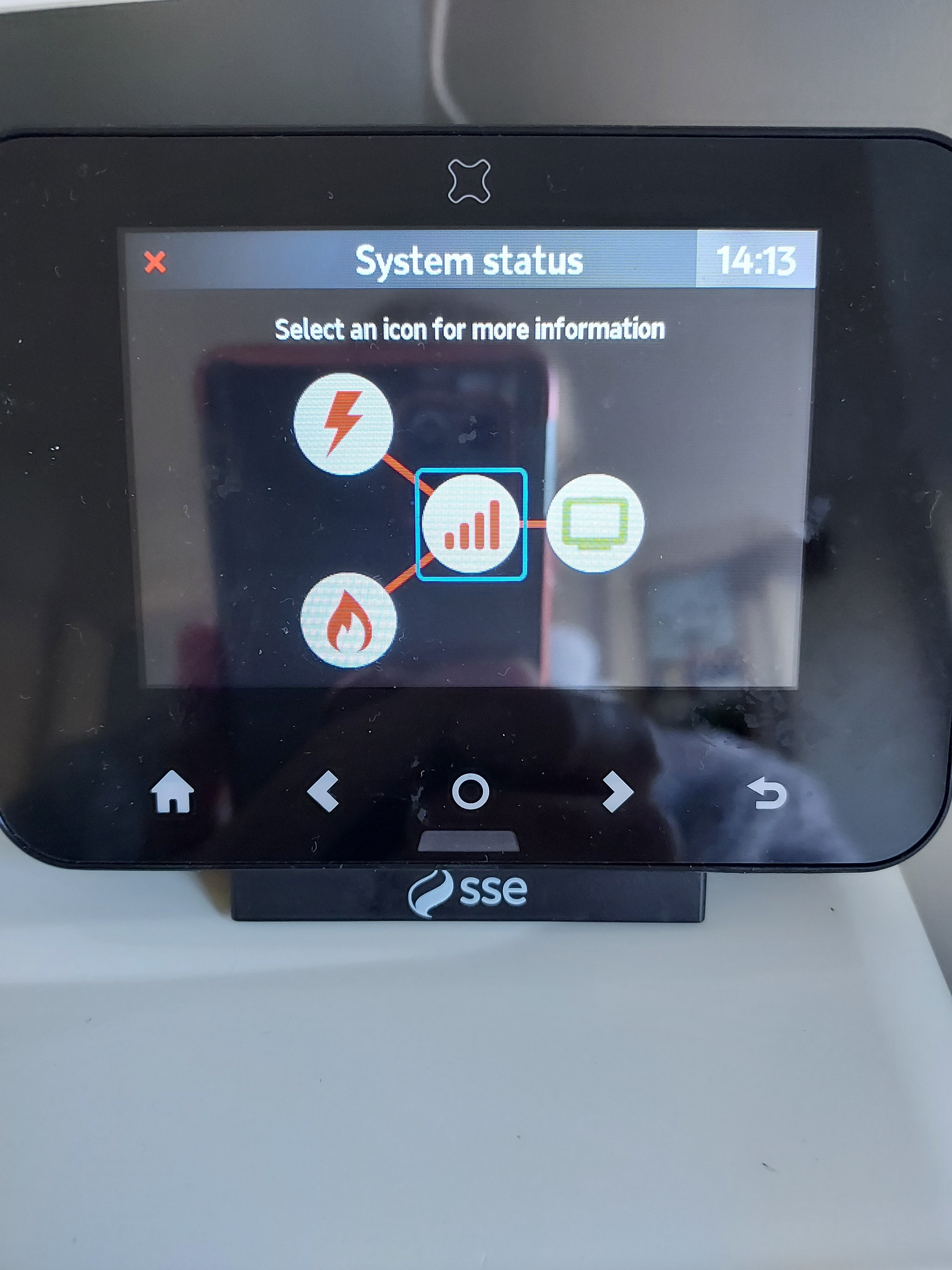
Please can you go into System Status on the IHD and post a photo of what you see there.
Hi @Ljb67 the status code 26-0 is the network down or lost. From what you described in above it sounds like you have lost the network. When the IHD first looses the network it will re-try for around 30 minutes before saying the network is down. If it then manages to pick up the network again it will show the normal energy screens. Should it loose the network it will go through the process above.
I am assuming it does occasionally pick the smart meter network.
The two meter codes 28-2 and 29-2 can be ignored for now, as the IHD has lost the network.
You should never need to reset the device to get it to connect. Occasionally switching it off and then on again may be needed.
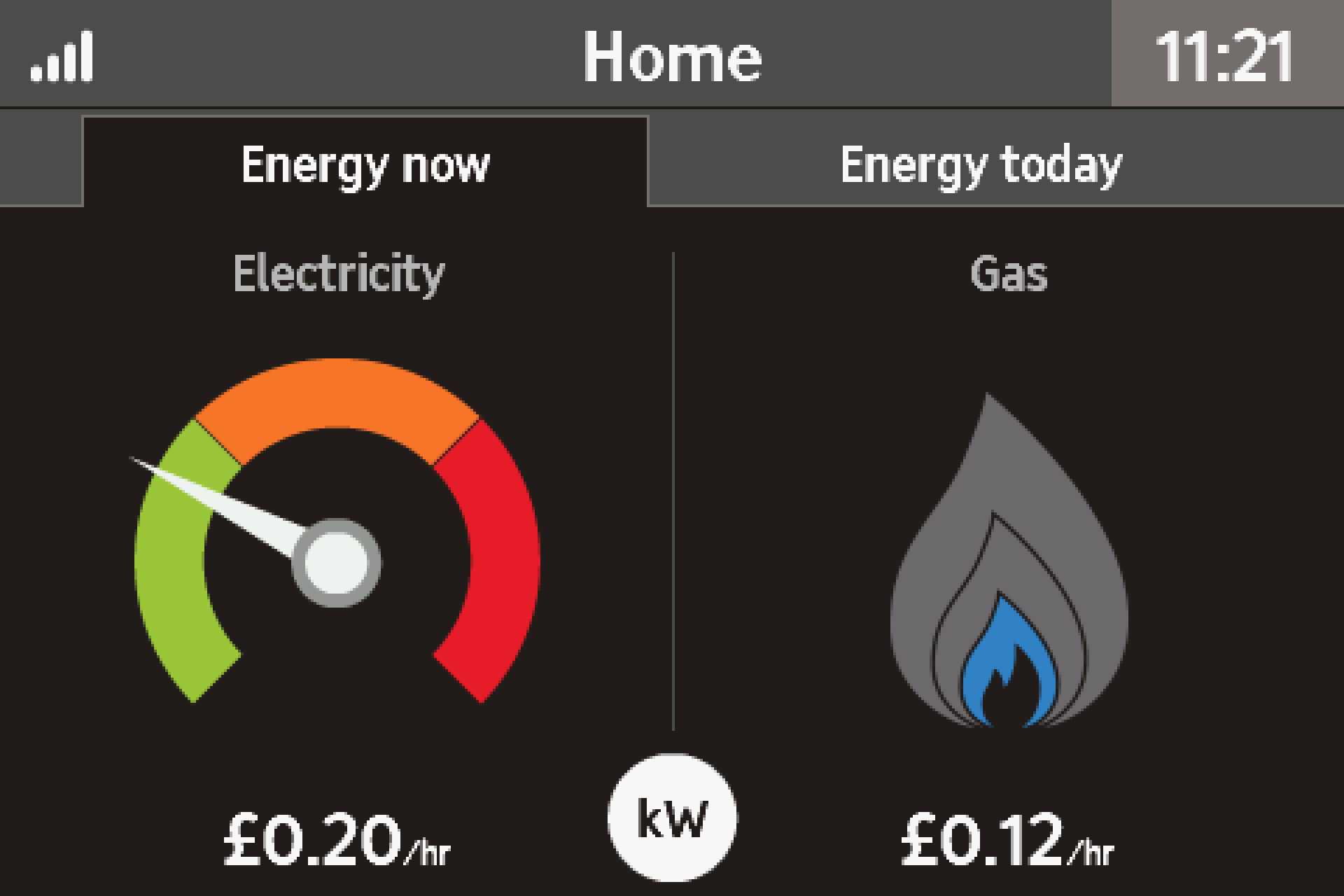
It could be the IHD is at the edge of its range, based on your description above. When it does connect how many bars does it show in the banner? Range is less about how far from your meters, rather what is between the meters and IHD that may impact the signal.
The icon is the top-left of the banner bar and looks like a mobile signal strength indicator. If it is down at one, then it is at the edge of its range.
You can try moving the IHD to the meters (you will need 3x AAA batteries), I would expect the IHD to show all the bars.
Let me know how you get on and I can see what else we can do.