Rank 2
January 9, 2023
Solved

How do I download a bill from my Online Account?

  • January 9, 2023
  • 16 replies
  • 3140 views

Hello there everyone

I am using the ovo app on my Android Phone ( I don’t have a computer )

when I want to download a usage bill so that I can print it off I have to go on to the OVO website so can anyone tell me how to download a bill on the OVO app

Thank You for your help

Best answer by BPLightlog

Updated on 15/08/25 by Ben_OVO


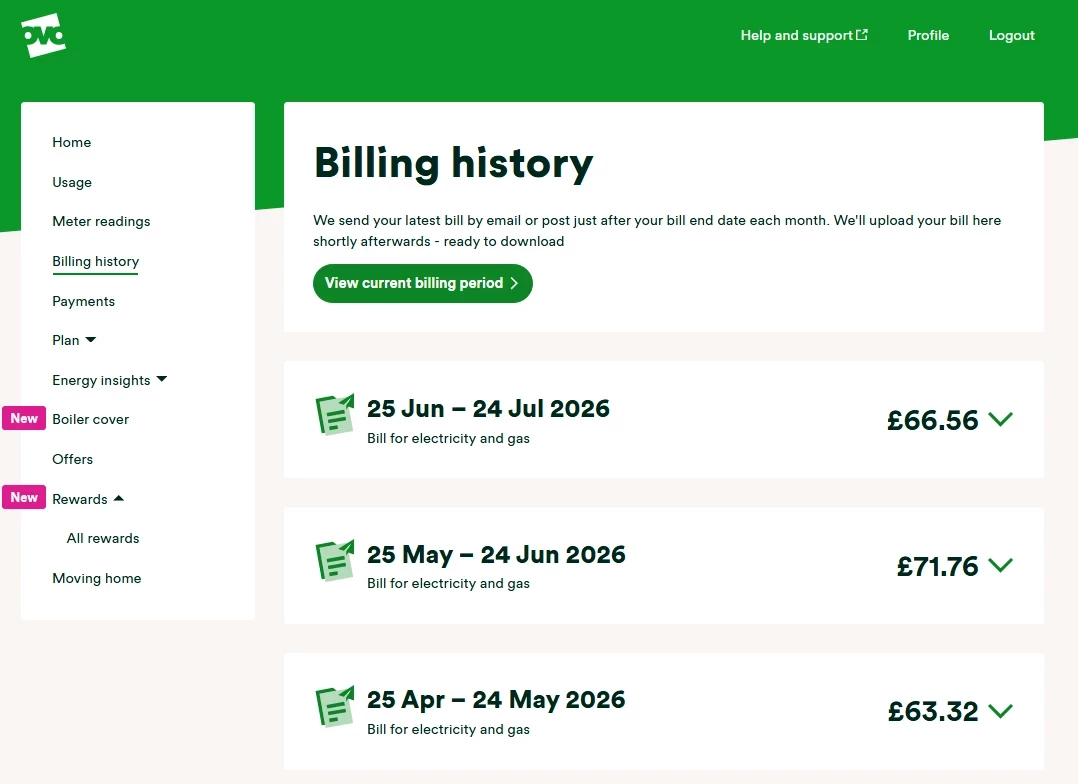
Select the 'Bills' section, then click on the right-pointing arrows to see the statements. We also have this guide:


Have any questions about your online account or app? Why not check out our handy tutorial collection:


16 replies

Emmanuelle_OVO
Retired Moderator
Retired Moderator
April 26, 2024

Hey @Skeck,


I’m sorry to hear this,


My only other suggestions would be to delete and re-install the app, to try from the web browser and to make sure your phone isn’t due any updates.


I haven’t heard of any wide spread app issues, so it sounds like it might be to do with your individual account. If the above doesn’t work, please flag this to the support team.


Hope this helps. 

Renewable Energy? Big Fan.
Newcomer
April 26, 2024

Hey @Skeck,


I’m sorry to hear this,


My only other suggestions would be to delete and re-install the app, to try from the web browser and to make sure your phone isn’t due any updates.


I haven’t heard of any wide spread app issues, so it sounds like it might be to do with your individual account. If the above doesn’t work, please flag this to the support team.


Hope this helps. 

Cheers that's worked a treat 

Thanks 

BrewerAuthor
Rank 2
May 13, 2024

Hello There everyone. 

I hope this is on the correct part of the forum but although I have the app installed I have always used the OVO website to download my bills but I thought I would download my bills using the app this time but a message comes up every time saying 'unable to download bills at present we are working on it try later'

I have gone back to various bills from the past but same thing. If I go back to the website it works no problem. 

Thank You for any help given. 

Firedog
Super User
Super User
May 13, 2024

You’re not the first to experience this problem. Please see this post and the following ones; the same solution may work for you. 

Noel | I have no official status; I'm just a volunteer who comes here to help other customers. My gear: Aclara SGM 1416-B Electricity-only E7 meter; Chameleon IHD3-PPMID-AAA | It may look as if I know what I’m talking about, but don’t let that fool you. |
BrewerAuthor
Rank 2
May 13, 2024

Hi There Firedog

Thank you for your advice. I looked at the various post re my problem with the app and decided to uninstall/reinstall the app and the penny dropped because the Cache was full.

I emptied it and it worked perfectly. 

I apologise for being a pain but I am 81 years old and passed my sell by date.

Thanks again 

Chris_OVO
Community Manager
Community Manager
May 14, 2024

Hey @Brewer,


You’re in good hands with @Firedog around! If you run into any more issues just let us know and we can try and help 😊

Renewable energy jokes never get old.