


How do I read rate 1 & 2 on my E470 series 3 smet s2 electric meter as I can only find rate 1

Solved
How do I read rate 1 & 2 on my Landis+Gyr (L&G) E470 series 3 S2 electric smart meter?
Best answer by Amy_OVO
Updated on 17/04/26 by Abby_OVO
Great question to ask about how to take a reading from your Landis and Gyr E470 smart meter. These meters are pretty confusing as there’s a few different types with the same model name which may be SMETS1 or SMETS2 (more info on this great user-guide).
In general the method for taking peak and off peak (day / night) readings for these meters is the same, even though the buttons involved may be spaced slightly differently:
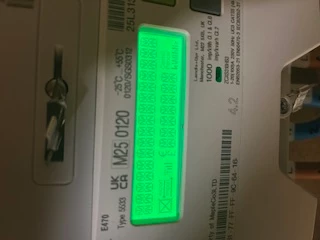
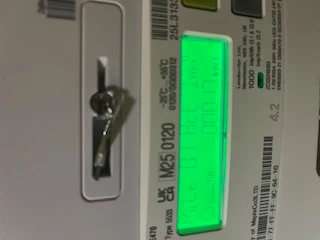
Press and hold down the ‘B’ button for roughly 5 - 10 seconds - then tap the ‘A’ button. This will toggle between the ‘R01’ reading and the ‘R02’ reading as demonstrated in this handy video.
If your square buttons are spaced out in diagonally opposite corners like this:
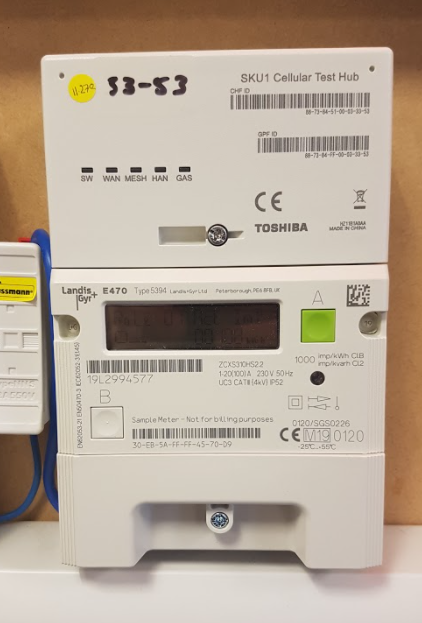
It may look slightly different but the process is the same, but you can check out this video here, also.
We’ve also got a similar guide on reading these meters over here.












Log in to the OVO Forum
No account yet? Create an account
Enter your E-mail address. We'll send you an e-mail with instructions to reset your password.
Contact us
Tips & advice
Resources
For business


OVO Energy Ltd, registered office 1 Rivergate Temple Quay Bristol, BS1 6ED, company no. 06890795 registered in England and Wales.
OVO (S) Gas Limited is registered in England and Wales (Company No. 02716495) at 1 Rivergate, Temple Quay, Bristol, BS1 6ED.
OVO (S) Gas Limited is part of OVO Group Ltd