That blue background (and blue usage bars) in your screenshot is certainly unusual. What colours did you see for them in Win10?
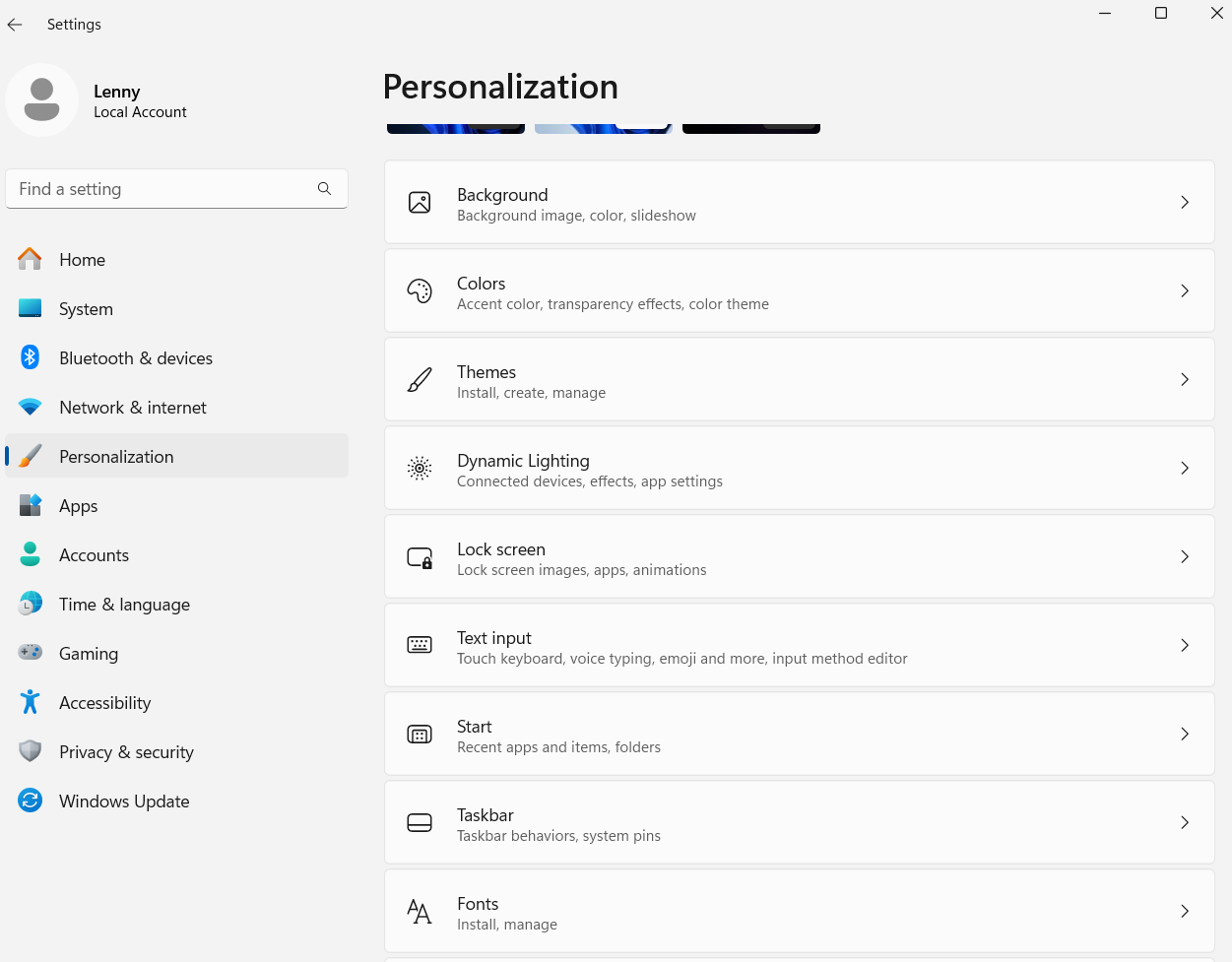
Noting that this is a new install of Windows 11 have you been experimenting (playing) with the settings, in particular the Personalisation settinge for Colors or themes? Or possibly the Accessibility settings?
Although if you had then I’d expect it to show up in more than just the OVO portal.
Are you seeing any colour issues anywhere else?
We may need more information, such as is this a Laptop or a desktop setup?
That looks like your browser theme/color settings (or possibly the theme/color settings in Windows itself).
If you look carefully you can see that there are bars for the usage on the chart from the 1st to the 7th Jun, but they are the same colour as the background and so only show up where they cross a line.
Try changing your browser theme, or putting it back to standard/system setting.
If you can tell us what browser you are using and what theme it is set to then that would be of interest.
That blue background (and blue usage bars) in your screenshot is certainly unusual. What colours did you see for them in Win10?
Noting that this is a new install of Windows 11 have you been experimenting (playing) with the settings, in particular the Personalisation settinge for Colors or themes? Or possibly the Accessibility settings?
Although if you had then I’d expect it to show up in more than just the OVO portal.
Are you seeing any colour issues anywhere else?
We may need more information, such as is this a Laptop or a desktop setup?