Rank 2
November 3, 2024
Solved

Power move missing from account?

  • November 3, 2024
  • 21 replies
  • 580 views

Just realised I haven’t received any update from my Power Move progress, checked online and turns out it’s all been transferred to the app. Fine with me but would’ve been nice to know. Thing is, there’s nothing about Power Move in there?


Fairly sure I meet the requirements, Smart meter, single rate, half hourly readings. 


Can anyone shed some light on this one please?

Best answer by BPLightlog

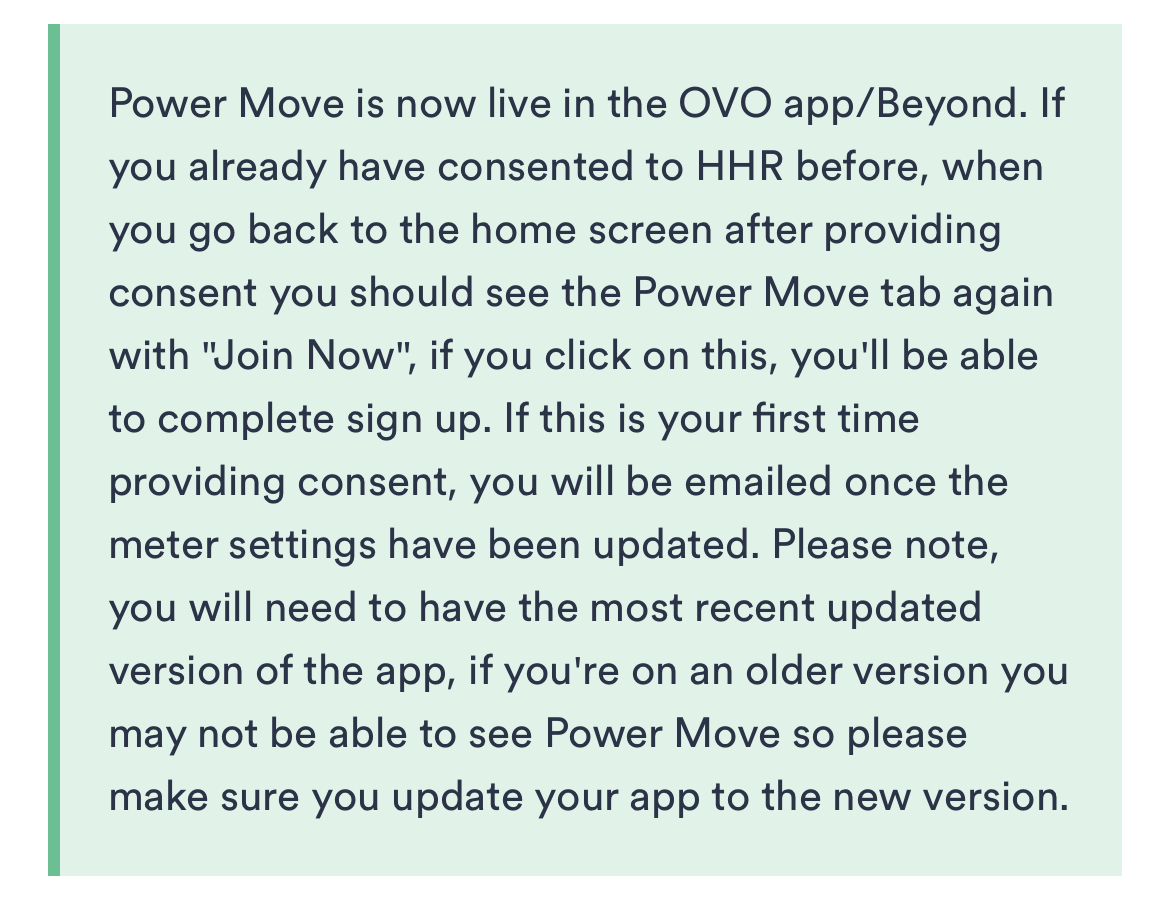
There is a note about making sure you have the latest version 

It might not auto update 

21 replies

Nukecad
Super User
Super User
November 4, 2024

That’s correct - The old ‘Beyond’ app has now been discontinued and Beyond has been moved into the main ‘OVO Energy’ app.

@UnworthyBean

Looking at your screenshot what you show there is the old, now defunct, Beyond app.

You need to uninstall that one and instead you now need to install the latest ‘OVO Energy’ app which now includes Power Move about half way down the screen as shown by @Sparky64 


I said, Hey - Watts going on.
Chris_OVO
Community Manager
Community Manager
November 4, 2024

Hey @UnworthyBean,


Are you able to check that you have the OVO energy app as @Nukecad has highlighted above? If you can let us know if you have already downloaded it and still can’t see Power Move and i’ll have the team take a look at your details 😊

Renewable energy jokes never get old.
Rank 2
November 4, 2024

Yep, it's the OVO energy app that's installed. I did just do a reinstall to see if there was something weird going on but it's still not there.

Just to check, it's Android and the app version installed is 19.3.3

Firedog
Super User
Super User
November 4, 2024

… you now need to install the latest ‘OVO Energy’ app 
  

How am I supposed to tell whether the app I have installed is the ‘latest’?

I can find the installed version (on Android: Little person icon > Settings > App version details), but I don’t see any indication of how old or new it is or whether a newer version is available.

If I visit the app store, I can find the app, and if I click on it (being careful not to hit the Open button, which isn’t at all helpful in this situation), I find a long section called About this app. Scrolling down, at last I discover Version; I can see that it was released on 2 April 2013 and updated two months ago. 

Can I assume, then, that if the App version I found in the app itself (19.3.3) is the same as this two-month-old one, that I have the ‘latest’? Is the mysterious CodePush version significant? That doesn’t show on the app store page aforementioned, so if it is, I’m still none the wiser ... 

It would be reassuring if, for example, there were a note on this App version page (or even on the ever-changing Home page) to the effect that You have the latest version (or not, as the case may be) so I don’t have to jump through all these hoops.


[Another minor rant: if I find and install an app called OVO Energy, that’s what I would expect to see at the top of the Home page. I don’t!]

Noel | I have no official status; I'm just a volunteer who comes here to help other customers. My gear: Aclara SGM 1416-B Electricity-only E7 meter; Chameleon IHD3-PPMID-AAA | It may look as if I know what I’m talking about, but don’t let that fool you. |
November 4, 2024

Yep, it's the OVO energy app that's installed. I did just do a reinstall to see if there was something weird going on but it's still not there.

Just to check, it's Android and the app version installed is 19.3.3

With your current meters, have you at some point switched to a single rate having previously had E7 or E10 on your account? If so, you won't necessarily qualify for the Power Move Winter Challenge and might therefore not see the invitation to sign up for Power Move.

I confirmed this a month ago with @Chris_OVO.

Nukecad
Super User
Super User
November 4, 2024

I see what you mean about the version number not being in the Play store, only the date.

However the way that the Play Store works if there is a newer version available of an app that you already have installed (ie. it hasn’t already automatically updated*) then instead of the ‘Open’ button you will (should) see an ‘Update’ button.

So if it is just showing you ‘Open’ then you have the latest version already.

*You can also set the Play Store to update an individual app, or all your installed apps, automatically:
https://support.google.com/googleplay/answer/113412?hl=en-GB


[Another minor rant: if I find and install an app called OVO Energy, that’s what I would expect to see at the top of the Home page. I don’t!]

I agree that the app homepage header should be changed, the app isn’t Beyond, Beyond is just a part of it now.
(Lazy programming?)

I said, Hey - Watts going on.
Rank 2
November 4, 2024

As far as I'm aware, I've always just been on a single rate. Has this always been a requirement or did that change in the most recent challenge?

Just I was eligible for several challenges before (and including) the one ending in September and then all of a sudden nothing after that.

Chris_OVO
Community Manager
Community Manager
November 4, 2024

Hey @UnworthyBean,


I’ve sent you a private message so I can gather some of your details and i’ll ask the Power Move team to check into this for you. 


Keep an eye on your messages

Renewable energy jokes never get old.
Rank 2
November 12, 2024

@Chris_OVO Just logged in and Power Move is back on the app and have managed to sign up again. Massively appreciate the help, whatever the problem was.

Little annoying that I've lost a month and a week or so of bonus but not the end of the world.

Emmanuelle_OVO
Retired Moderator
Retired Moderator
November 13, 2024

I’m glad to hear this issue has been resolved! Pop back if you have any more questions @UnworthyBean 😊

Renewable Energy? Big Fan.