



How to book an Energy Expert visit on your online account

Updated on 04/12/25 by Abby_OVO
As of December 2025, Energy Experts service is no longer available.
In this article we’ll show you how to use your online account to book an Energy Expert visit. An Energy Expert can give you professional energy saving advice, a new Energy Performance Certificate and a full assessment of how your home uses energy.
We’re offering a great deal on Energy Expert home visits. These visits are normally £100, but if you’re an OVO customer we’re offering appointments for just £50. To sign up for a visit, you need to be the homeowner. For more information on the Energy Expert visits, we’ve got a detailed Forum post, or read the full terms.
When booking an Energy Expert, if you’d prefer to have a video call rather than a house visit then this costs £20.
Watch a video showing what to expect from your visit here. You can find full information on Energy Expert home visits and video call on our website here.
To book the appointment, log onto your online account.
- Click on ‘Offers’ on the left side of your home screen. This will take you to a page showing you all our offers and upgrades.
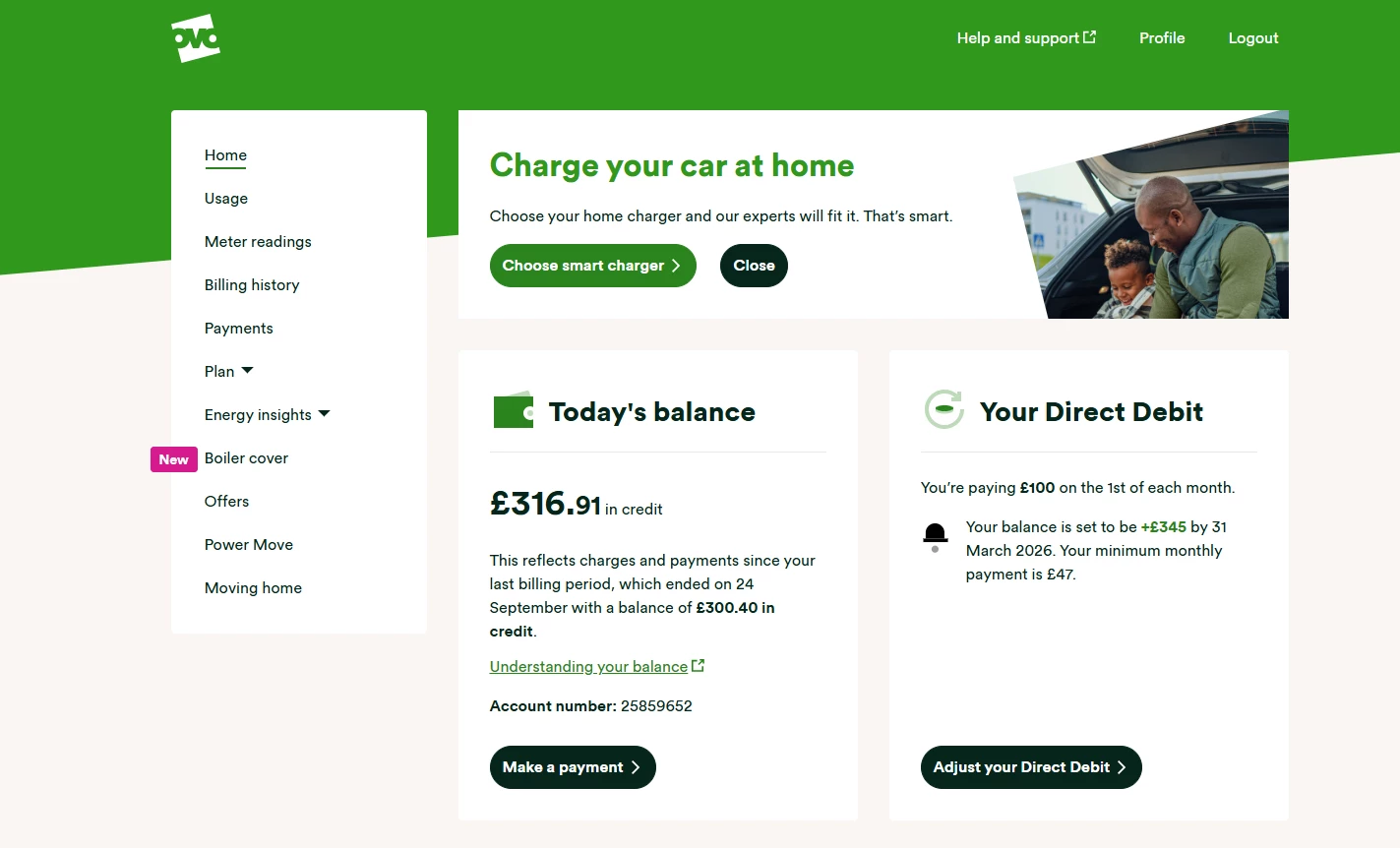
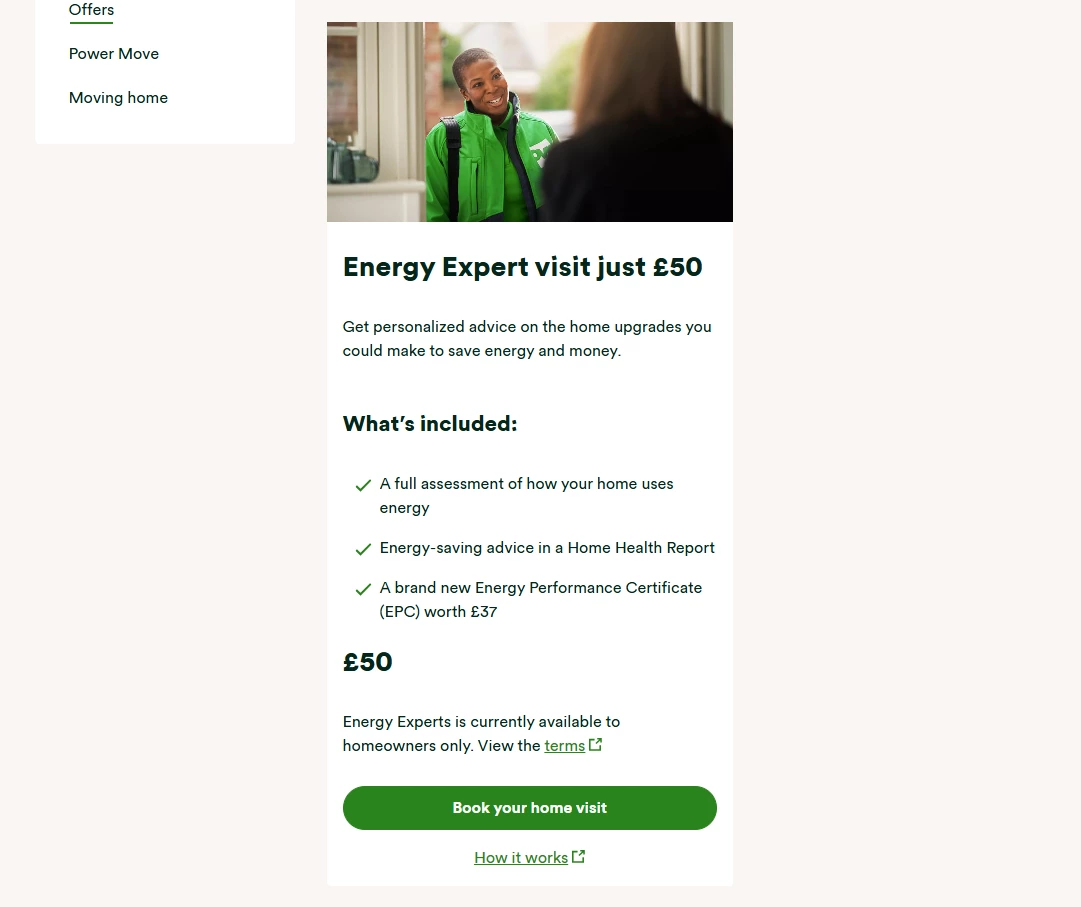
- Scroll down to the Energy Experts section and select ‘Book your home visit’
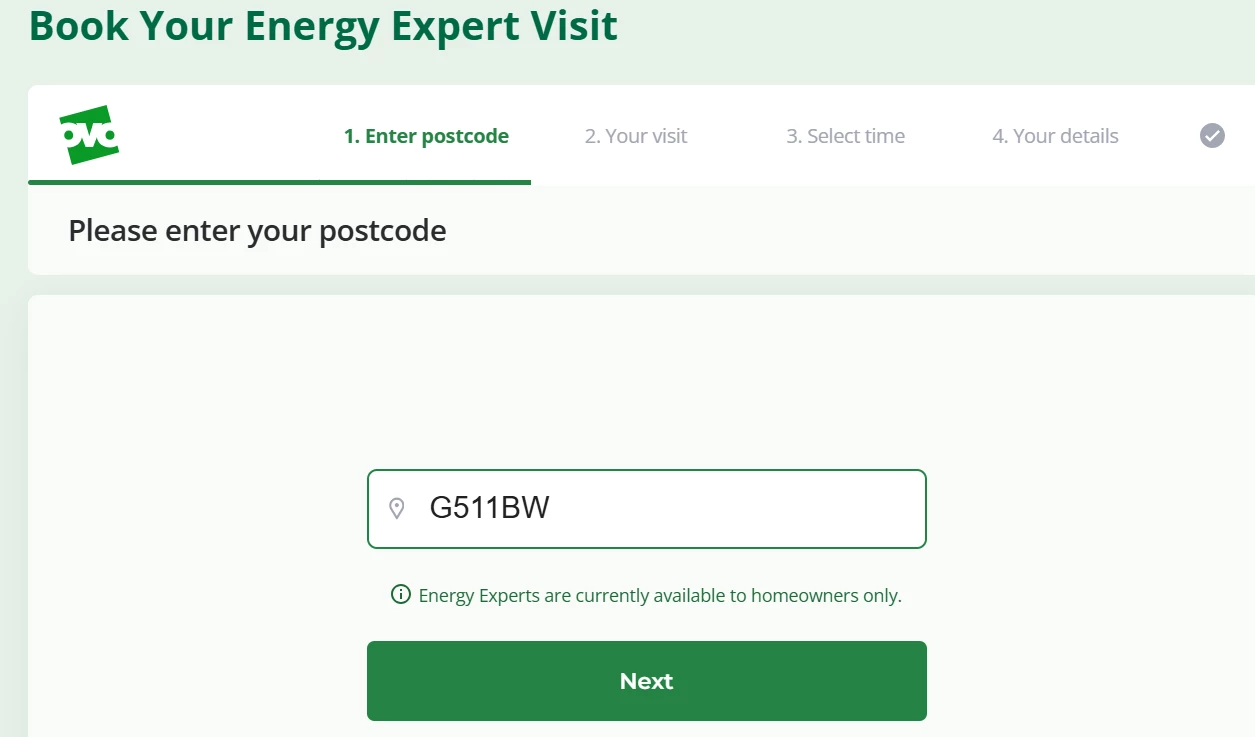
- This will take you to the booking journey. Enter your postcode
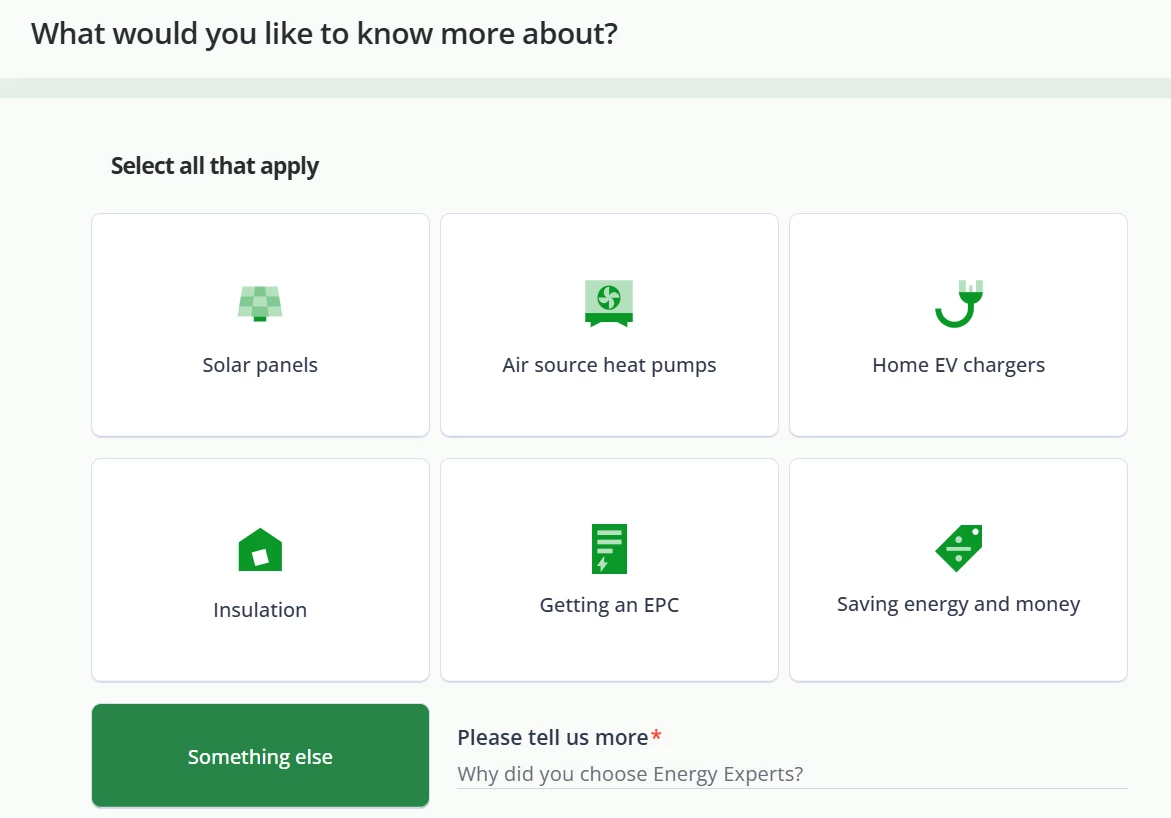
- Select the topic or topics you’d like our Energy Expert to help you with. They’ll tailor the visit to suit your needs.
- Choose the date and time for your appointment. Someone 18 or over will need to be at home during the visit. Some appointments have an ‘ECO’ label, this means that the Energy Expert will be close to your address at the time, so won’t have to travel far to get you.
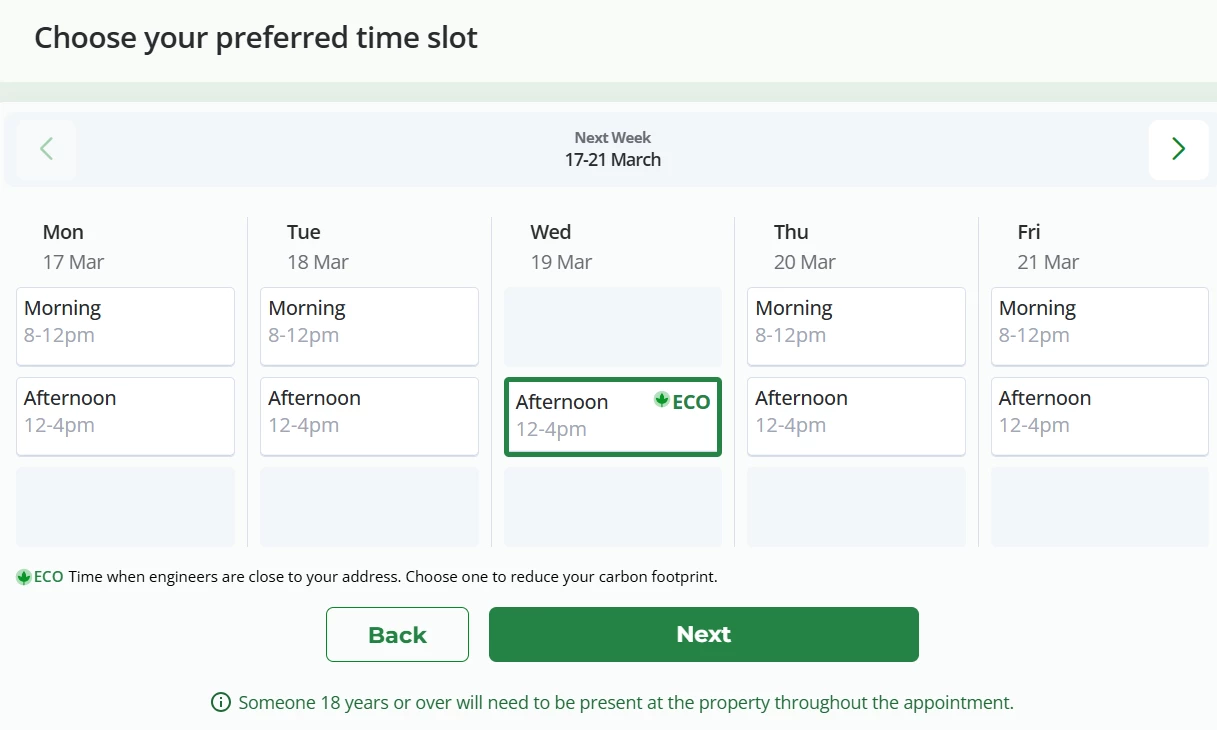
- Click ‘Next, and enter your address.
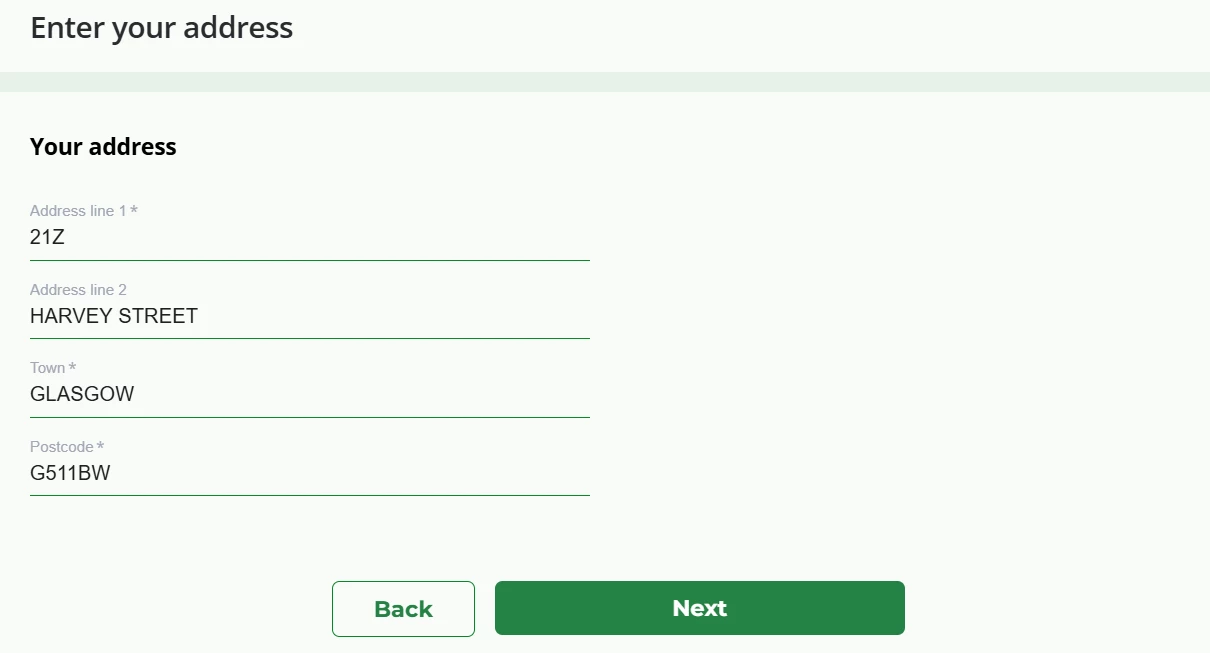
- Click ‘Next’ again, and enter your contact details.
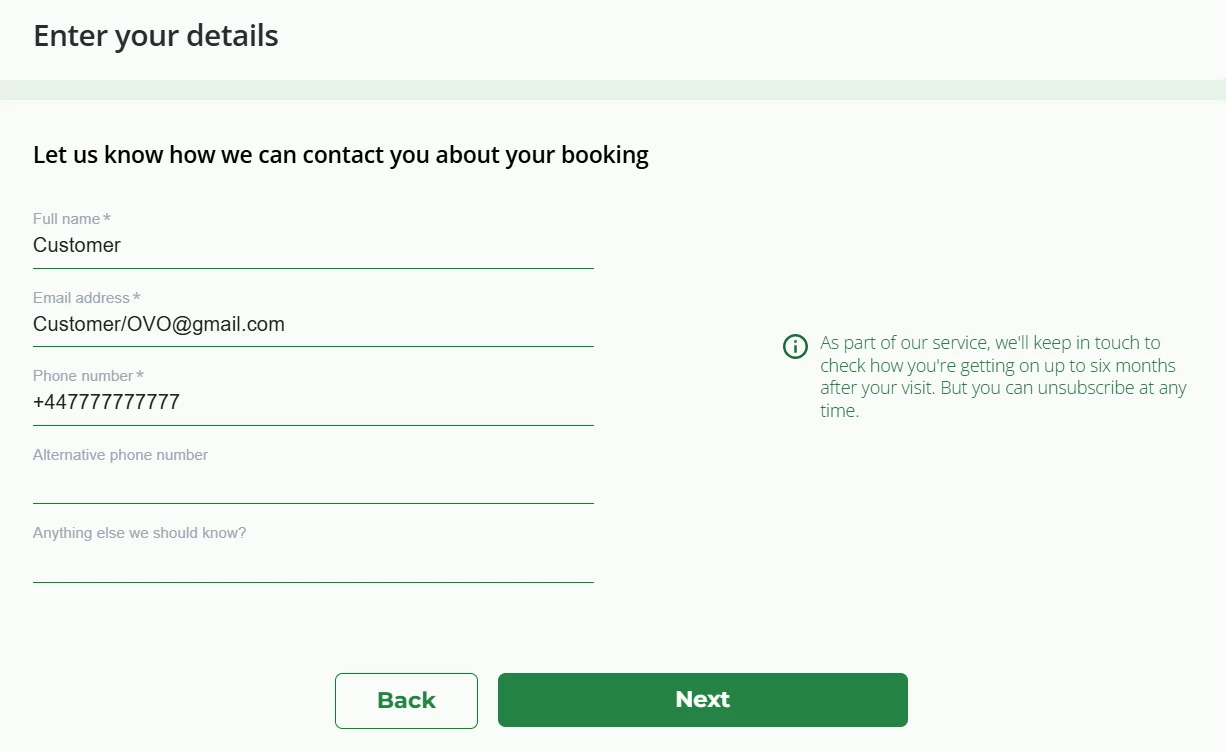
- Click ‘Next’ and confirm the booking.
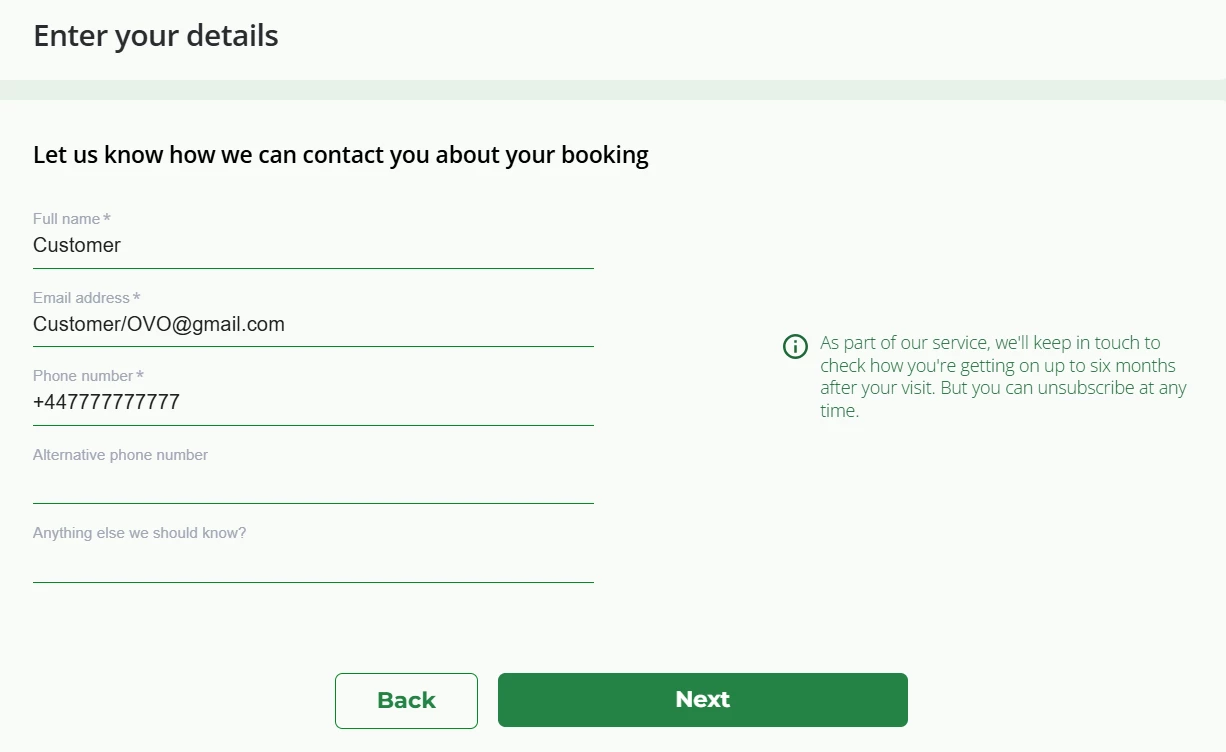
- You’ll then be directed to a payment page. Once you’ve paid, the appointment will be confirmed. You can cancel or change your booking in your online account.
Need more help?
This topic is now closed, so you won’t be able to reply here. If your question hasn’t been answered or you need more advice, feel free to ask the community — we’re here to help!
Give us your feedback!
Was this article helpful? Is our Library missing content? Share your anonymous feedback here and help us improve!

