




Tutorial
How do I log out of my OVO app?

Updated on 20/08/26 by Ben_OVO
Here’s how to log out of the OVO app (download for Android or iOS):
From the app homepage, select the person icon at the top right of the screen:

On the next page, you can scroll down and select ‘Log out’.
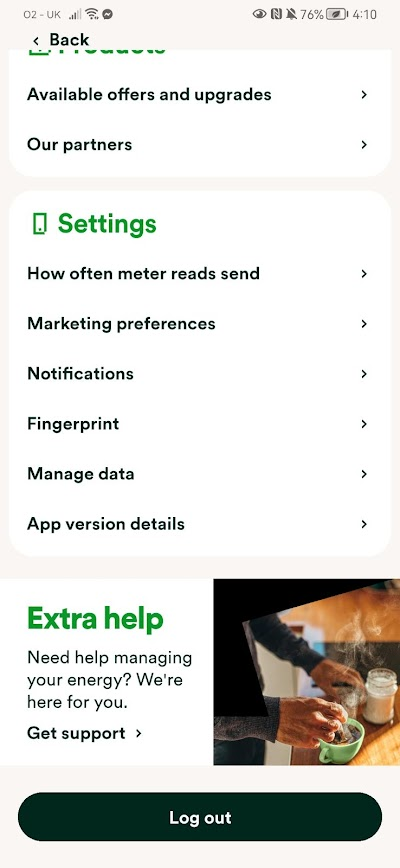
You’ll then be logged out of the account, keeping all your energy details safe.

