


Solved
Newbie to Beyond- How do I get the 'two hours free electricity' offer?
I am new to the app, How do I book the free 2 hours of electricity and view then on the app please?

I am new to the app, How do I book the free 2 hours of electricity and view then on the app please?
Open the app on your phone, scroll down to Beyond, and tap ‘Free electricity’, wait for it to open (it can be slow to open on mine).
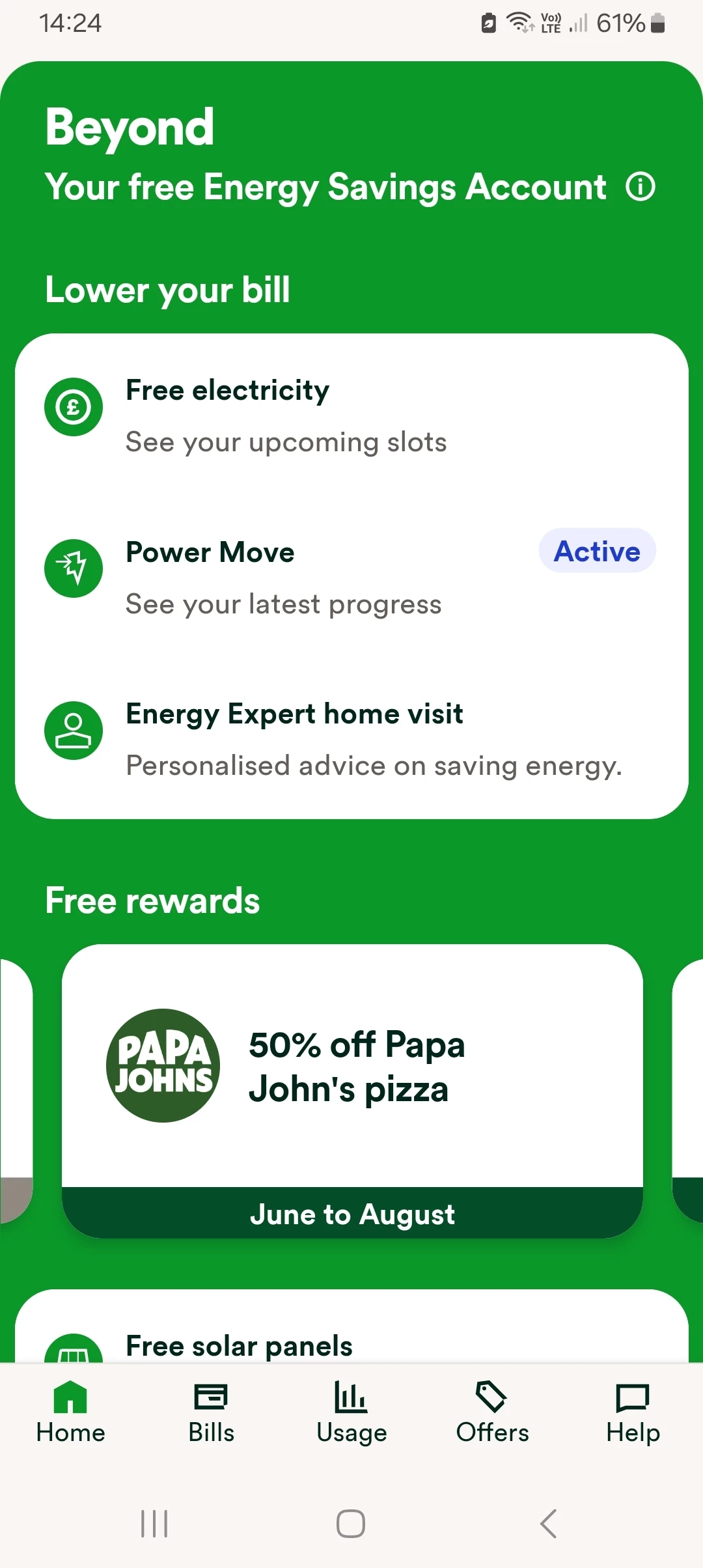
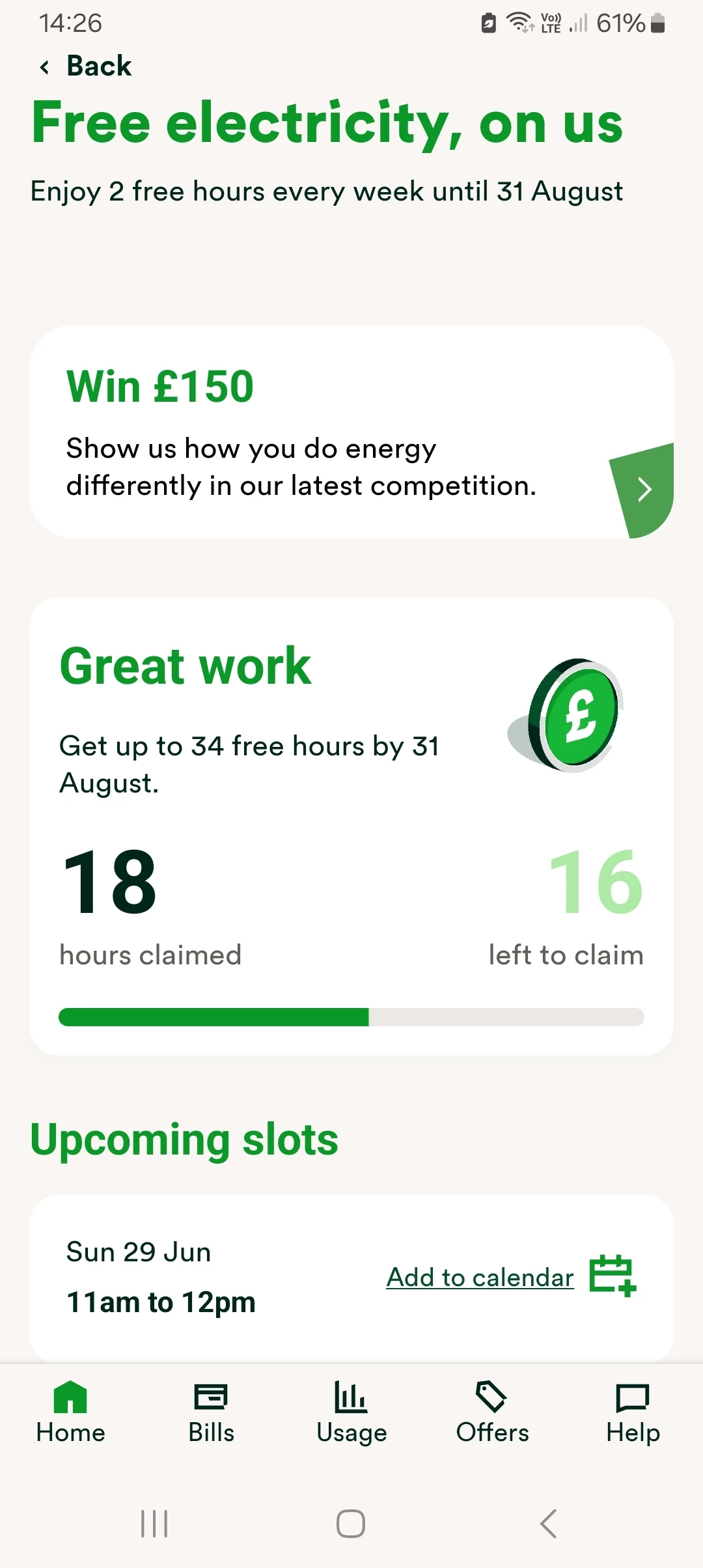
Once there it will let you set your slots, you can set 2-slots each week, and shows you what have already chosen set.
(As you can see there is currently also another competition there with a chance of winning £150):
No account yet? Create an account
Enter your E-mail address. We'll send you an e-mail with instructions to reset your password.
OVO Energy Ltd, Floor 5, Crescent, Temple Back, Redcliffe, BS1 6EZ, (Company no. 06890795) registered in England and Wales.
OVO (S) Gas Limited is registered in England and Wales (Company No. 02716495) at Floor 5, Crescent, Temple Back, Redcliffe, BS1 6EZ.
OVO (S) Gas Limited is part of OVO Group Ltd

