



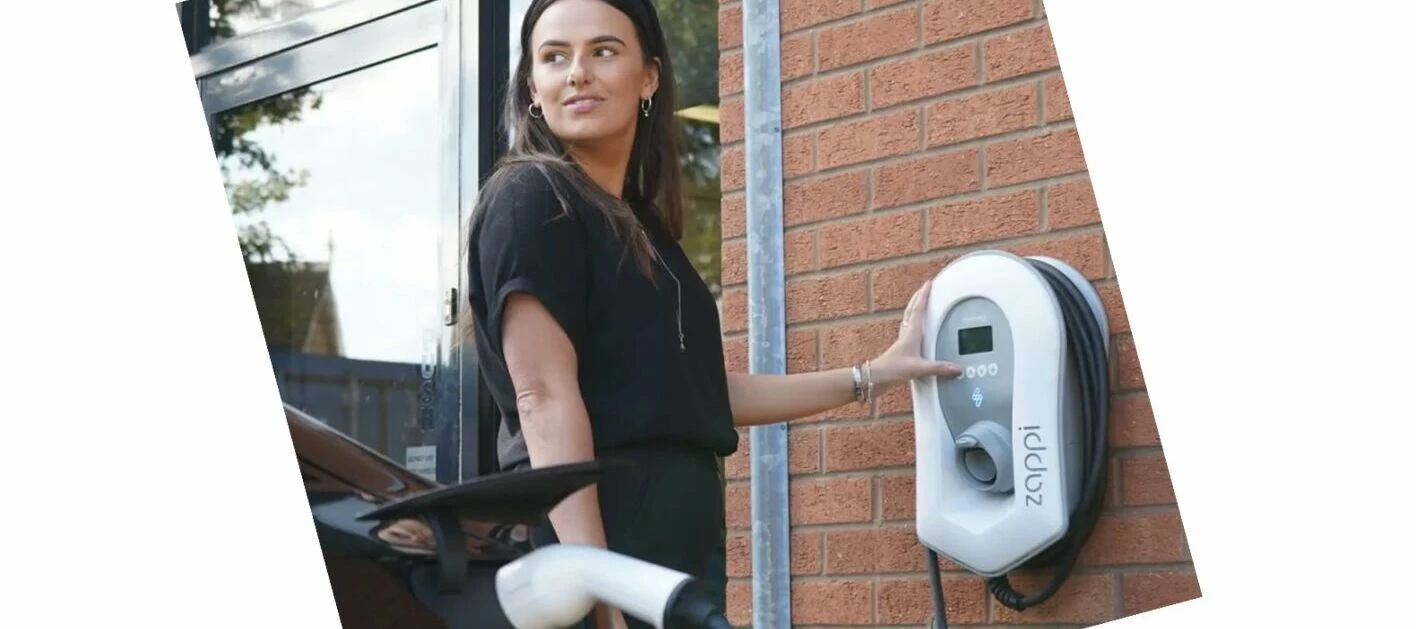
Myenergi zappi 2.1 and zappi GLO are now compatible with Charge Anytime
Updated on 10/02/26 by Chris_OVO
Who are Myenergi?
Myenergi is all about helping you manage your home energy more easily.
They offer some fantastic devices, including the award-winning zappi 2.1 EV charger and the new zappi GLO. These two products help create a friendly ecosystem designed just for you. Plus, they're now compatible with Charge Anytime, making your charging needs even more convenient.
zappi 2.1 and GLO are now compatible with Charge Anytime
Charge Anytime, our home EV charging add-on, is now compatible with myenergi zappi 2.1 and zappi GLO chargers. It's free to add on to your account and lets you smart charge your EV at home for a lower charging rate.
If you have a zappi 2.1 or zappi GLO charger and are already using Charge Anytime through a vehicle connection, you may find it useful to switch and connect with your charger. This would mean you remove your vehicle connection to Charge Anytime and then reconnect directly with your newly compatible zappi charger. The charger connection could be a better choice if you have multiple EVs that aren’t all compatible.
The zappi 2.1 and zappi GLO charger models are solar compatible, so you can make full use of your home charger set up when adding Charge Anytime. OVO can install a zappi charger at your home - you can find out more here.
Onboarding with your zappi
So you can connect to Charge Anytime successfully you’ll need to make sure that your zappi charger is on the correct firmware and the CT clamp on your charger is installed with the correct orientation:
Firmware: Zappi devices must be on the latest version of firmware to be able to onboard to Charge Anytime. Please update your firmware by following the instructions before onboarding to Charge Anytime.
CT clamp orientation: You will also need to ensure that when your zappi device is installed the CT clamp orientation is the correct way round. The arrow needs to point in the direction of the import (e.g. towards the consumer unit if on the live cable). You can find more information about the role of the CT in the myenergi ecosystem and rules for CT clamp installation. The below image in the MyEnergi app shows the correct flow if your CT clamp is installed correctly. The arrows must be flowing from the grid (red icon) towards the centre leaf and on towards the house (pink icon). If you need support with this please contact the myenergi support centre who can help get you set up.

Once successfully connected, your zappi will switch to managed mode. This means:
- Charging schedules and boost controls are managed entirely via the Charge app (download from the App Store or Google Play).
- Local changes such as scheduling or mode switching will be disabled
- Manual boost remains available on the device if the internet connection is lost
- Charge Anytime will create a schedule based on grid demand and your charge preferences.. If you have a Solar CT clamp, solar generation will also be factored into scheduling decisions
To be eligible for Charge Anytime with your zappi, you’ll need to:
- Be an OVO customer, on a pay monthly OVO energy tariff
- Have a zappi 2.1 or a zappi GLO
- Have a compatible smart meter opted in to half hourly reads (we opt you in to half hourly: it’s part of the terms)
- Have an iOS or Android phone
How to join?
- After you’ve confirmed your eligibility and made sure your zappi is on the latest firmware and the CT clamp is in the correct orientation you’ll need to download the OVO Charge app from the App Store or Google Play, and log in using your energy account details
- Set your EV’s battery capacity
- Select your zappi 2.1 or zappi GLO charger and sign in using your charger account details
You’ll then be able to charge your EV at our discounted charging rate.
Full terms apply.

