Rank 1
April 7, 2023
Solved

Charge Anytime - how do I activate it on my OVO online account?

  • April 7, 2023
  • 11 replies
  • 1942 views

I have recently switched to OVO. 
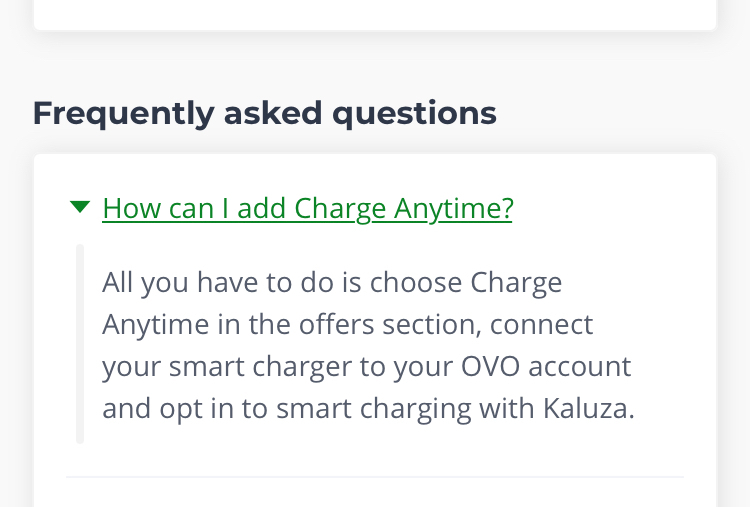
I understand that I need to activate Charge Anytime using my online account. 
 

The problem is I don’t seem to have this option. 
I have been to the ‘offers and upgrades’ page where it tells me about Charge Anytime, but I don’t seem to have any way to actually add it to my account. 
 

Does anyone know what I need to do? 
 

Many thanks

Best answer by kopweb

Updated on 02/02/26 by Ben_OVO


From the app


The website structure is still quite confusing and limited to certain chargers. The actual app has a much longer compatibility list.

If you download the Charge Anytime app and follow its setup instructions, you should be able to link your account without going through the Ovo website form.

You will need the login details for your car’s own app and for your Ovo account.

*edited by moderator*


You can download the OVO Charge app from the App Store (for iOS) or Google Play (for Android).


We’ve got some helpful topics on the Forum dedicated to setting up a compatible EV or Smart Charger with Charge Anytime, see these below:


11 replies

Rank 2
April 25, 2023

Thank you that is very helpful to know!

Great forum 

I will wait to embark on the next part of my journey 😁 Not as easy as I thought!