



How to update your contact details on the OVO app

Updated on the 31/03/26 by Ben_OVO
You can update contact details via the OVO app (download for Android or iOS). here’s how:
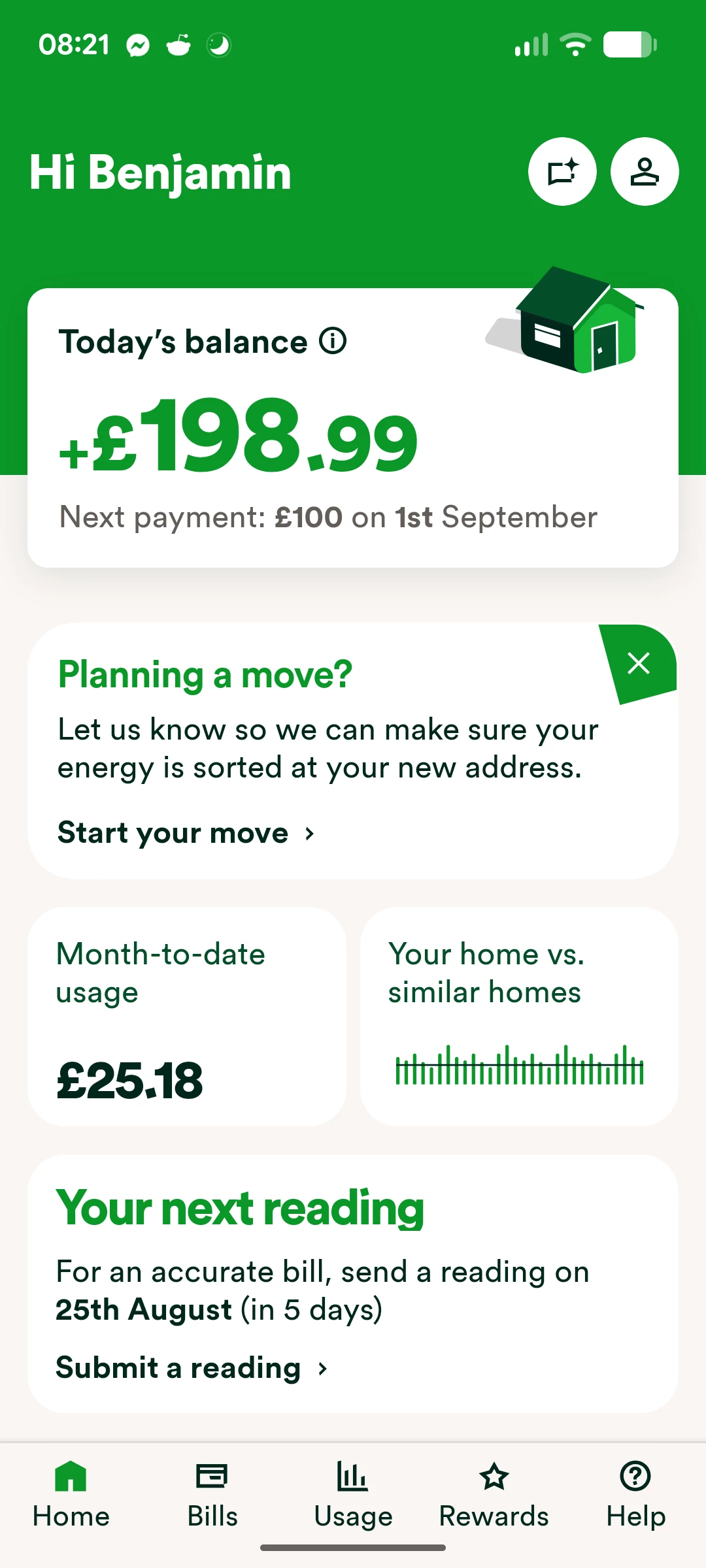
On the home page click on the icon of a person (top right):
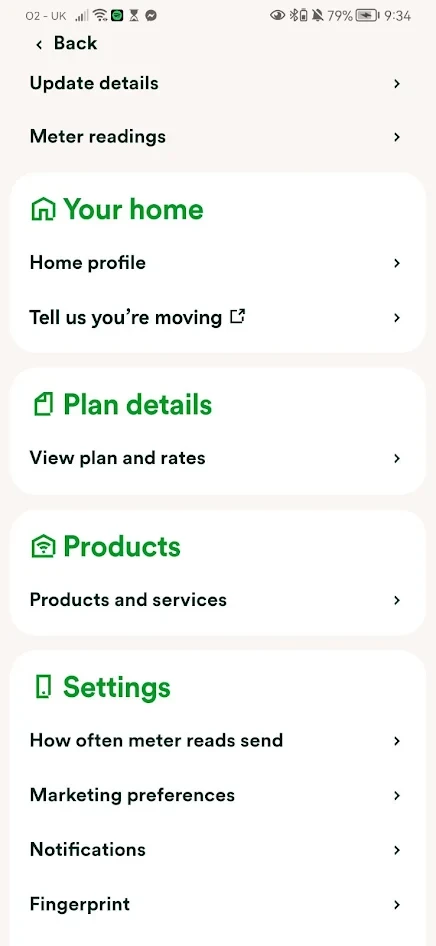
Click on ‘update details’ at the top of the screen:
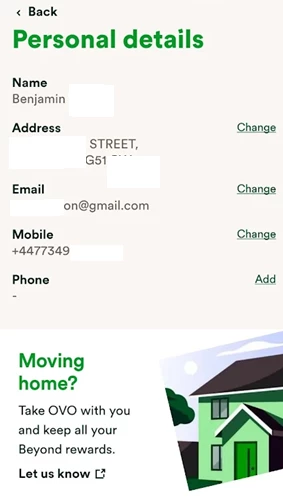
Select ‘Change’ next to the contact details you wish to change.
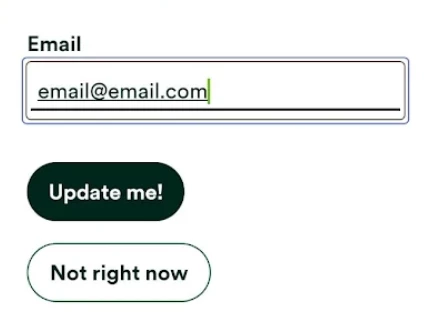
Enter the new details and click ‘Update me!’:
If you experience any issues doing this, you can contact the Support Team who’ll be able to help.
Need more help?
This topic is now closed, so you won’t be able to reply here. If your question hasn’t been answered or you need more advice, feel free to ask the community — we’re here to help!
Give us your feedback!
Was this article helpful? Is our Library missing content? Share your anonymous feedback here and help us improve!

