Rank 7
October 2, 2021

Installing a tado Smart Thermostat - easy yet difficult - looking positive and already helping

  • October 2, 2021
  • 28 replies
  • 7338 views

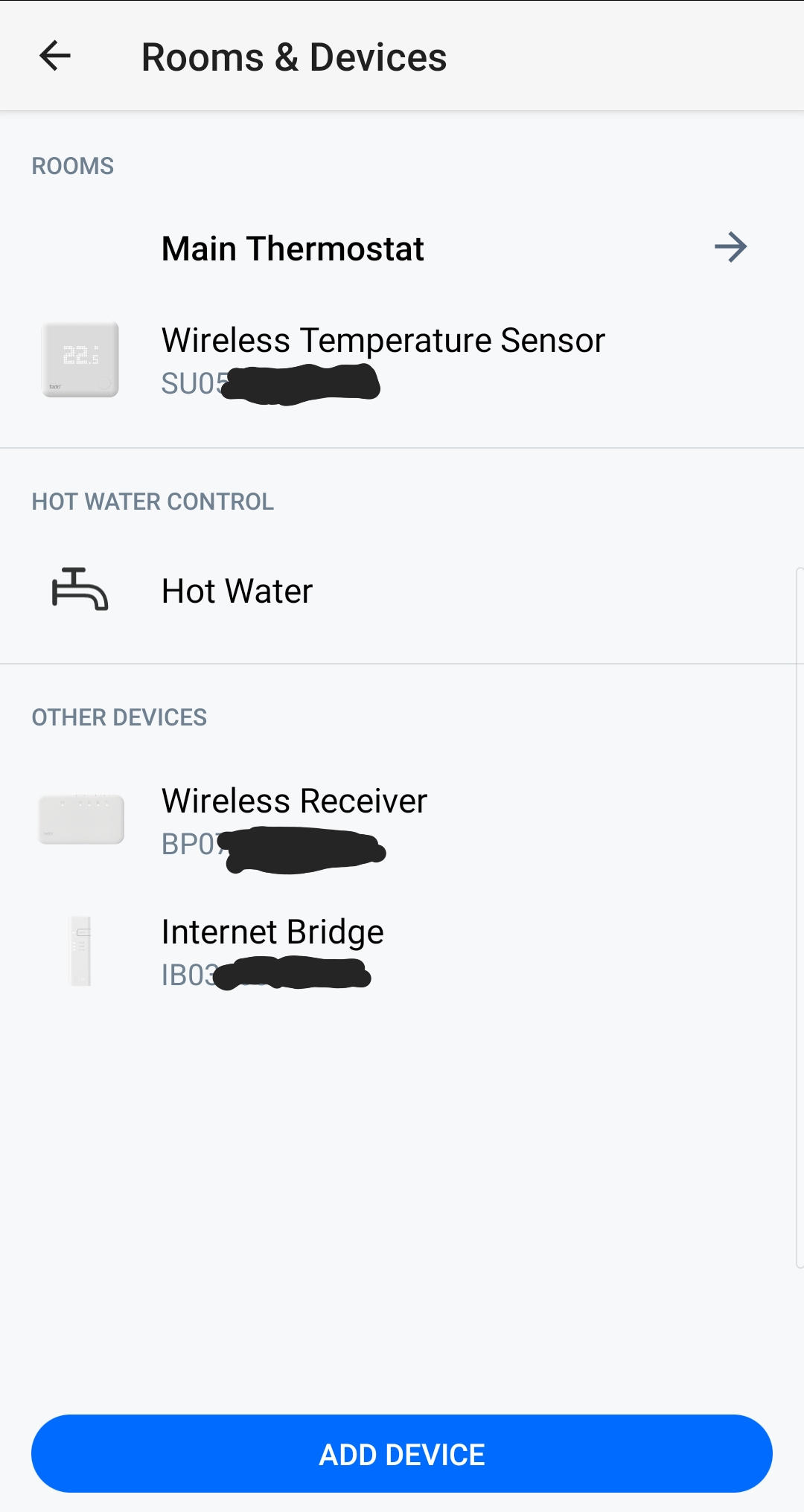
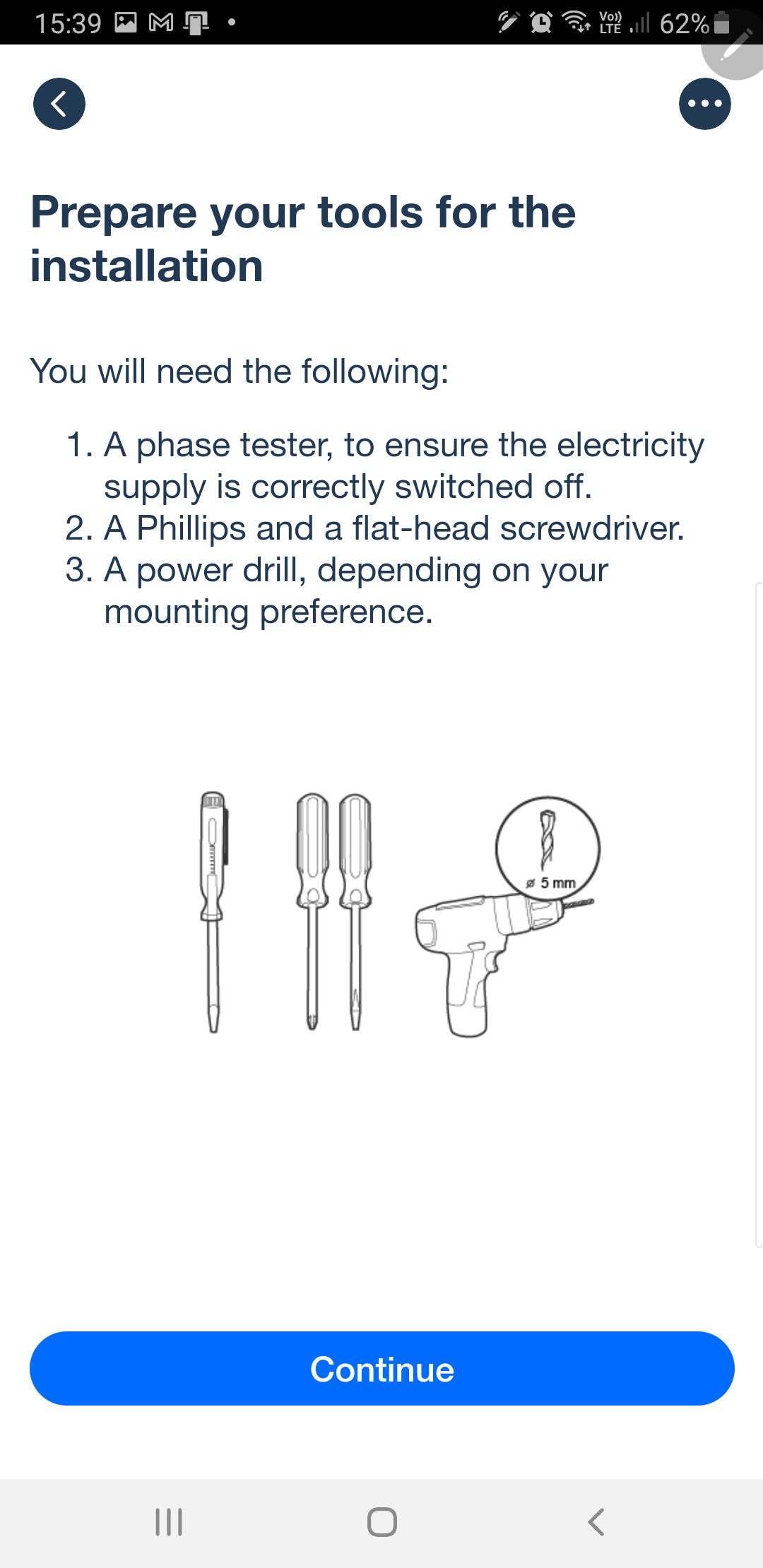
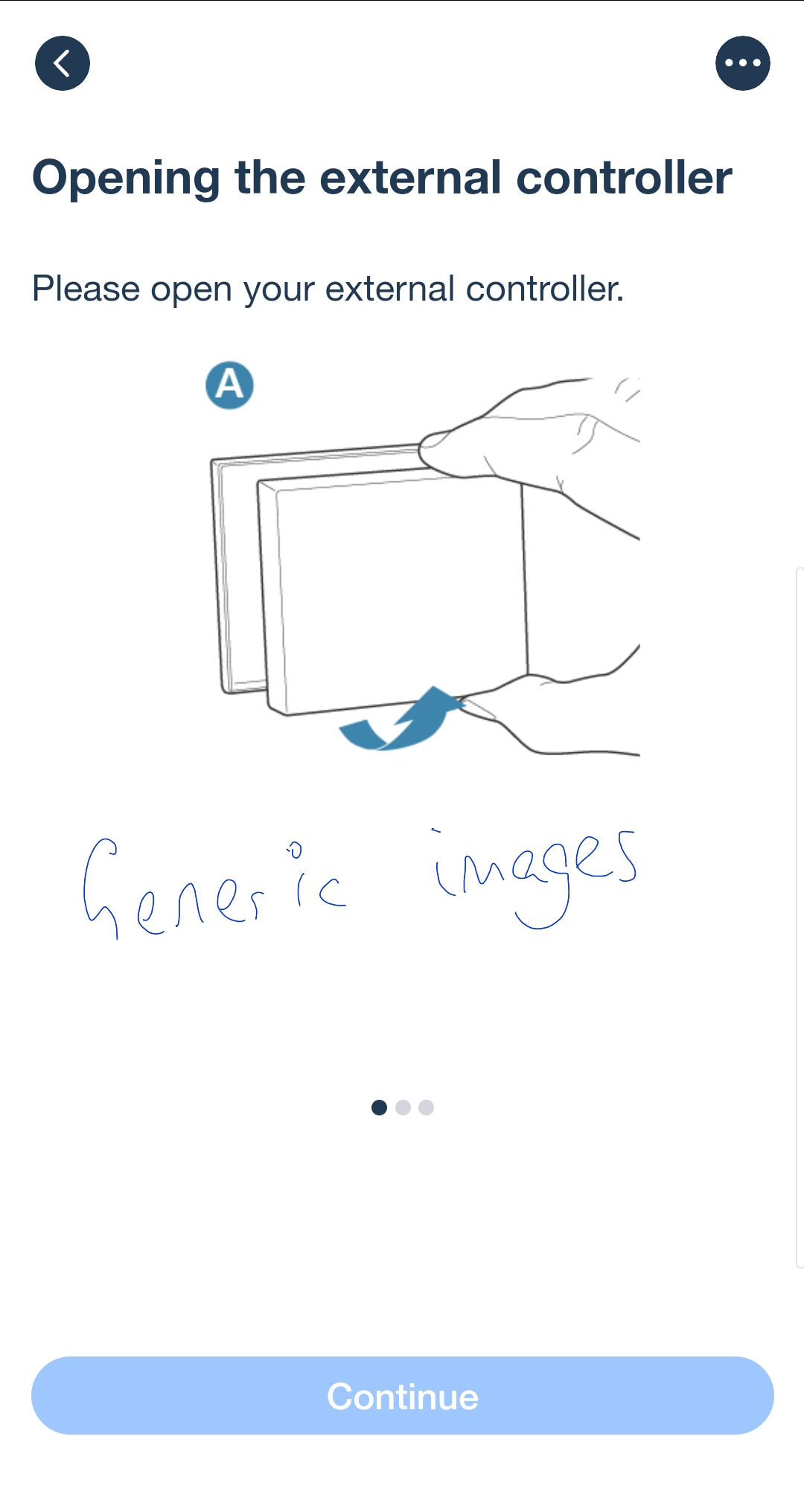
All was going swimmingly. The app installed. The tado arrived. I started the process and the app asked for the name and model number of thermostat and boiler controller. Happily it recognised my specific British gas models. Each device installation begins with scanning its QR code, and you are then given simple diagrams and instructions. The app led me step-by-step, screen by screen, through the installation, using in part generic diagrams and in part model-specific wiring guides. At each step, you have to touch the confirm button before the app lets you see the next step. You cannot look ahead.
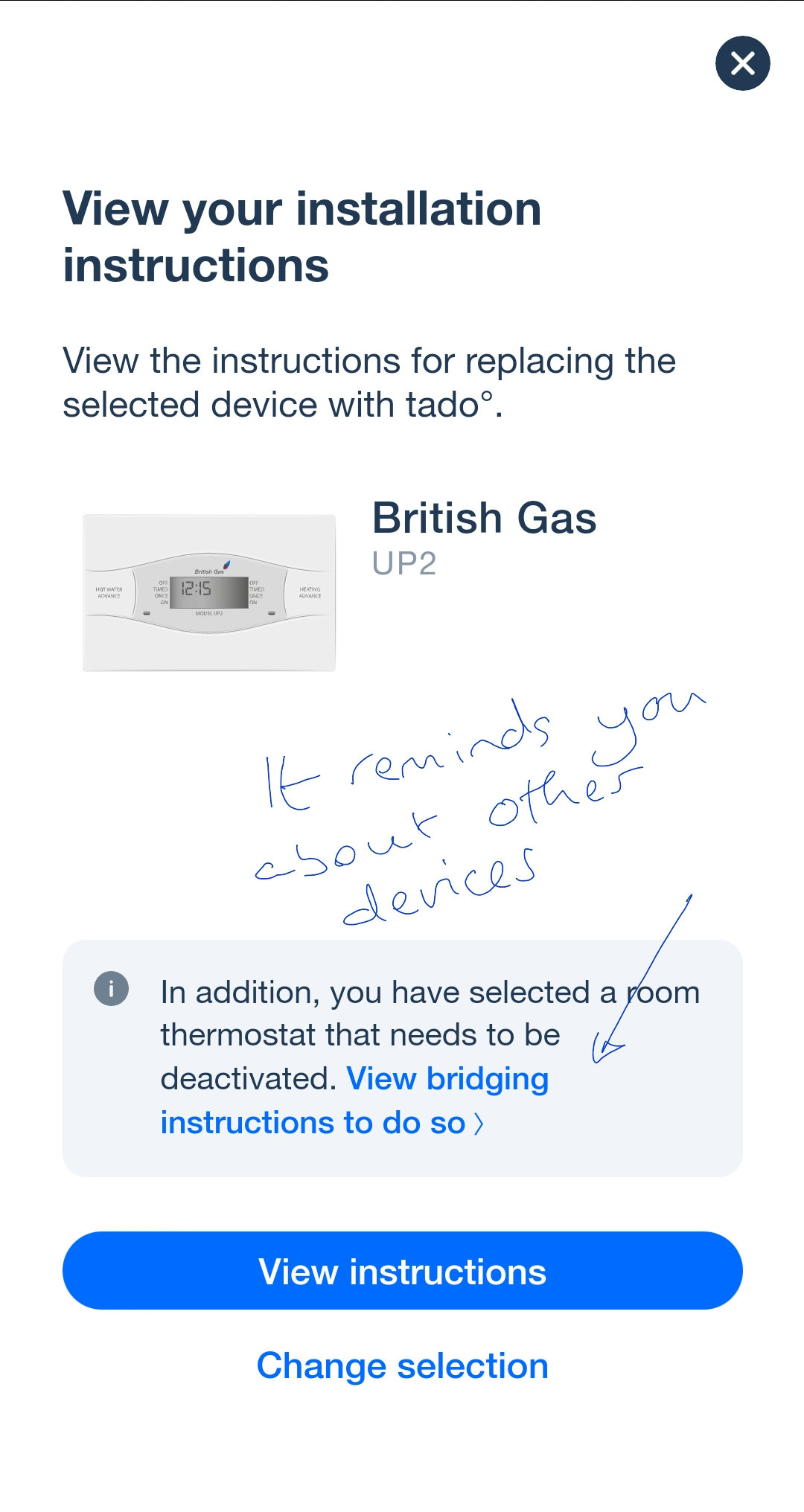


First is installing the Internet bridge, which has short 25cm ethernet and usb cables. Happily my router had both an unused ethernet socket and a usb slot. So the power comes from that, and I didn't need the supplied mains charger. The app checks that it has connected up properly. I then got a welcome email from tado.

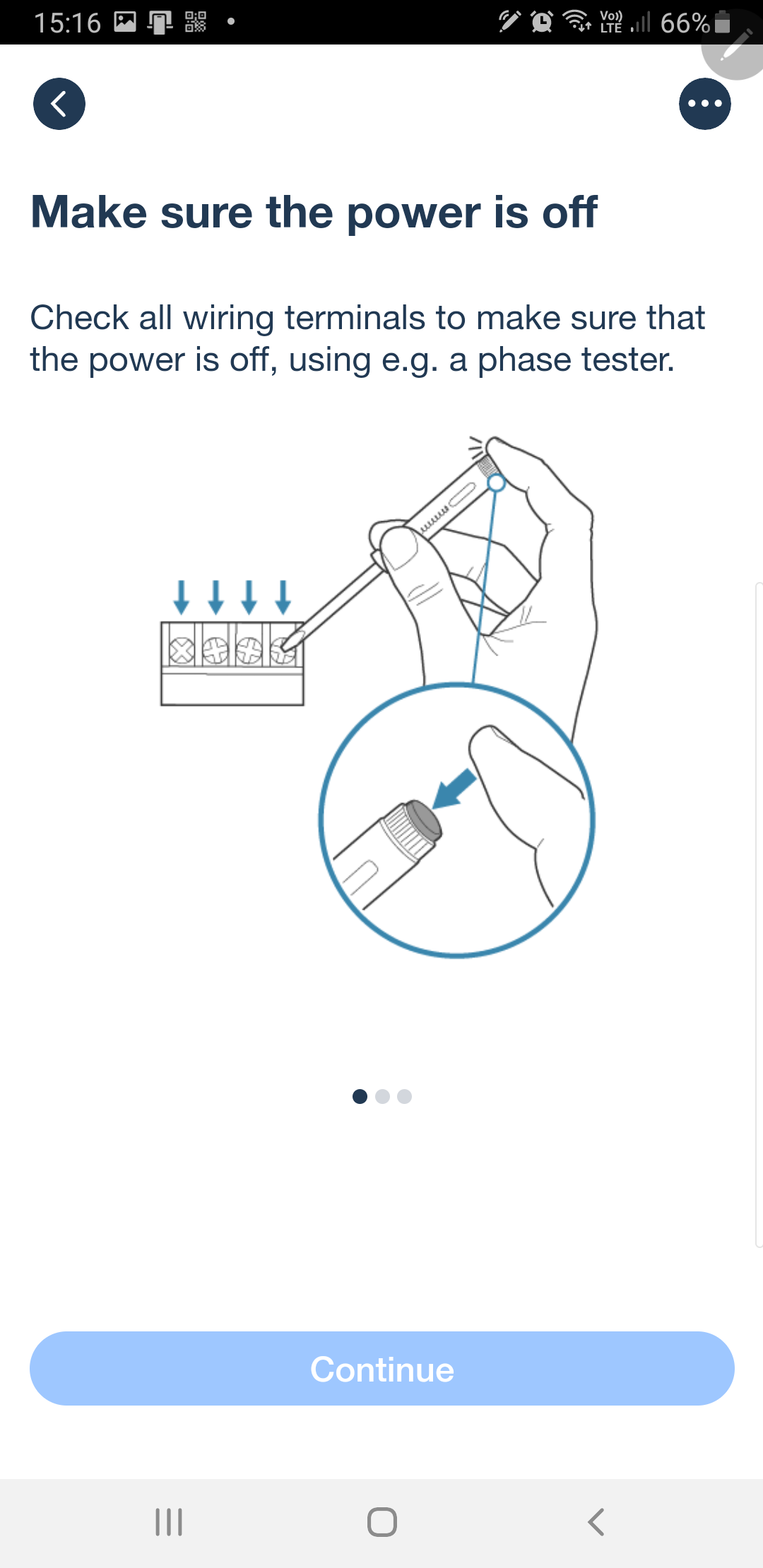
Then you switch off the power to the heating system, and check that it is off. I have an isolating switch near the boiler, so didn't need to use the main fuse board.

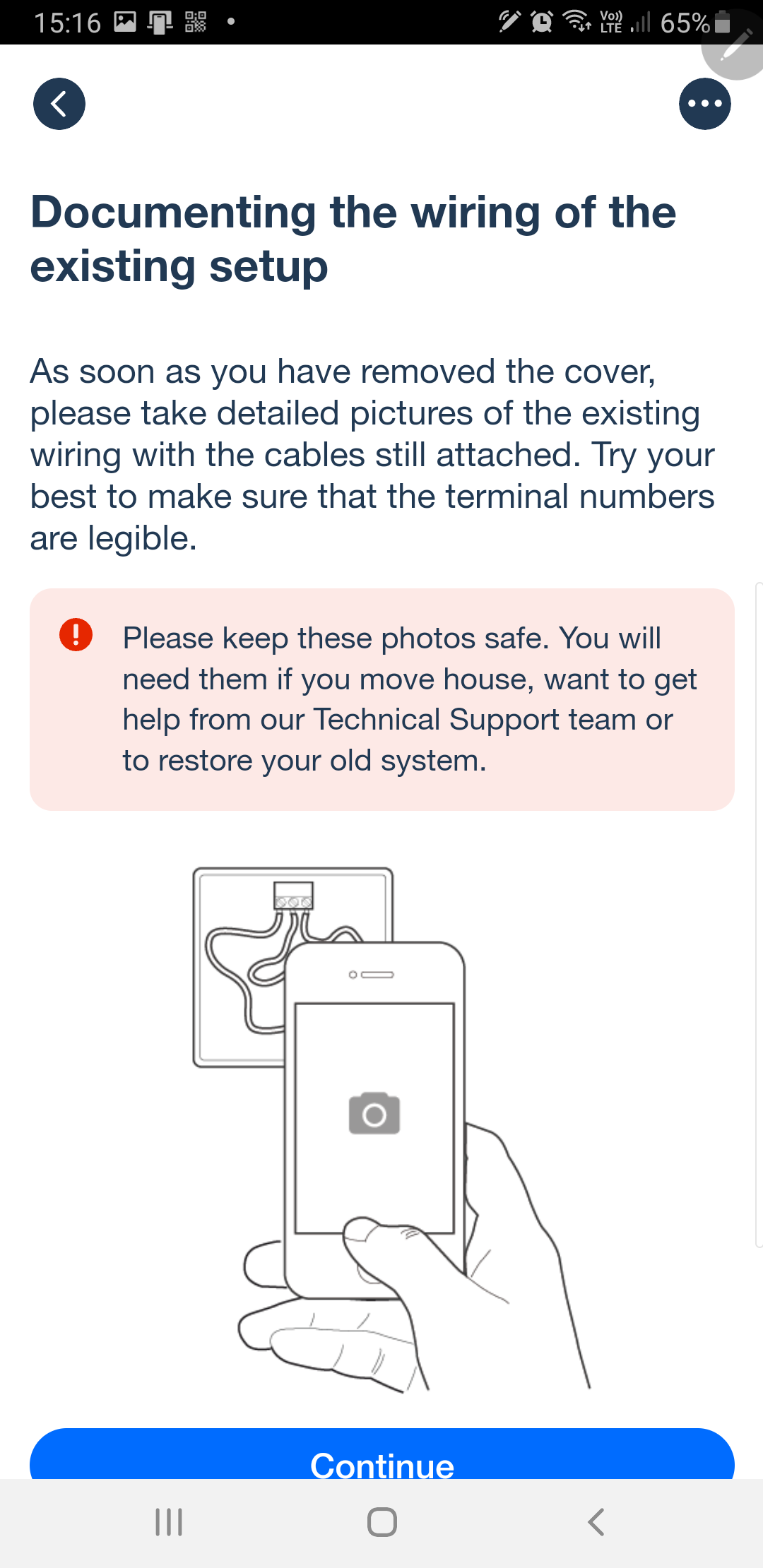
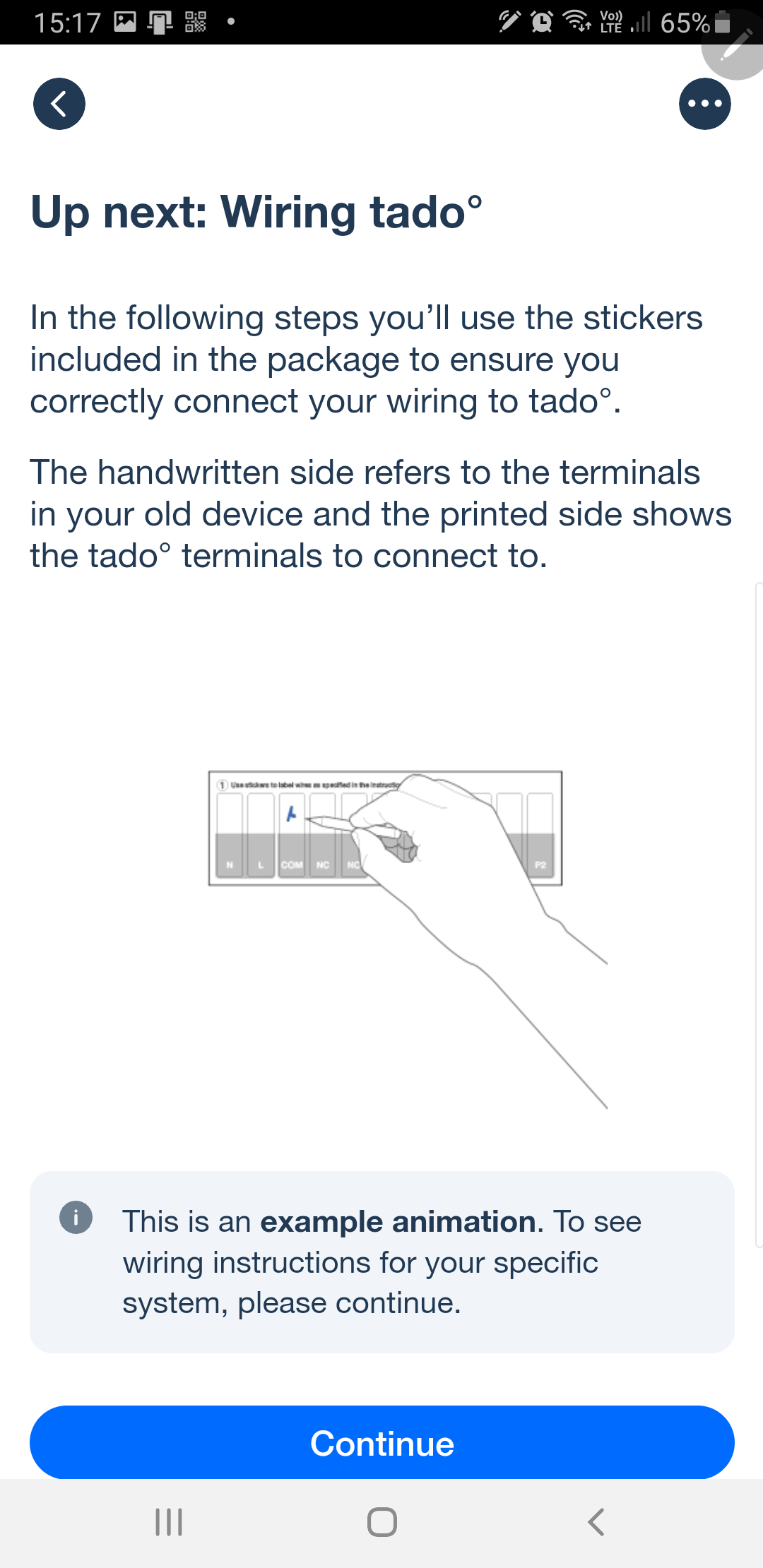
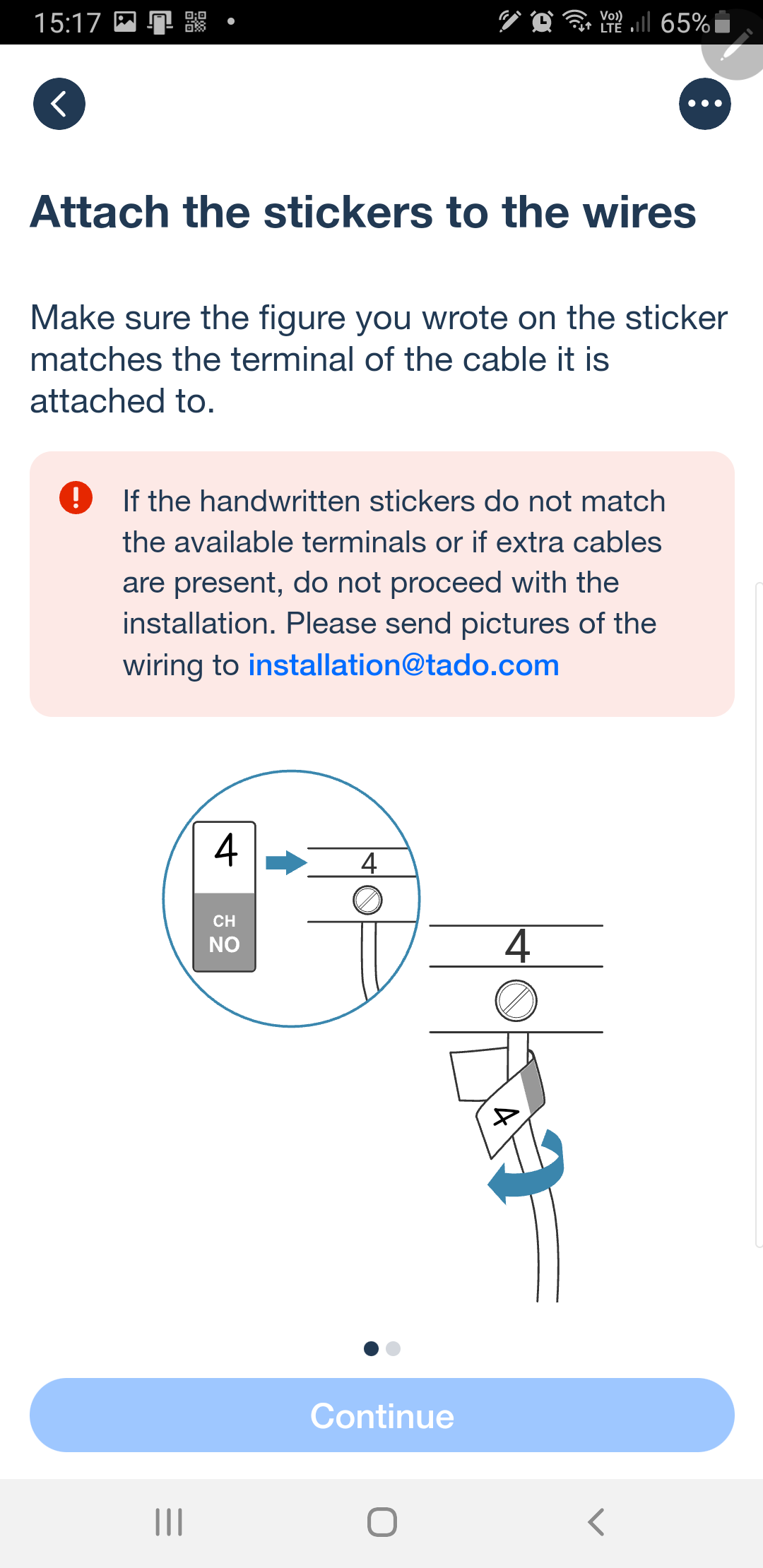
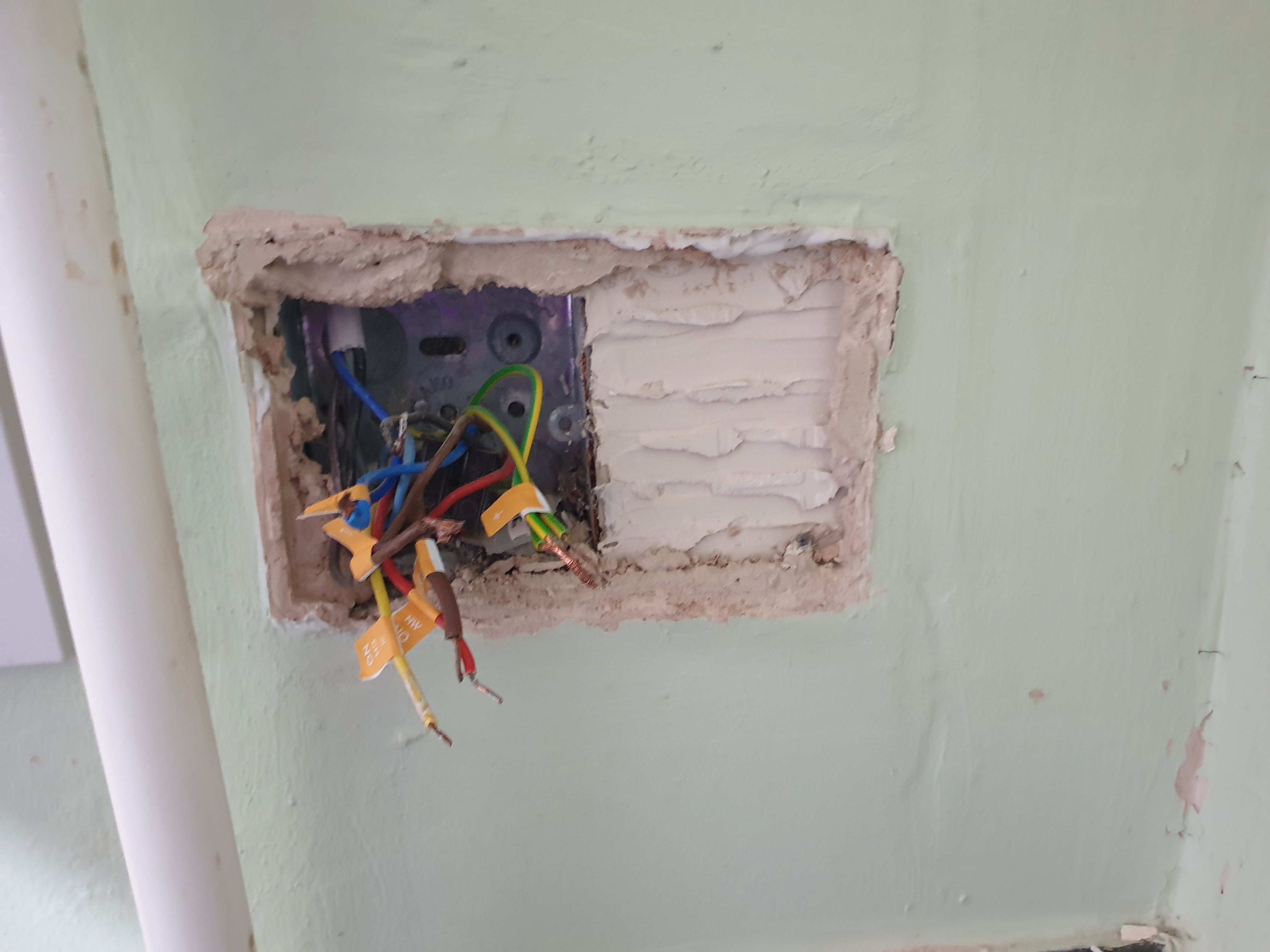
Second is the thermostat, again scanning the QR code. The app then takes you through removing the old thermostat, how to label up the wires with the supplied stickers, and says if you find an extra wire to email a photo; so I did. There is an earth that they don't mention. Fundamentally all of the old wires are disconnected and inserted into 2-way lever connectors.


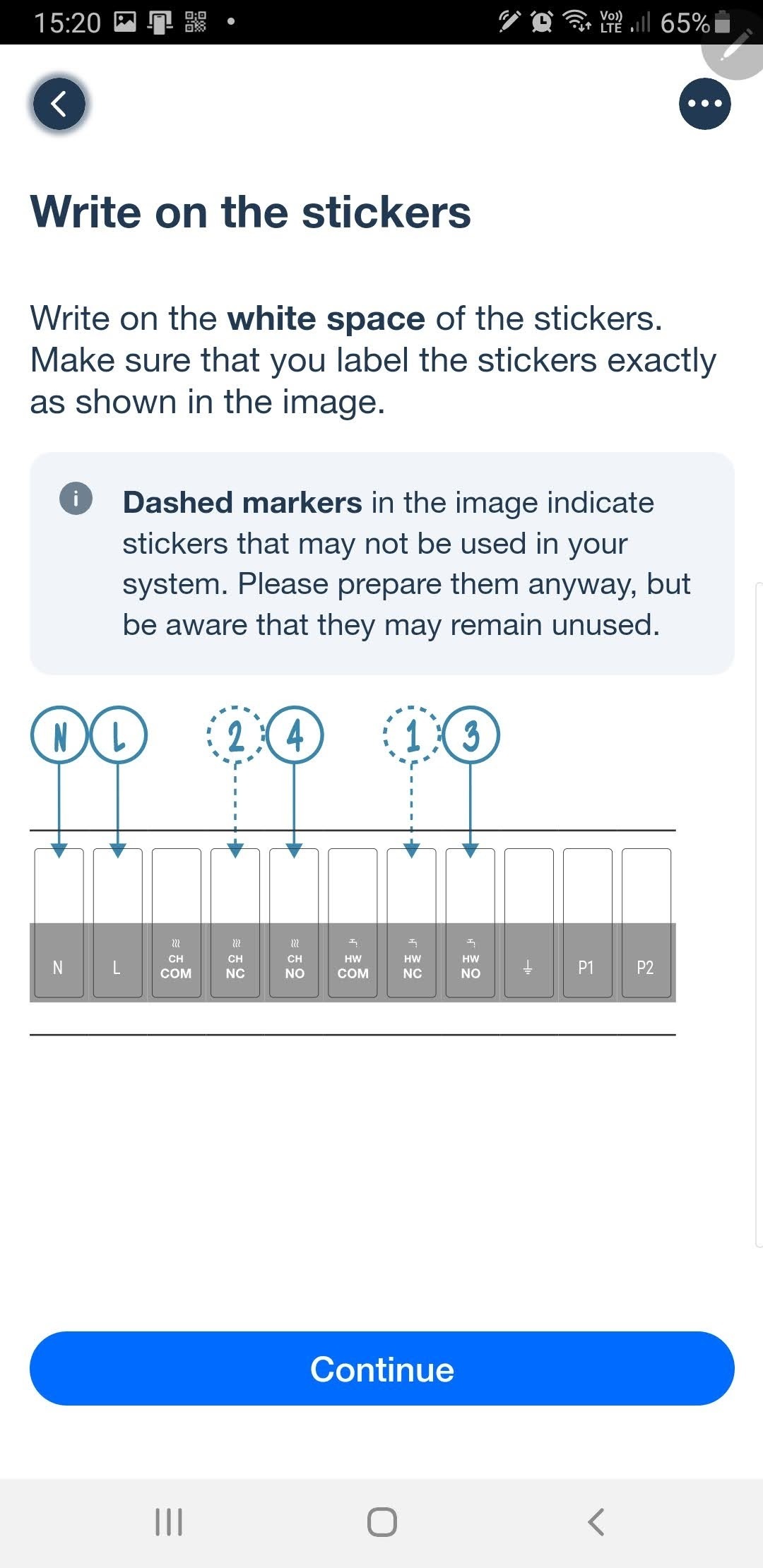
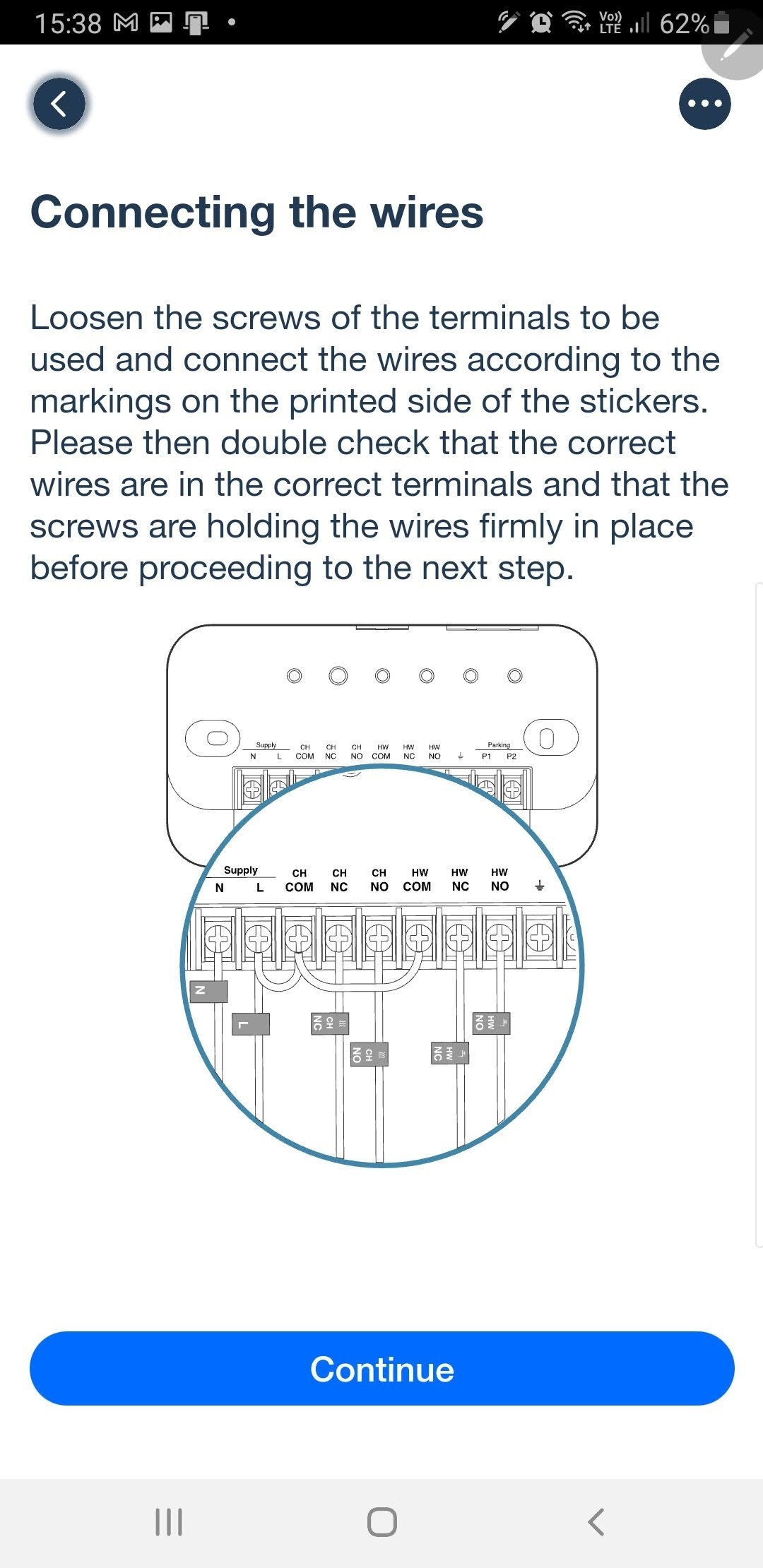
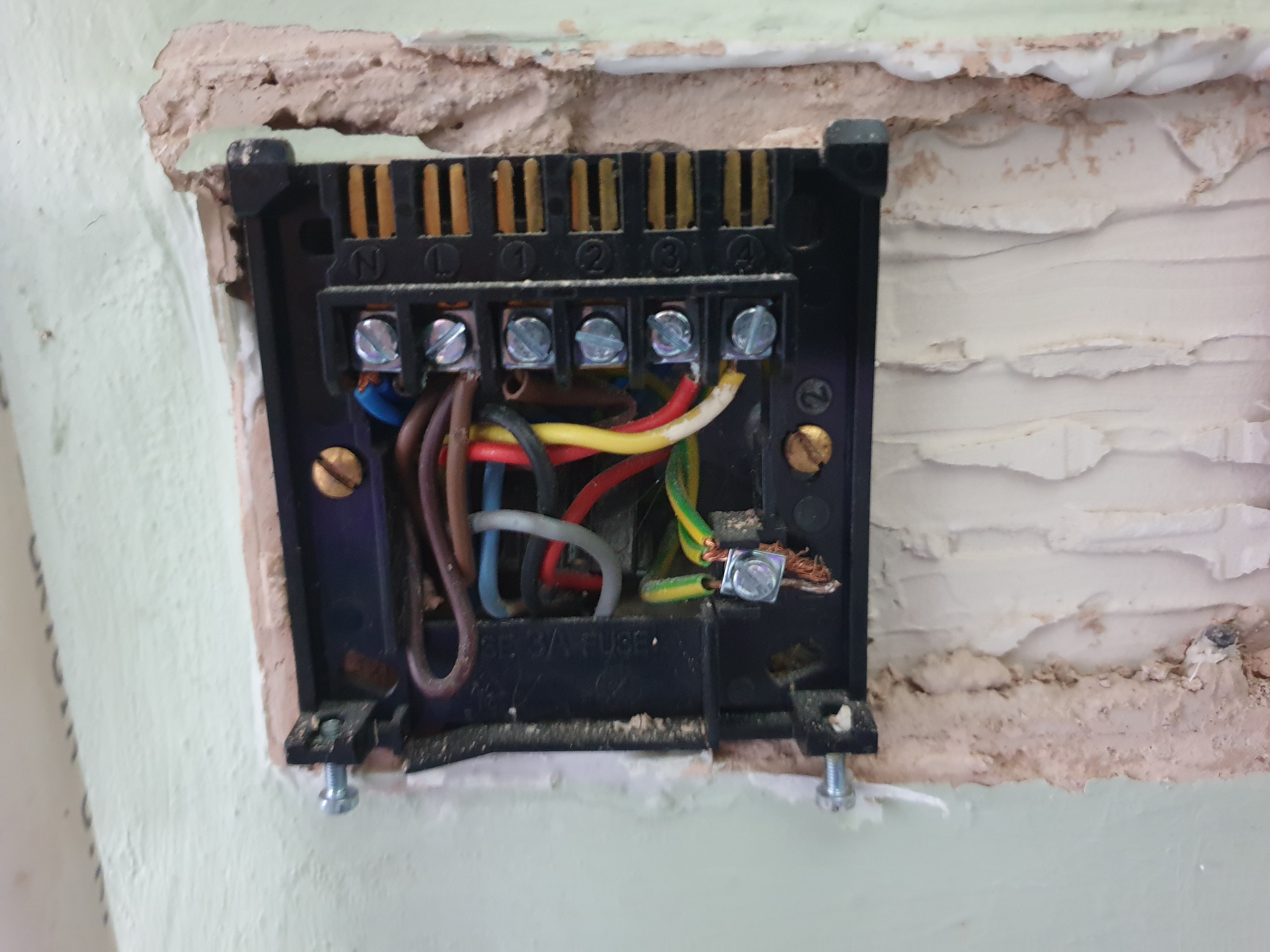
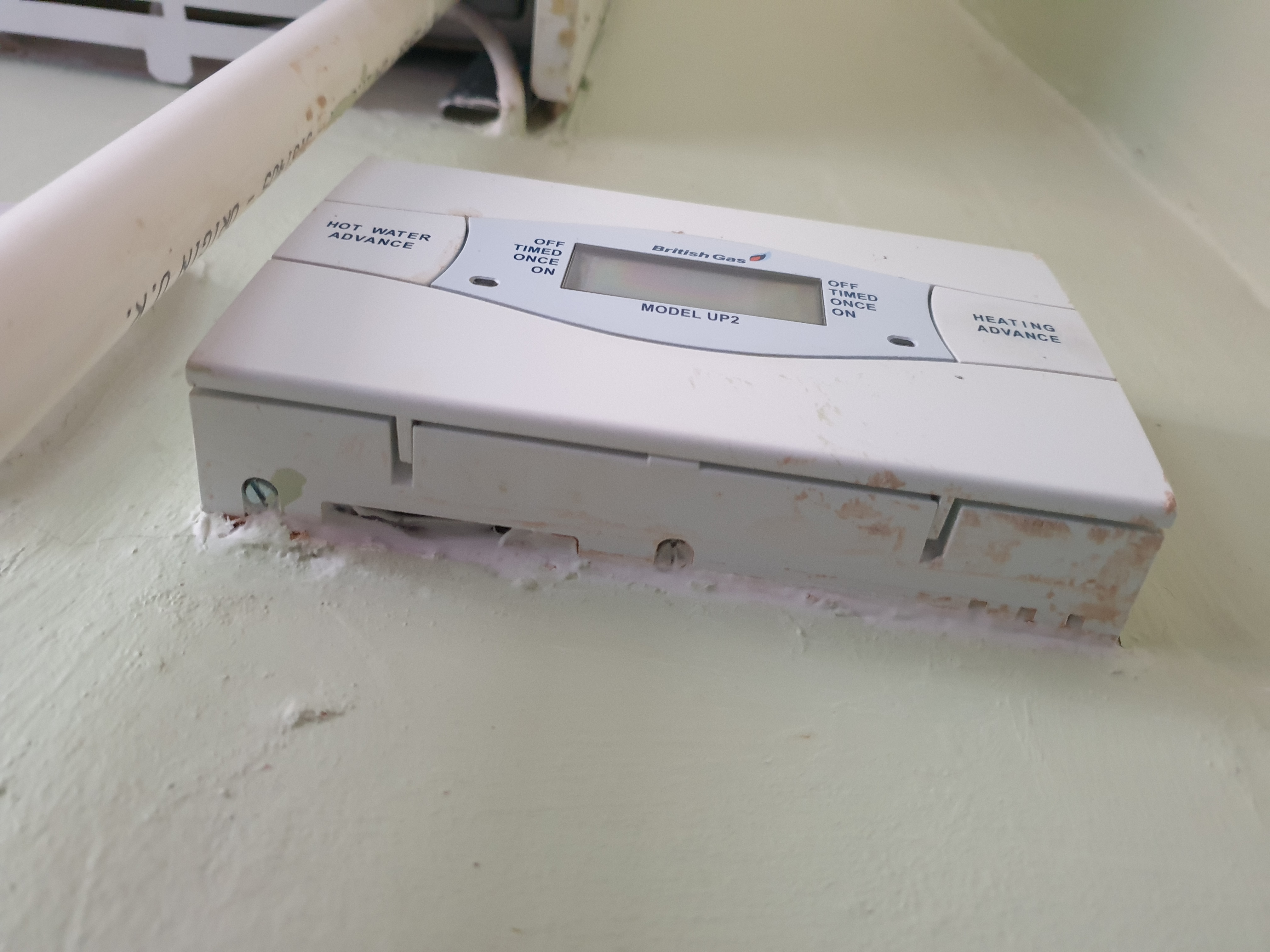
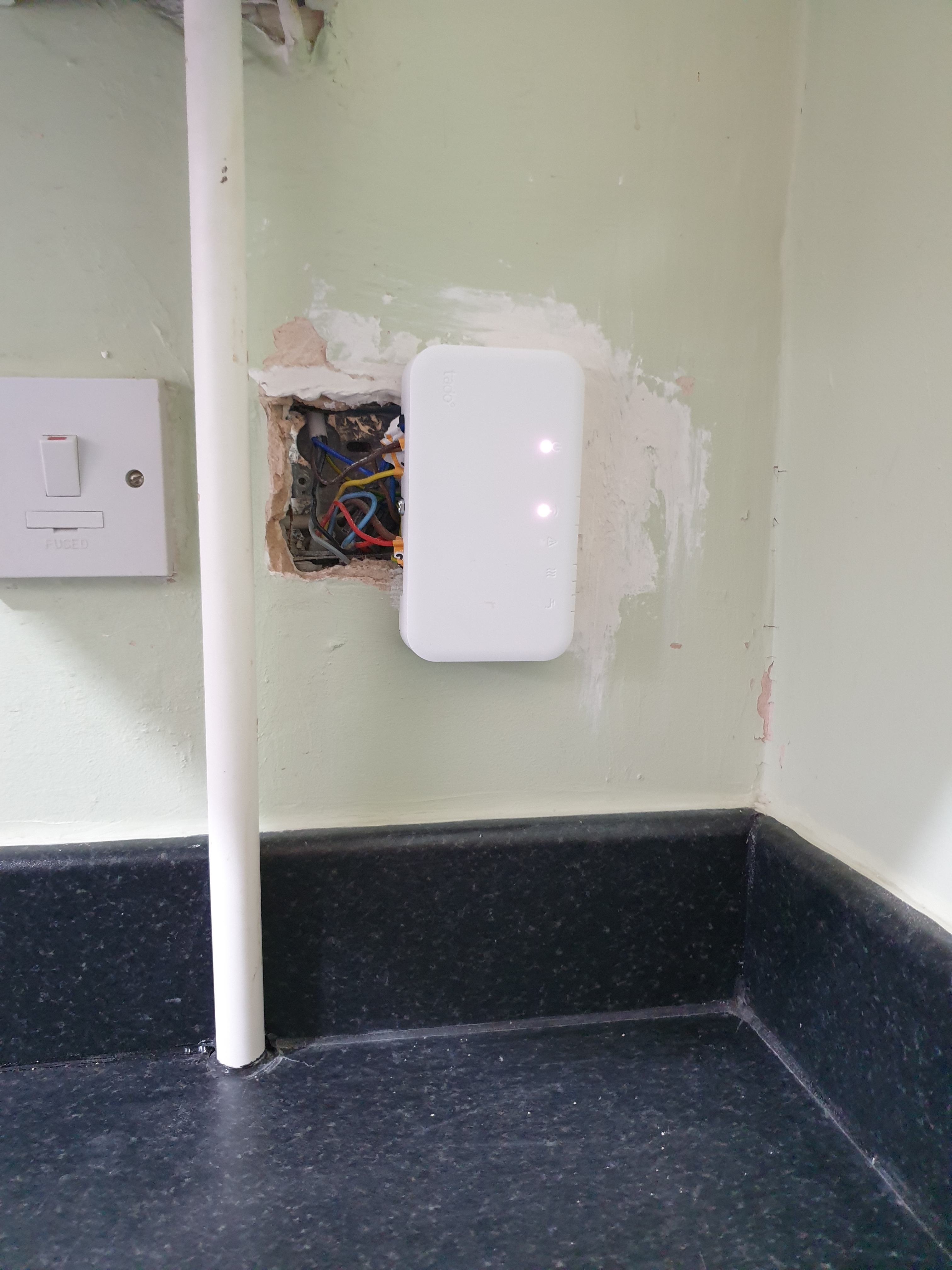
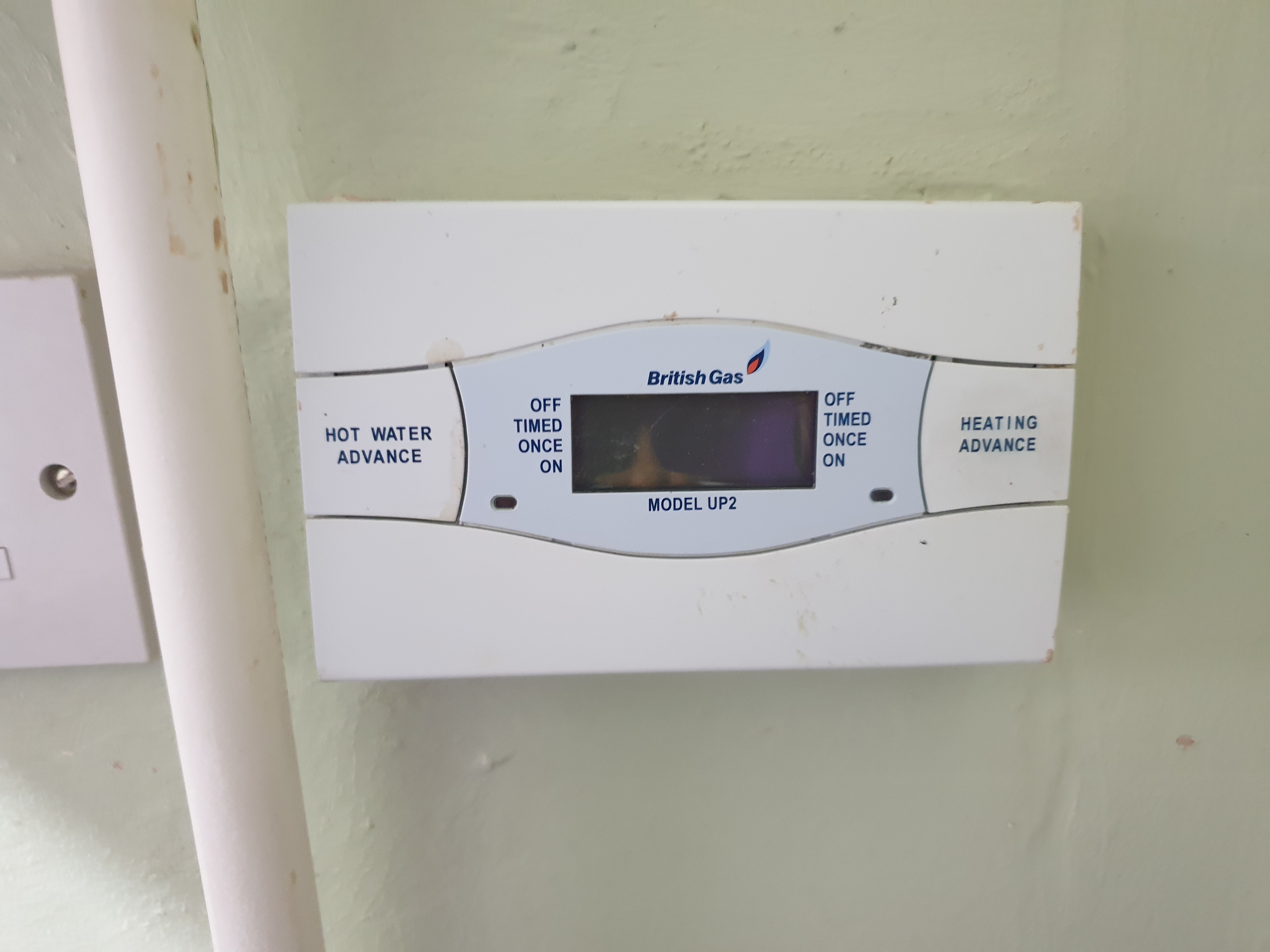
Third is the tado wireless receiver (programmer). The old one was in an awkward corner and had been partially sealed in with silicon sealant, but I got it opened and all the wires labelled in accordance with the app instructions. Again there was an extra earth wire (3 actually) compared to the diagram, so I used the earth label that isn't shown in the instructions. I sent off an email with photo as instructed to advise the extra wire. I got the base off the wall as instructed. My goodness but there was a lot of loose plaster left by the British Gas installer! What a mess it was.


Beware of wires that are hidden

There was a black one connected in the same N slot as the blue ones. But it was bent backwards and underneath.


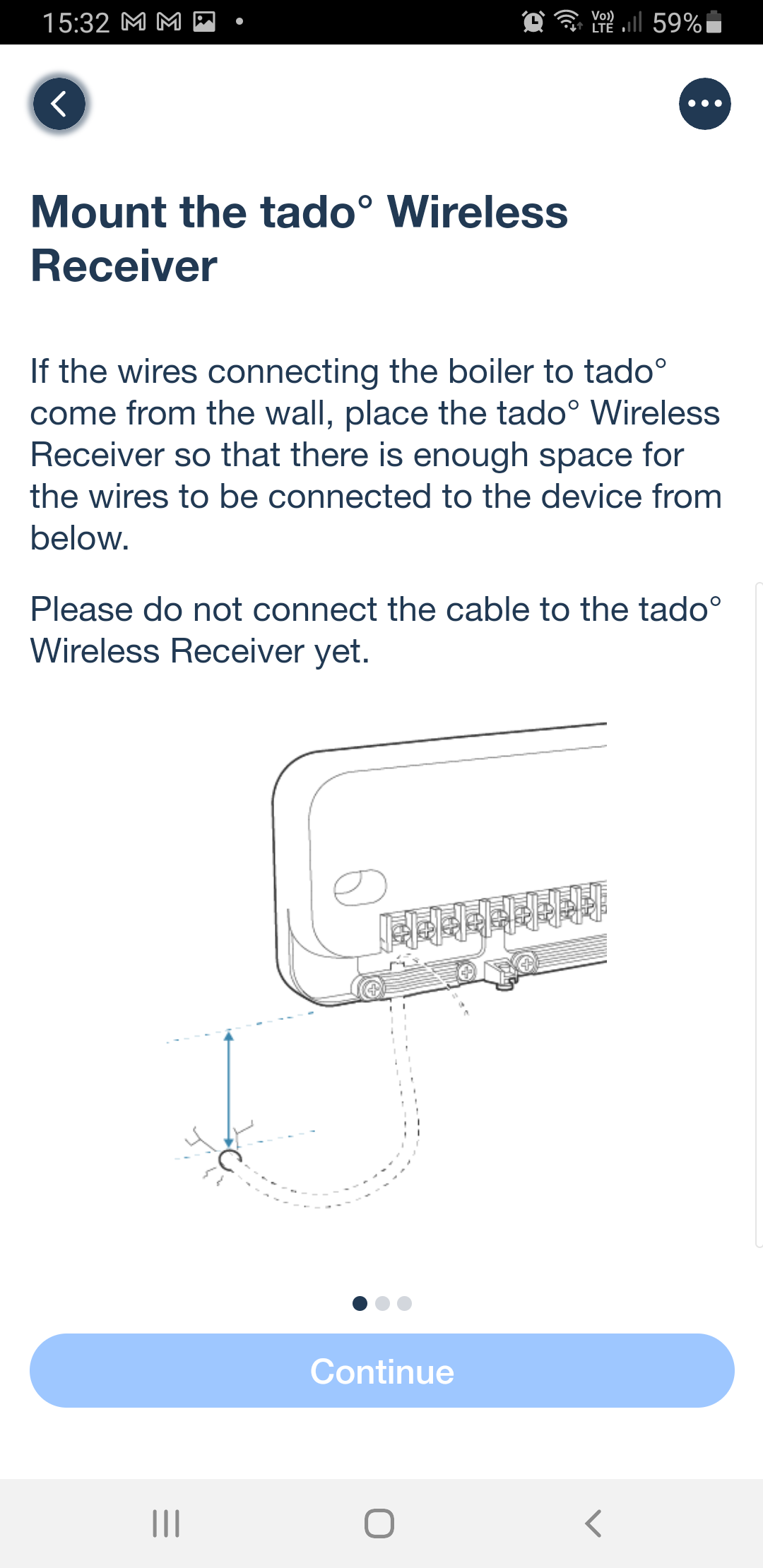
I moved through the instructions and came to "install the receiver programmer 30cm minimum from the boiler. What? I haven't got 30cm! Being told this only AFTER you've taken everything apart is dreadful. 
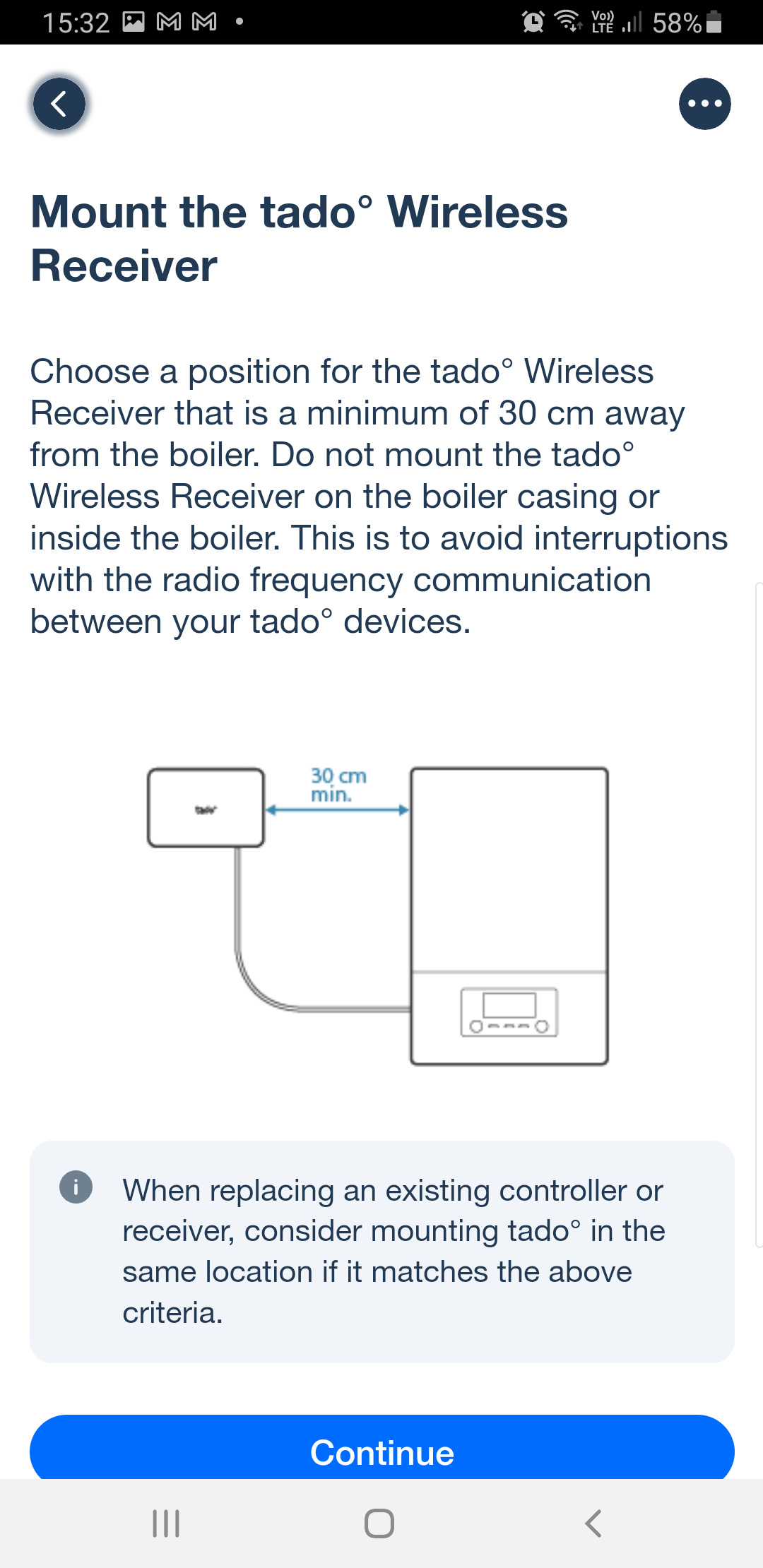


Then the app shows a SINGLE cable coming out of a wall that can be neatly put under the cable clip in the tado! I've got THREE cables which split to 10 wires that are interconnected into 6 groups. Even if I could install 30cm away I'd have to joint them up to another cable (or two, because 6-core is unusual) and have a new 80cm run along a wall to the other side of the boiler. But then that would be the opposite side to the thermostat. Either location has a direct line through the ceiling to the router on my home office desk.

If it REALLY needs to be 30cm away, that should be advised BEFORE PURCHASING. 

The papers included in the box give a helpline for installation support. That is obsolete. The ansaphone at the other end says they are transitioning to a chat based support because it is "quicker". I am instructed to go to www.tado.com, which I do. The chat is a xxxx bot. They are never any use, and indeed it isn't. It gives me links to web pages that say exactly the same thing as the app.

The bot can connect me to a person, in "under 20 minutes", so I ask for that at 15:40. While waiting I explain the problem of not having 30cm. After a full 50 minutes, "Hello, thank you for contacting us" popped up under a person's name. After 10 minutes I ask whether there is anyone there, and what I should do because I do not have 30cm from the boiler. Another 8 minutes passed before the person on the other end actually commented at 16:48 - "You can install it where the old device was installed". "That's only 15cm". "I will check with my colleagues". A further 10 minutes later, at 17:00, I'd not had any further message despite asking how it was going. It was matterless as during that 80 minutes total, I'd had to cross my fingers and connect the new one up anyway, because we had to go out and we needed working heating for when we returned late on. The alternative was to reconnect the original controller AND thermostat, and there wasn't time. I had to apologise and abandon chat.

Thankfully, having completed the steps in the app, and turned on the power, the power and internet lights came on. The app's net step was to find the controller which it did. All connected - the app enabled me to turn the heating on, and we went out.

I'm pleased to say that it is working, if not pretty! The tado controller is smaller than the old British Gas one, so it doesn't cover the old holes, and it certainly doesn't cover the wires. Because of a condensation drain pipe from the boiler, and which wires go into which terminal, it can only fit at right angles! I've had to polyfilla part of the hole that British Gas had cut, and will get some sort of blanking plate to make it look tidier.


I hope that it doesn't suffer from interference, but only time will tell. The guidance given is absolute, rather than saying "ideally 30cm minimum".

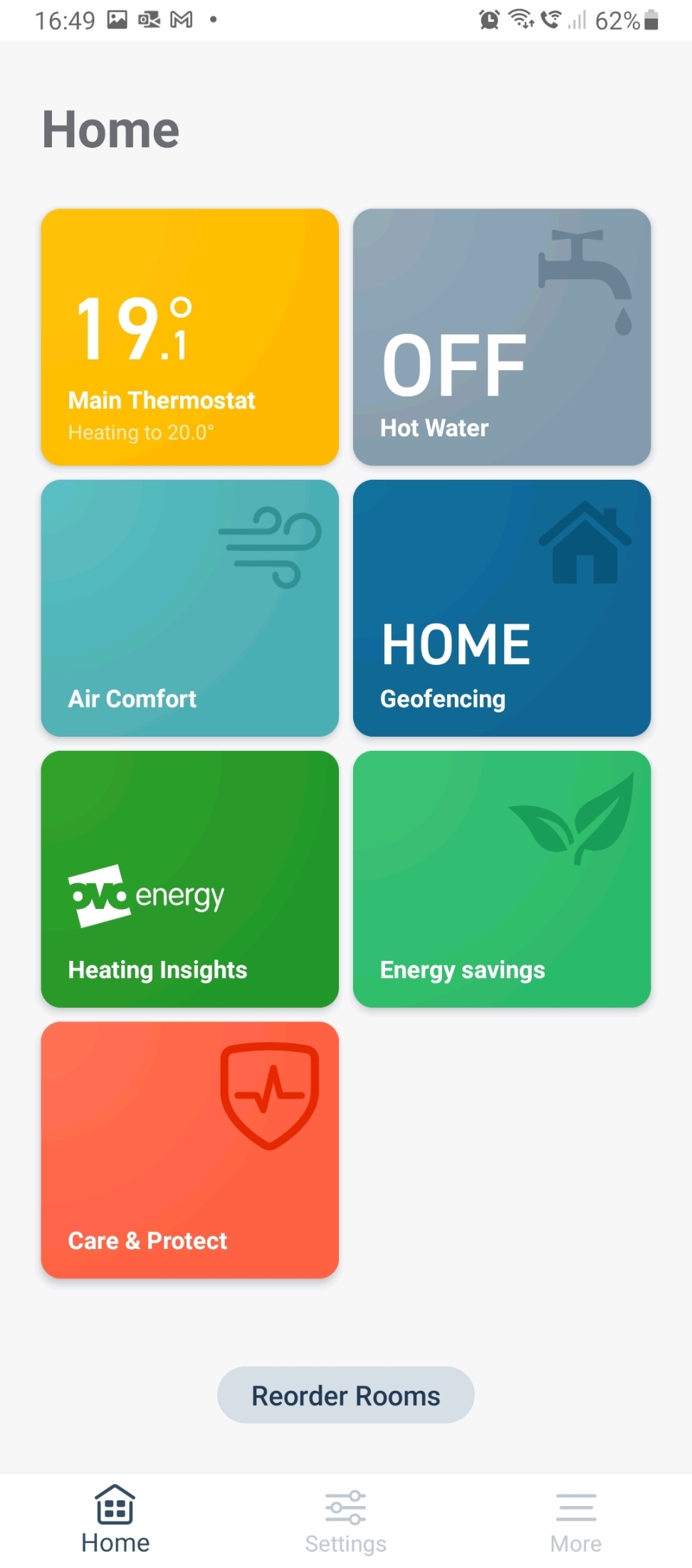
As my wife drove us away from home, I was able to turn off the heating so that it wasn’t wasting energy while we were out, see the indoor temperature and then turn it back on when we set off home so it was warm by the time we got there.

The next day I got a reply to my second email (the one about the additional earth wires in the controller) which confirmed what I'd done.

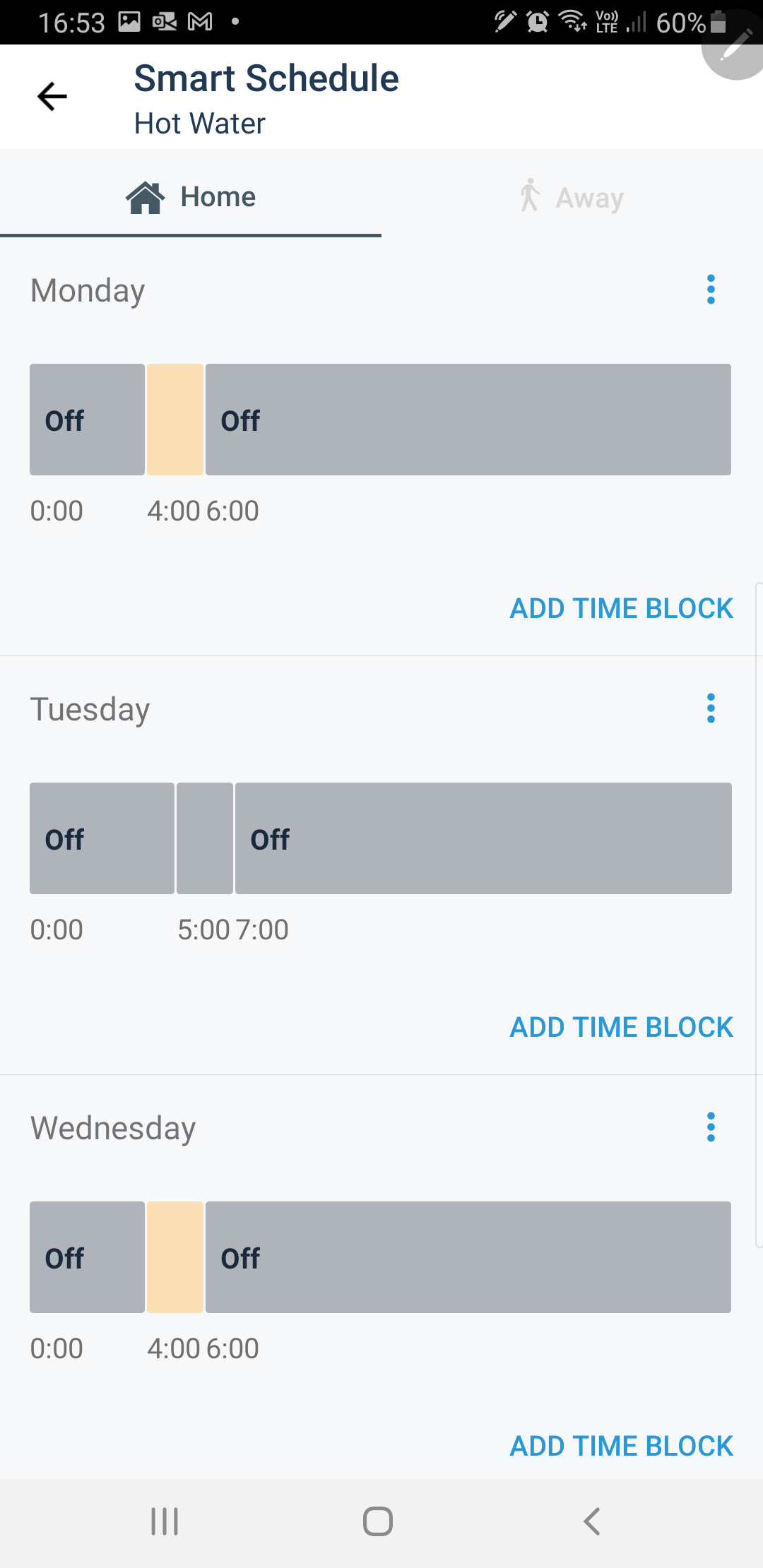
Now comes the learning process, for me as well as the thermostat. It comes programmed for central heating to come on at 20° at 7am and go off at 10pm. That is three TIME BLOCKS, midnight to midnight. Each day can be different, or weekday and weekend, or all the same.

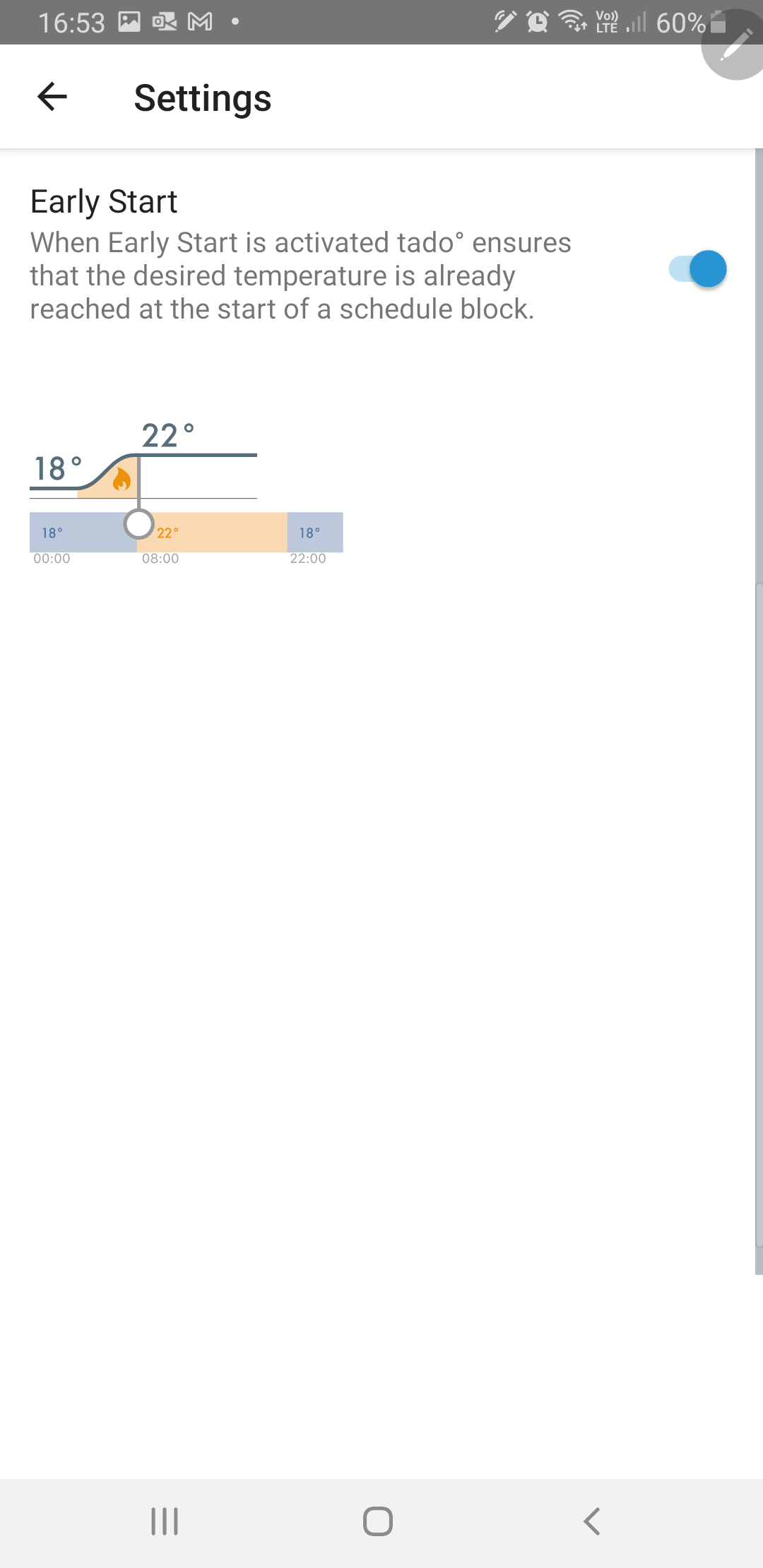
The app lets me add time blocks rather than just one or two on/off periods in a day. Each block can be a different temperature. You can choose to use the smartness to fire up the boiler in advance so that by the start of a time block, the thermostat is up to the required temperature. That should be very useful in winter.  This morning it fired up about 20 minutes before the set time, because it was only 7 Celsius outside.
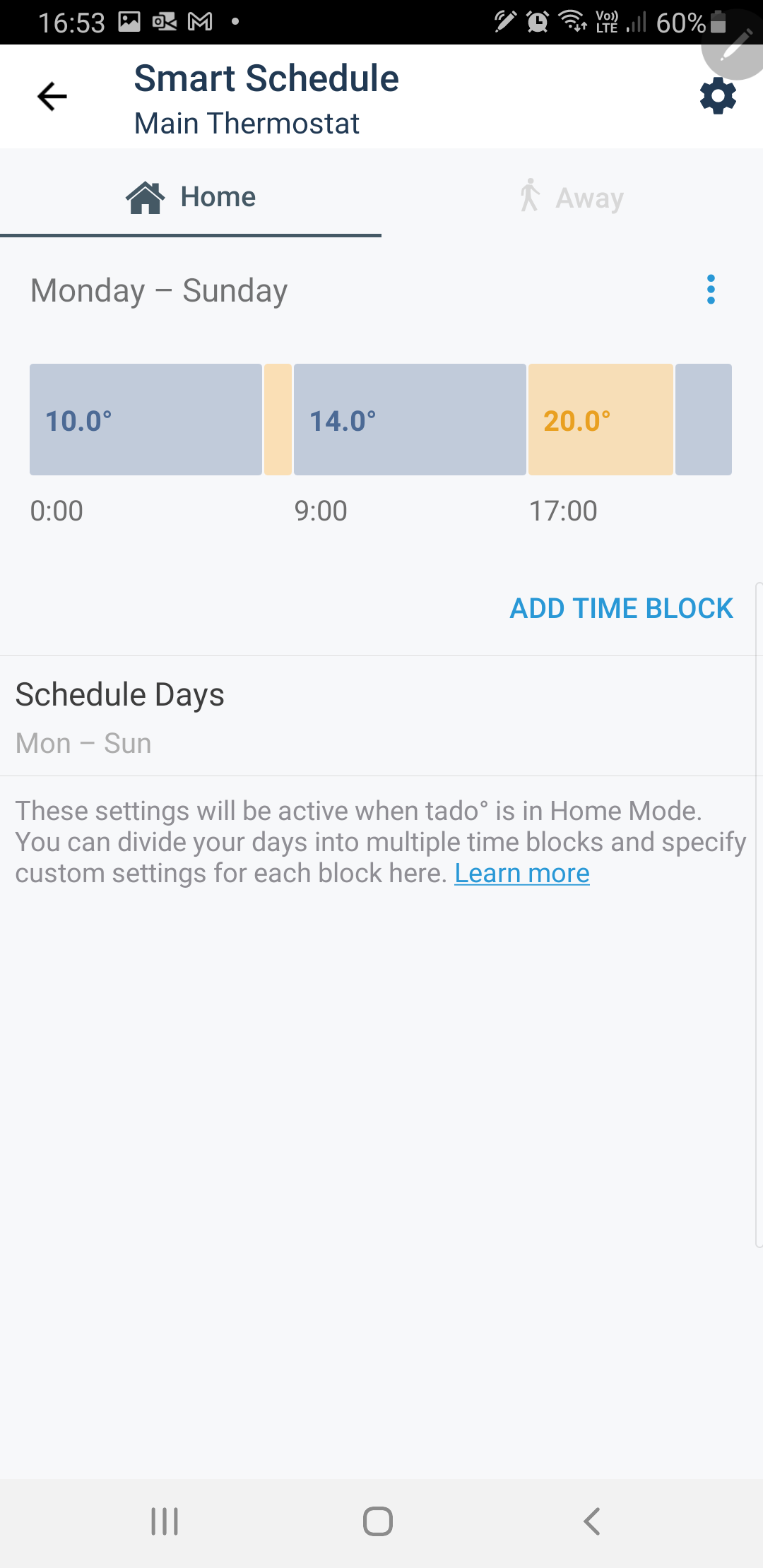


The same options for day and time block apply to the hot water.

I've got my wife to install the app too, so we can use the geofencing. I'm interested to understand how that will know we are returning home, other than that we're within the 400m zone.


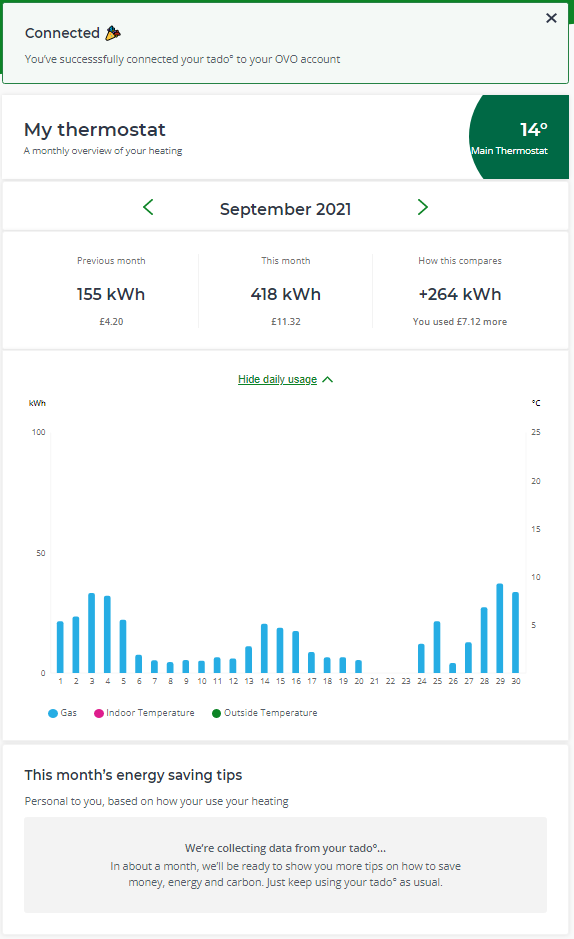
This morning, I got an email prompting me to link my tado installation to my OVO account, which I have done.  That promises to give me more money-saving ideas after it has been running a month.  We’ve also recently had our cavity wall insulation filled up this summer as the original had disappeared.
 

I hope this helps.  It seems you can be brave about the 30cm, so long as it isn’t hidden from the internet signal.  Sadly the tado support was lacking and way below the standards that OVO sets for itself.


DO ask if you have questions.

28 replies

Rank 7
October 6, 2021

@Tim_OVO in my first post I realise that I missed the images that showed how to label my specific controller. I'd intended to do so to show how the instructions in the app are designed for your own specific devices. 

I don't seem able to edit, nor can I send you a PM that includes images. Please could you add an extra row in the table as shown, and add these?

The warning to "Make sure you label the stickers exactly as shown..." , combined with the image on the first line not to proceed if they differ could panic a lot of self-installers. 


3.99kW solar 2015, 12kWh batteries 2022, Tado.
Blastoise186
Super User
Super User
October 6, 2021

This is a really, really well written post overall. Tim and Jess can definitely use ModPowers to do a ModEdit for you as it’s user requested. You can’t normally edit your own content more than an hour after you post it for integrity reasons unless you have the Super User role which is attached to Plan Zero Hero or you have mod powers.

If you keep this up… Good things may happen...

Securing energy by zapping security bugs... For that is The Blastoise Way! Remember, I'm just like you - AI Powered Evil Geniuses aren't Staff!
Jess_OVO
OVO Staff
OVO Staff
October 6, 2021

Such a great guide to installing a Tado yourself and the great to hear you’re already seeing the benefit, @EverythingNeedsAUserName.


I’ve made the requested edit to your original post (hope I got that right). As @Blastoise186 hints, more posts like this and you could be well on the way to earning yourself some extra special super-user powers!


Keep us updated on how you get on with the new smart thermostat! :slight_smile:

Powered by Re-knowable Energy!
Tim_OVO
OVO Staff
OVO Forum Legend
October 6, 2021

I agree this great post is getting better and better with your latest insight into the app (and also the interesting differences between the app and the online browser version) - and how it’s helping make it easier to manage your heating. 


I actually want to drill down a bit further into what’s possible now, vs before. What would you say are the 3 main benefits to this smart thermostat that wasn’t possible before @EverythingNeedsAUserName?


Also can you review OVO’s embedded ‘Heating Insights’ tile? I’m hoping this is where decisions and behaviours start to be influenced based on data around heating and costs….


@Karlb1 you might find this thread worth a look, you got your Tado about 6 months ago isn’t that right? How are you finding it vs what you had before and do you use the Tado app? 


ps nice new badge @EverythingNeedsAUserName :beetle:


Carbon neutral - we need a community to get there! My green tech: Aclara SGM 1411-B smart meter, Chameleon IHD6
Jeffus
Rank 20
Rank 20
October 6, 2021

I appreciate that air source heat pumps work very differently and have to be operated very differently for optimum performance, operate at different temperatures etc. 

Having said that, i would have thought the Tado output data for a gas boiler setup would be a useful background input when the time comes to potentially change to an air source heat pump setup  or something else. Having some actual data on temperature loss to compare with air source heat pump calculations would be interesting if nothing else i would have thought? Be curious to know what posters more experienced about these things than me think.

I ask as it is one of the reasons i have thought about getting one. 

Jeffus
Rank 20
Rank 20
October 6, 2021

@EverythingNeedsAUserName is there a monthly subscription service for the Tado or is it just a one off cost? 


Rank 7
October 7, 2021

@Jess_OVO beautiful edit, thanks. Couldn't have done it better ;)


@Tim_OVO Three initial thoughts on benefits. (I got trapped in putting down features, but I think I've fixed it) :-

  1. A more comfortable house in line with our lifestyle. Through feature: Set multiple different temperature blocks in any one day and different from day to day.
  2. Save money. Feature :use the app to turn the heating down or up or off or on while away from home.
  3. Save time and remembering. Feature : set lower morning temperature. Previously I'd try to remember to lower the thermostat as I went to bed, otherwise it could feel too hot in the morning. Then I had to turn it up again in advance of the evening.
  4. DRAWBACK :Costing money and time! I've less time for my family history research. My subscriptions are not being used. 

The OVO insights will be available in a month. The algorithm needs data. The tile in the app is merely a link to the "tado/my-thermostat/<month>" web page in my ovo account. 

Thanks for the badge. I'm glowing with pride.

@Jeffus it was a one-off cost, no subscription for what I have. They do have an extra monthly subscription for "Care & and Protect" which offers a monitoring service. It seems to watch your boiler and warn you about unusual patterns.   I've initially dismissed it as unnecessary. I guess they'll also hope for more sales of different or improved devices. 


tado help desk. I got an email reply about the thermostat wires. It is very clear that English is not their first language. They're a German company. I was told to do what I'd asked them to confirm I'd already done - as if I'd never said anything. 


3.99kW solar 2015, 12kWh batteries 2022, Tado.
Jess_OVO
OVO Staff
OVO Staff
October 7, 2021

Great feedback on the benefits of getting a smart thermostat here (and glad my edits helped :wink: ), @EverythingNeedsAUserName  - Just a shame to hear about your experience with the Tado Customer Support - we’ve passed this on to the Smart thermostat team here at OVO, as it’s really valuable to get a full picture of our member’s journey after taking up one of our offers.


I appreciate that air source heat pumps work very differently and have to be operated very differently for optimum performance, operate at different temperatures etc. 

Having said that, i would have thought the Tado output data for a gas boiler setup would be a useful background input when the time comes to potentially change to an air source heat pump setup  or something else. Having some actual data on temperature loss to compare with air source heat pump calculations would be interesting if nothing else i would have thought? Be curious to know what posters more experienced about these things than me think.

I ask as it is one of the reasons i have thought about getting one. 


A really excellent line of thinking here too, @Jeffus. I know one of our Heat Pump trialists, @nealmurphy, has a Nest setup which was installed prior to the heat pump - Was the Nest data part of your motivation in joining the trial and making the change to an ASHP, Neal?


Powered by Re-knowable Energy!
nealmurphy
Newcomer
Newcomer
October 7, 2021

A really excellent line of thinking here too, @Jeffus. I know one of our Heat Pump trialists, @nealmurphy, has a Nest setup which was installed prior to the heat pump - Was the Nest data part of your motivation in joining the trial and making the change to an ASHP, Neal?

Hi @Jess_OVO No, the main reason for joining the trial was because the gas boiler was on its last legs being over 20 years old (and I also needed to move it to make space for a kitchen renovation!)

The Nest is happily doing its own thing and turns the ASHP on at around 5am at the moment, depending on the weather, to heat the house for 7am. Mine is a high temperature heat pump so can respond quicker than other low temperature ASHPs (although I’m trying to run it at a fairly low temperature for efficiency).

Jess_OVO
OVO Staff
OVO Staff
October 8, 2021

Great to hear that the Nest setup is working well with your Air-Source Heat Pump, @nealmurphy.


Interesting to hear that there is a distinction between high and low temperature heat pumps too - I’m guessing having a lower temperature heat pump would necessitate even larger radiators and more constant heat?


Would that not be quite so compatible with a smart thermostat?


Powered by Re-knowable Energy!