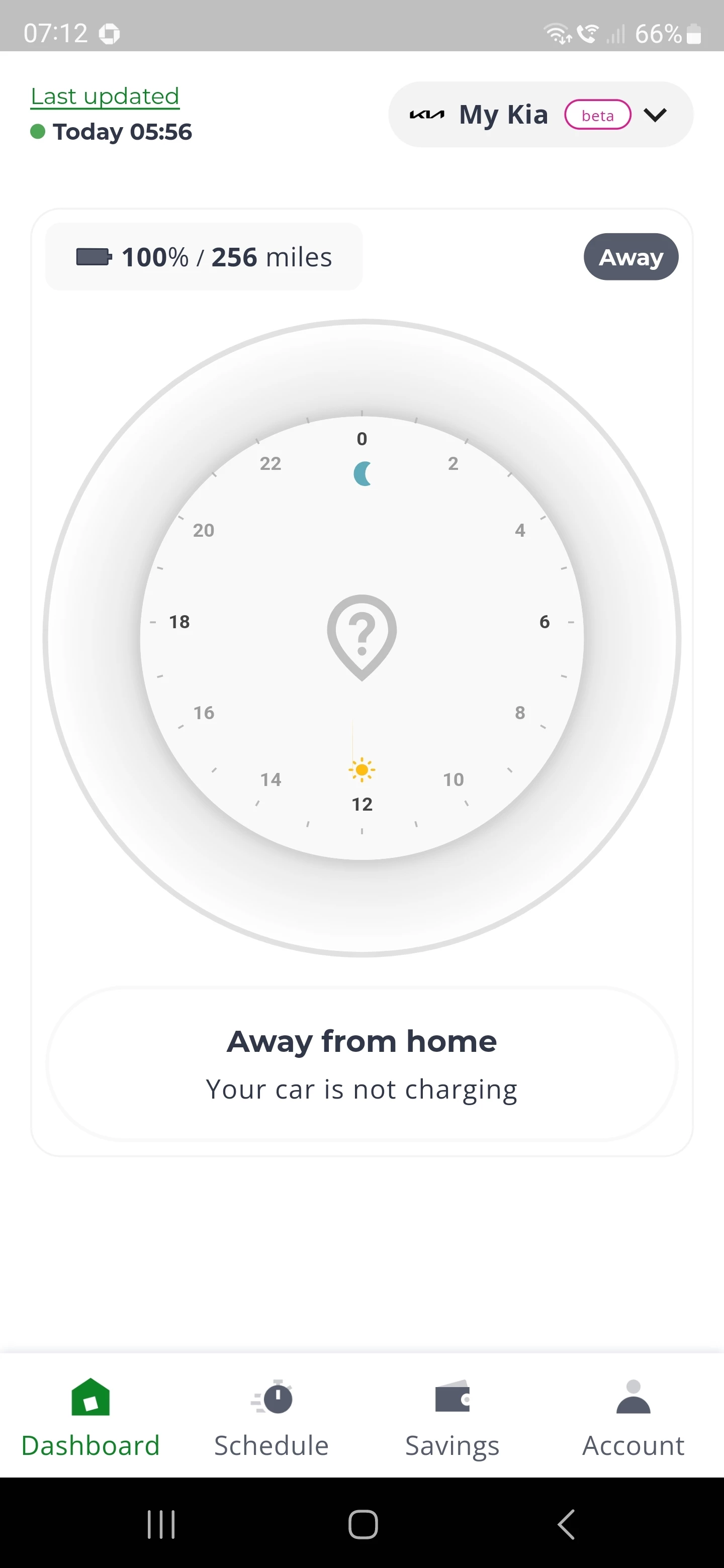
I’ve set up Charge Anytime account and put my house on the map during set up. My car is on the drive charging now but app is saying it is not at home (so it charges as soon as I plug in).
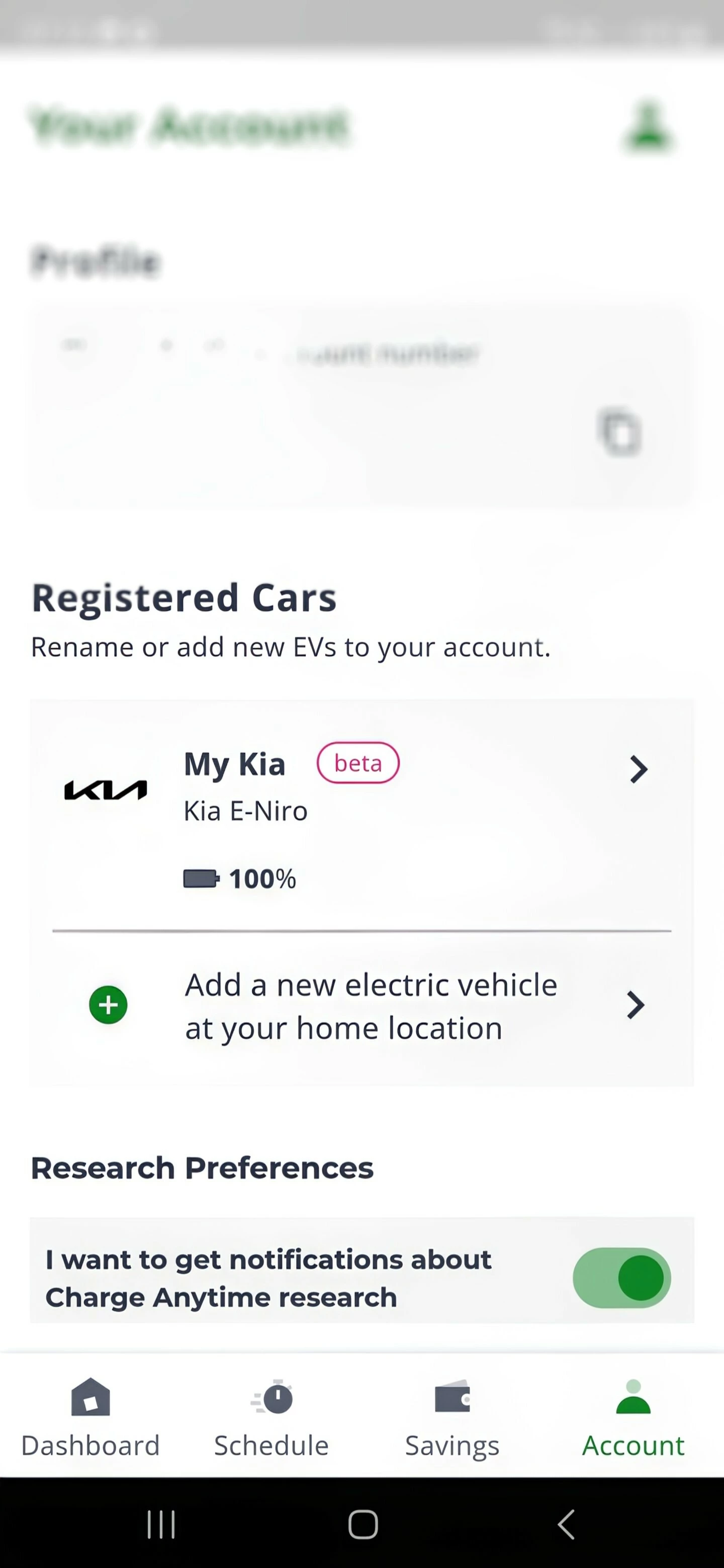
There are no settings option in the app to adjust things like my location??
Anything I can do?
Best answer by Blastoise186
Updated on 27/07/25 by Abby_OVO
Please contact the Charge Anytime team, you can do this by:
Webchat, click the link then the green chat icon at the bottom right of the page
After you’ve spoken with the team, you should get a message to say they will send a prompt to the app to reset home address. When you open the app again it should prompt you to set your home location.
Webchat, click the link then the green chat icon at the bottom right of the page
After you’ve spoken with the team, you should get a message to say they will send a prompt to the app to reset home address. When you open the app again it should prompt you to set your home location.
I have raised it with support via email and await response. I suspect I will need to delete my account and set it up again as I incorrectly set my home address on the map by a few houses (it is tricky dragging the blob to the correct spot on a vague map. Shame it cannot be edited in the app after setting up as there are no options to change settings other than ‘% charge’ and ‘ready by’.
Hope so, still waiting! Response from support today and for some reason they presumed I was using a 3 pin plug and therefore that is why not working and they cannot help!
I just need to have another go on the map that appears during setup!
I’ll give it a couple more days to see if any further response then try deleting the account and setting up a new one?
Thanks Tim, I’ve sent you a message with all my account details. Would appreciate your help as no reply yet from customer support at the above email address apart from a message yesterday to say they don’t support 3 pin plugs which isn’t relevant to me, I did reply to explain I’m using a dedicated EV charger, I know they may be very busy though.
Just to update the support team came through. They remotely sent a prompt at opening the app to reset my home address and all seems to be working perfectly now! Car currently plugged in, at home, delayed charge til 10pm set by app.
With regards to the map it was tricky to set the home. It doesn’t show any houses on my road and I live on a long straight road. When I reset the home address I used google maps satellite view to find my house then aligned the in-app map to exactly my driveway location!!
So after being a customer using charge anytime for the last 3 years without issue this last week the app has decided that i am "not at home" when charging in the very same home as the last 3 years.
Nothing has changed my end, same car, same charger, same house!
I have had umpteen online chats and calls with ovo and after going through the process of uninstalling, removing the add on before adding back and reinstalling it is still the same when attempting to charge - "not at home."
My car is an Hyundai ioniq6 which is still, after over 12 months, in "beta testing" status so i am not entitled to any rebate.
Thankfully my contract is over next month so it looks like I'll be moving over to EON where it doesn't seem to matter what car you have.
I could understand what you're saying if I'd not just gone 12 months without any problems, I've already called ovo twice and tried everything they suggested.
Morning @Stokepotter, I’m sorry to hear this is happening - very frustrating!
In this similar thread, the advice is to contact Charge Anytime, who will send a prompt to the app to reset your home address:
Have the Charge Anytime team tried this for you already? If you click on the link above, you’ll also find the email and webchat details for Charge Anytime, if you’d prefer not to call. I hope they can get this fixed for you soon.
I’ve also been digging about and found this Ioniq forum - there’s a post suggesting that not accepting changes to BlueLink terms and conditions can cause issues:
It might be that Hyundai themselves can give you some helpful info if it’s an issue on their end - their contact details can be found here: https://www.hyundai.com/uk/en/contact-us.html
I’ve got a Hyundai as well and I've hit this problem about twice a week. When It tells me it’m not at home, I unplug the car wait for the app to say I’m not plugged in (usually about 15 to 20 mins) then plug back in and it seems to register properly.
Cheers for that bud, what a hassle though having to do that, What's frustrating for me is that it's been fine for the last 12 months.
I'll try what you are having to do tonight, thankfully, our contract is up next month so think we'll move to EON where it makes no difference what car/charger you have, it's just a straight forward cheap rate for ev charging overnight.
Just out of interest, do you manually refresh your bluelink app?
I find it can take hours to refresh on it's own sometimes so i was forcing a refresh which, for the last 12 months at least, sorted the issue.
So last night i left it to it's own devices, it never refreshed during the charging period, therefore the anytime app never refreshed and voila, no savings recorded 😡
That’s BlueLink for you I’m afraid - Hyundai/Kia basically has no idea how to write decent software and run a decent platform. They make good cars but the software is lacking.
Need advice from other members?
Ask your question to our members - they have the experience you're looking for: