Answer

BMW X5 g05 not listed in Charge app?

  • November 7, 2025
  • 18 replies
  • 139 views

Forum|alt.badge.img

Bmw x5 g05 not listed in charge anytime app, can you add please?

Best answer by Ben_OVO

​@Gurneya15 hi again, I hope you’re well.


Apologies for the length of time it’s taken to get an answer on this for you. A colleague in the EV side of things has come back with the following:


I've just tried going through the OVO Charge App journey selecting a BMW x5 and I got an eligible outcome. So i'm not sure what is happening for this user.

To clarify, if they have no EV Charger, they will need:

  • BMW x5 PHEV from 2015
  • The EV needs internet access
  • No solar panels at home


Please let us know if this helps.

18 replies

Chris_OVO
Community Manager
Forum|alt.badge.img
  • Community Manager
  • November 7, 2025

Hey ​@Gurneya15,


Welcome to the community. 


I’ve just checked the compatibility list and the BMW X5 is listed.

  • X5 (2015+)


Just a reminder to make sure you're using the OVO Charge app on either iOS or Android. I've also included a helpful guide below to assist you in getting everything set up.


If you’re still having issues with setting it up then you can reach a member of our Charge Anytime team at any of the contact options below:

  • Calling 0330 175 9678 (Option 1 new customers/option 2 existing customers) 

  • Email via chargeanytime@ovo.com

  • Webchat, click the link then the green chat icon at the bottom right of the page


Forum|alt.badge.img
  • Author
  • Carbon Cutter****
  • November 7, 2025

Thanks for the reply. 

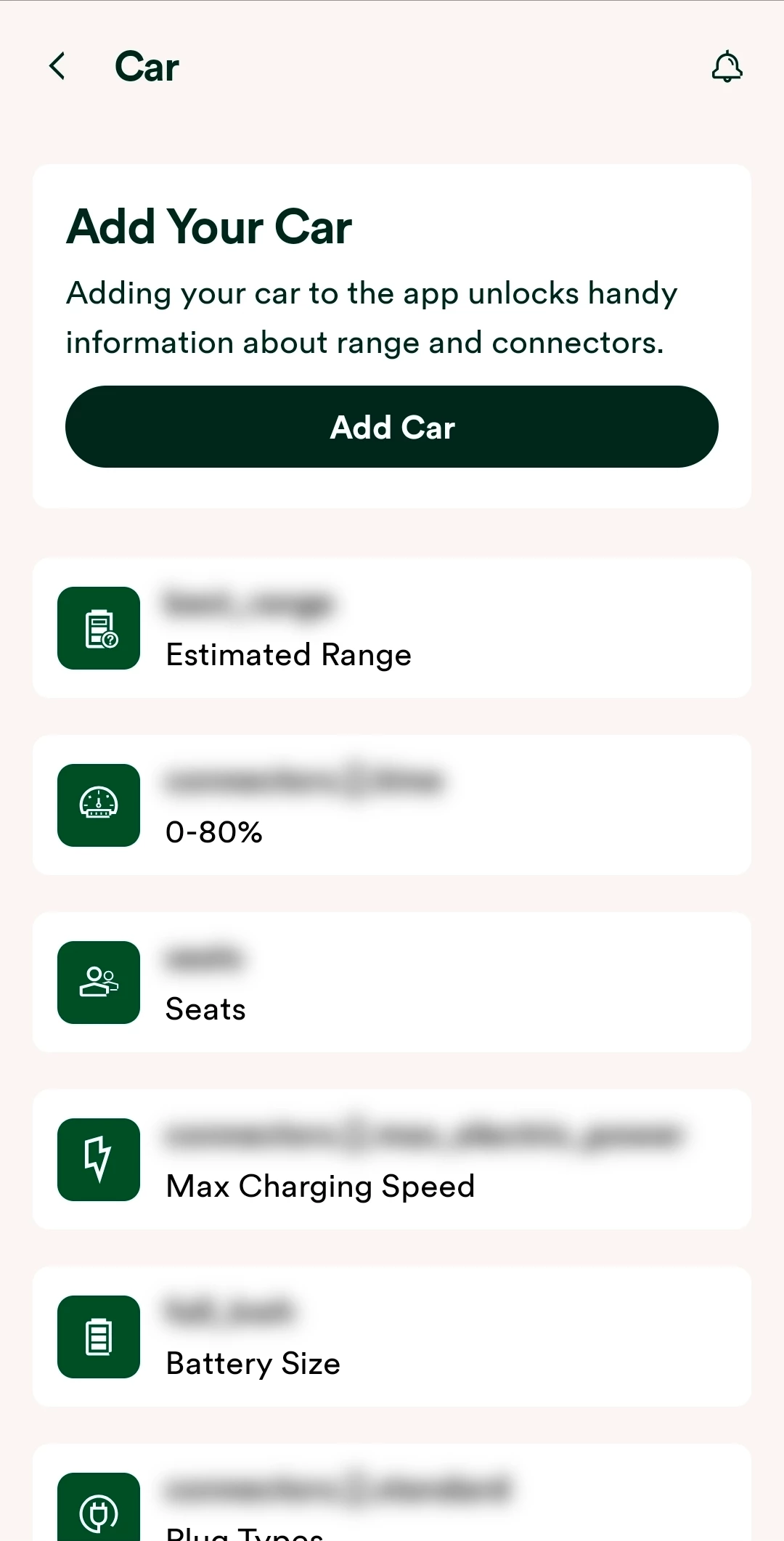
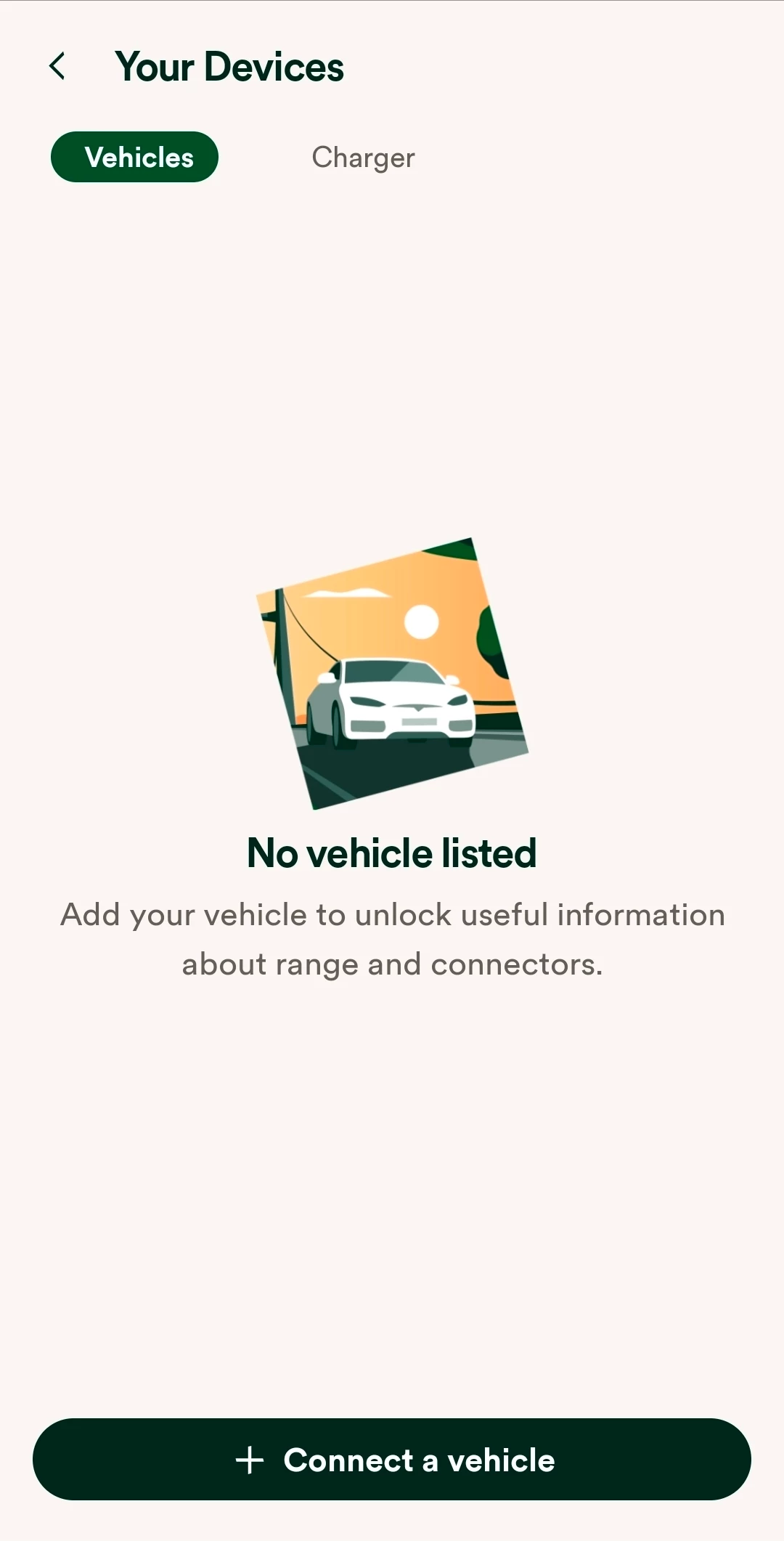
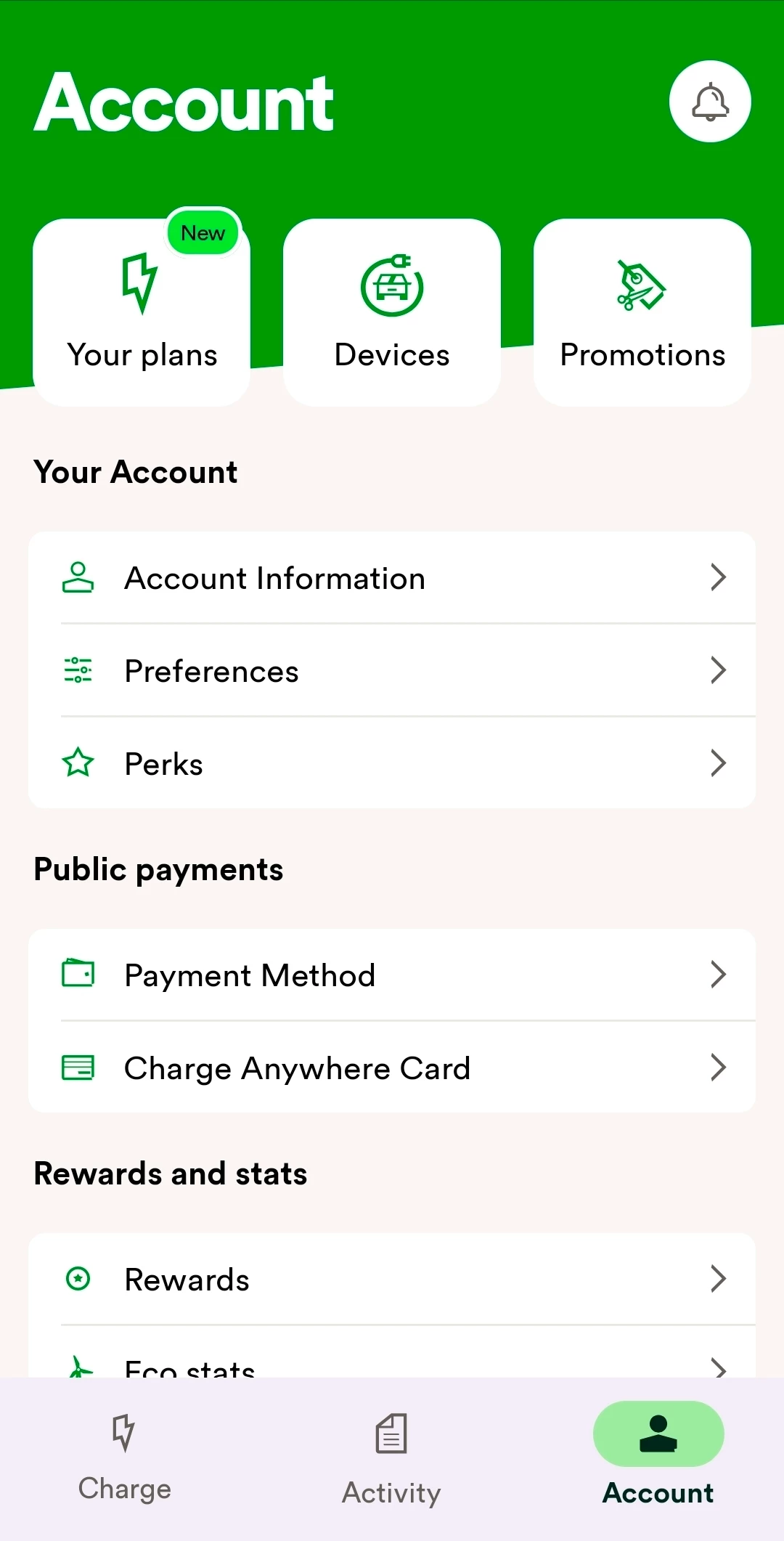
I should have said I was looking at the BMW x5 missing from the OVO Charge APP. Account devices list.

Regards


Chris_OVO
Community Manager
Forum|alt.badge.img
  • Community Manager
  • November 7, 2025

Hey ​@Gurneya15,


I’ve raised it to the team for investigation and i’ll come back with an update when I hear back 😊


Chris_OVO
Community Manager
Forum|alt.badge.img
  • Community Manager
  • November 7, 2025

Are you migrating from our old Charge Anytime app ​@Gurneya15 or are you a new user? 


Forum|alt.badge.img
  • Author
  • Carbon Cutter****
  • November 7, 2025

Migrating


Ben_OVO
Community Manager
  • Community Manager
  • November 10, 2025

Morning ​@Gurneya15,


I hope you had a good weekend. ​@Chris_OVO and I are still in talks with the Charge Anytime team, and will let you know when we have an update.


Thanks!


Ben_OVO
Community Manager
  • Community Manager
  • November 10, 2025

​@Gurneya15 I’ve sent you a private message, please get back to me when you can.


Ben_OVO
Community Manager
  • Community Manager
  • November 10, 2025

​@Gurneya15 just to let you know our Charge Anytime team are currently looking into this in the background. I’ll update you when I have any news.


Cheers!


Forum|alt.badge.img
  • Author
  • Carbon Cutter****
  • November 10, 2025

Thank you


Ben_OVO
Community Manager
  • Community Manager
  • November 14, 2025

​@Gurneya15 this one’s still being looked into at the moment. I’ve chased for an update today and will let you know if I hear back.


Forum|alt.badge.img
  • Author
  • Carbon Cutter****
  • November 14, 2025

Great thanks


Ben_OVO
Community Manager
  • Community Manager
  • Answer
  • November 21, 2025

​@Gurneya15 hi again, I hope you’re well.


Apologies for the length of time it’s taken to get an answer on this for you. A colleague in the EV side of things has come back with the following:


I've just tried going through the OVO Charge App journey selecting a BMW x5 and I got an eligible outcome. So i'm not sure what is happening for this user.

To clarify, if they have no EV Charger, they will need:

  • BMW x5 PHEV from 2015
  • The EV needs internet access
  • No solar panels at home


Please let us know if this helps.


Forum|alt.badge.img
  • Author
  • Carbon Cutter****
  • November 21, 2025

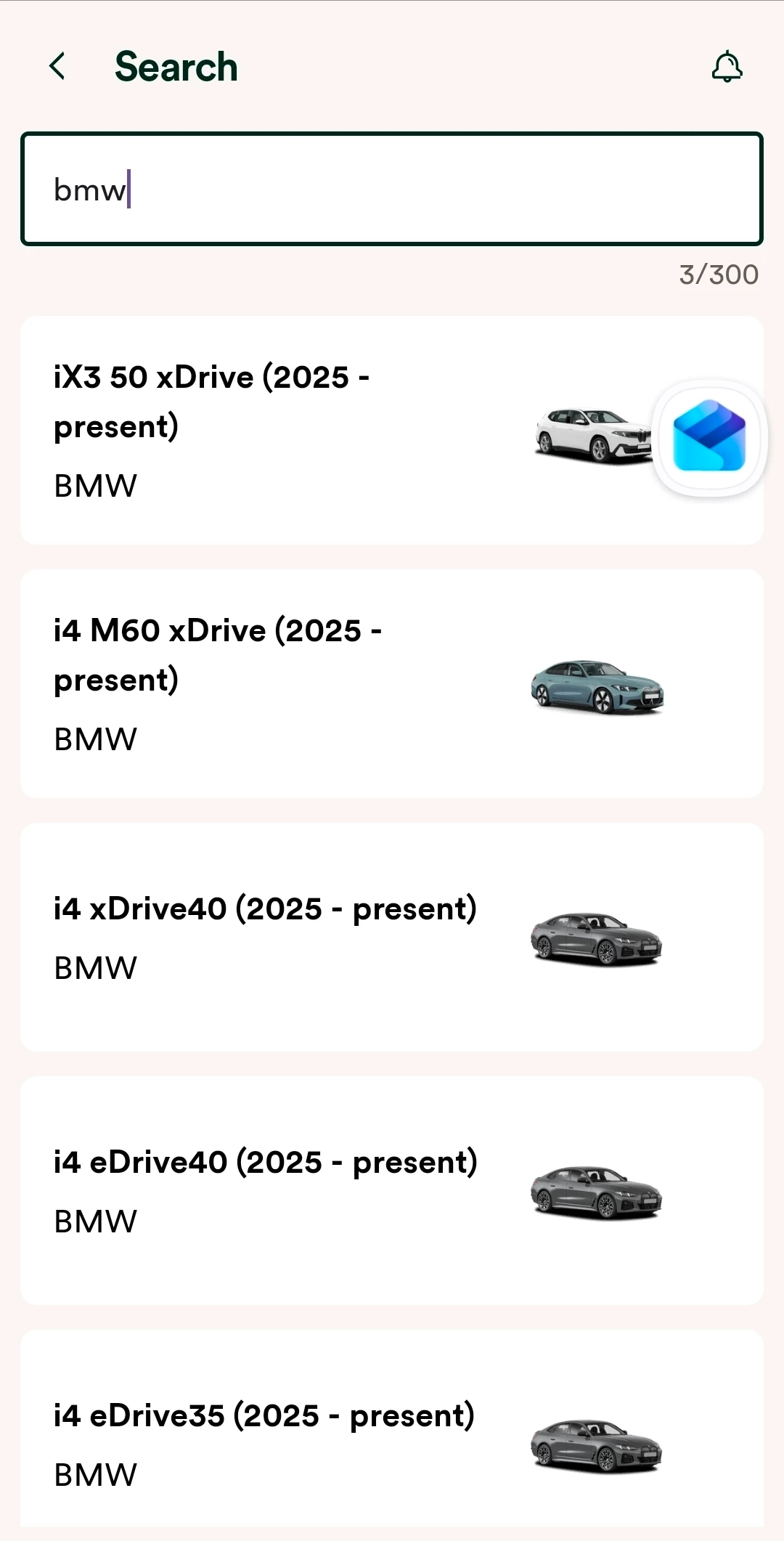
I am baffled.  I cannot see the BMW X5 GO5 listed only i BMW’s mentioned.

So look I use the OVO Charge  App version v.4.1.1

I am using the INDRA Smart Pro Gen2 charger a vehicle.  the vechile list does not show a BMW X5 G05 or any PHEV vechiles


Blastoise186
Plan Zero Hero
Forum|alt.badge.img+1
  • Plan Zero Hero
  • November 24, 2025

If your charger is Indra, you probably don’t need to connect to the vehicle anyway - use the Charger route!


Abby_OVO
Community Manager
  • Community Manager
  • November 24, 2025

Hey ​@Gurneya15 


Glad to see Blastoise186 has already stopped by, I too think if you’re already connected to Charge Anytime via the Indra charger, then you won’t need to register the car, you can just plug in and charge - the data is then taken from the charger rather than the car for calculating. 


I’ll double check this is the case with the team though, just to be sure. 


Let us know if you’re not connected via the charger, and I’ll then also double check visibility in app for the X5 G05.


Abby_OVO
Community Manager
  • Community Manager
  • November 24, 2025

Hey ​@Gurneya15 


The team confirmed that yes, if you’re connected via the charger, you don’t need to link the car. As you’ve got a compatible charger, it’ll probably be best just to connect via that if you’re not already doing so.😊


I hope this helps, if you do have any other questions, do let us know.


Forum|alt.badge.img
  • Author
  • Carbon Cutter****
  • November 24, 2025

Hi All 

I do have the Indra smart Pro Gen 2.

I have been using the OVO charge App to to look at details of charging. Its in this app I dont see my model listed.  Are you saying I should only be using the Indra App to monitor charging and set rates?

I was using the OVO app as I understood this showed what I am being charged?


Regards

Alan Gurney


Abby_OVO
Community Manager
  • Community Manager
  • November 27, 2025

Hey ​@Gurneya15 


Sorry for the delay in getting back to you here, I hope you’ve managed to get everything sorted now.


I did link previously to a helpful topic guide on how to set up your smart charger with Charge Anytime, this does have the full breakdown of how to set this up but I’ve included the Indra steps here below:


‘To link your Indra charger to your OVO account you’ll need your Indra Web Portal Username and Password


Indra has more than one platform to manage their chargers, and their own app doesn’t support Charge Anytime yet. They’ll need to move your charger over to the platform that does support Charge Anytime. 


If you have an Indra charger and you don’t have a username and password you’ll need to contact Indra directly and they can set this up for you. 


You can reach out to Indra via 01684 770 631 or by emailing support@indra.co.uk.’


You’ll be able to view some data in the Charge app, but most will need to be completed via Indra.


You don’t need to worry about any of the car details as the charger will do all of the data collection for calculating charge.